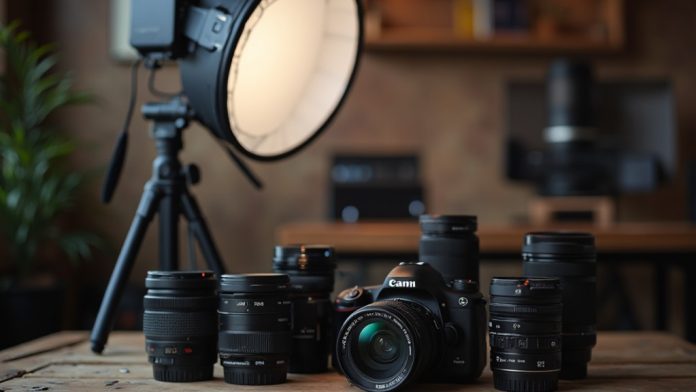
In terms of taking product photos that sell, comprehending the right techniques can make all the difference. You need to start with vital equipment, like a DSLR or a quality smartphone, and guarantee stable shots using a tripod. Proper lighting is fundamental too, whether you choose three-point lighting or natural light. Next, consider your background and camera settings. These foundational elements set the stage for capturing images that truly resonate with potential buyers. What follows is a closer look at each component.
Key Takeaways
- Use a clean, white background to enhance product visibility and maintain focus on the item being photographed.
- Experiment with various angles and close-up shots to highlight product details and create visual interest.
- Implement consistent lighting techniques, such as three-point lighting, to achieve professional-looking images.
- Utilize props that complement the product and convey relatable scenarios without causing distractions.
- Optimize images for online use by resizing, compressing, and using relevant alt text for improved visibility and loading times.
Essential Equipment for Product Photography
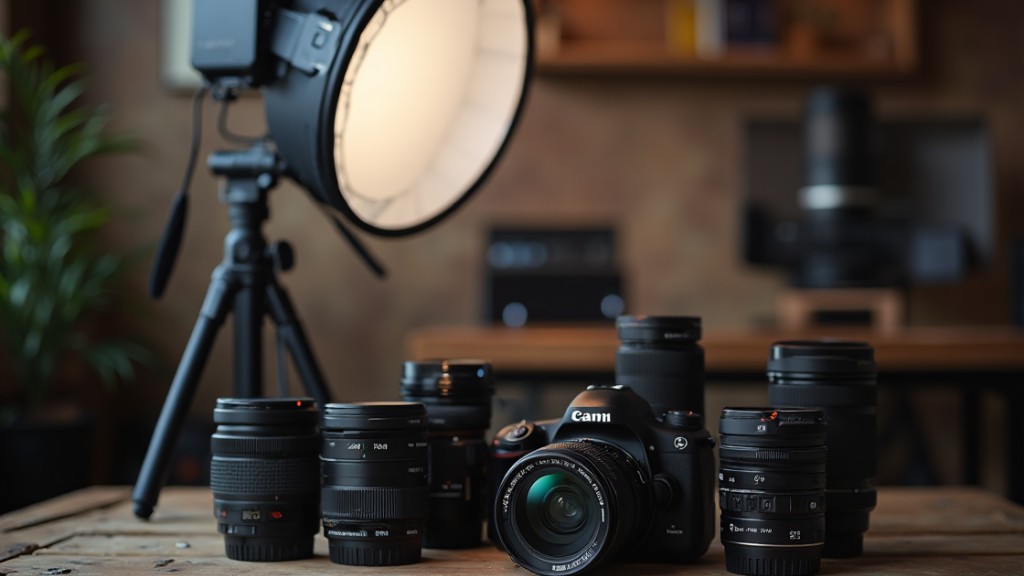
In regards to product photography, having the right equipment can make a significant difference in the quality of your images. Although a DSLR or mirrorless camera with a full-frame sensor is ideal for high-quality shots, don’t underestimate modern smartphones; iPhone product photography can yield impressive results, especially for beginners.
A sturdy tripod is crucial, ensuring stability and consistency in shot height and angle, which prevents camera shake during longer exposures. For a professional look, use a clean, white background to improve product visibility and maintain focus on the item.
Consider utilizing a lightbox for even lighting and to minimize harsh shadows, particularly effective for small to medium-sized products. Furthermore, tools like bounce cards and diffusers can help control lighting, reduce shadows, and create a more flattering effect, making your images stand out in a competitive market as you’re taking product photos.
Understanding Lighting Techniques

Effective lighting is one of the most essential elements in product photography, as it directly impacts how your product is perceived by potential buyers. Natural light is ideal, especially during golden hours—early morning and late afternoon—when it offers soft, diffused illumination that improves details without harsh shadows.
If you’re using artificial lights, consider a three-point lighting setup with a key light, fill light, and backlight to create depth and dimension. Reflectors can bounce light onto your product, filling in shadows for balanced exposure, as well as diffusers soften direct light to prevent glare.
Adjusting color temperature with gels helps guarantee accurate color representation, avoiding misleading color casts. Finally, maintaining consistent lighting across shoots is vital. Mark your setups and keep logs of your settings to replicate successful lighting conditions in future sessions, guaranteeing your product photos remain cohesive and professional.
Choosing the Right Background

Choosing the right background for product photography plays a significant role in how your items are perceived. A clean, white background is the safest option, enhancing visibility and allowing your product to stand out. On the other hand, a dark background can create striking contrast, ideal for lively colors or metallic finishes. Energetic backgrounds can add warmth, but make certain they complement your product rather than distract from it.
Consider color psychology when selecting backgrounds; bright colors convey playfulness, whereas muted tones evoke sophistication. Consistent backgrounds across images cultivate a cohesive brand identity, making it easier for customers to recognize and trust your brand.
| Background Type | Best For |
|---|---|
| Clean White | General product visibility |
| Dark | Lively colors, metallic finishes |
| Energetic | Warmth and context |
| Bright Colors | Playful, fun products |
| Muted Tones | Sophisticated, elegant items |
Setting Up Your Product

When setting up your product for photography, the environment plays an essential role in showcasing its features.
You’ll want to select a clean, distraction-free background, such as a lightbox or white sweep, to keep the focus on the item itself.
Furthermore, using a sturdy tripod and positioning your product at eye level can greatly improve the clarity and composition of your shots.
Ideal Shooting Environment
Creating an ideal shooting environment is crucial for capturing high-quality product photographs. First, choose a clean, well-lit area to minimize distractions and improve product visibility. Natural light during golden hours provides soft illumination, which is ideal.
Set up a stable shooting table to maintain a consistent height and angle, ensuring a professional look for all images. Incorporate proper lighting equipment, like softboxes or diffusers, to control shadows and achieve even lighting across your product.
Furthermore, keep your workspace clutter-free, and have cleaning supplies handy to quickly address any dust or blemishes that may appear on your products. This setup not only highlights your items effectively but also contributes to a polished and appealing final image.
Background and Surface Choices
The right background and surface choices play a significant role in product photography, as they can greatly improve the visibility and appeal of your items. Opt for a clean, neutral background like white or light gray to boost visibility and keep the focus on your product. A seamless backdrop, created with sweep paper or fabric, eliminates distractions and gives a professional look.
Meanwhile, textured surfaces, such as wood or fabric, can add depth; use them sparingly to avoid overshadowing the product. Consistent background choices across images contribute to a cohesive brand identity, aiding consumer recognition.
Furthermore, experimenting with colored backgrounds can evoke specific emotions, but verify they complement your product rather than clash with it.
Mastering Camera Settings
Controlling your camera settings is crucial for achieving high-quality product photography, as the right adjustments can greatly affect the final image.
Start by setting your ISO to 100 to minimize noise and maintain clarity, particularly in bright lighting. Next, use a wide aperture, like f/2.8, to create a shallow depth of field, which blurs the background and keeps the focus on your product.
Adjust your shutter speed according to the light conditions; aim for at least 1/125 seconds to prevent motion blur with stationary items. Always enable the highest quality image setting, preferably shooting in RAW format to capture maximum detail for post-processing.
Furthermore, utilize the histogram feature to check exposure levels, ensuring that the white background touches the right edge for best brightness without clipping highlights.
These adjustments will help you create striking and professional product photos that stand out.
Exploring Different Angles
When you explore different angles in product photography, you improve the shopper’s comprehension of what you’re selling.
Experimenting with front, side, and top-down views can effectively showcase product features and details that might otherwise go unnoticed.
Importance of Angles
Exploring different angles in product photography is vital for providing potential buyers with a well-rounded view of items. By showcasing products from multiple perspectives—front, side, back, and top—you help compensate for their inability to physically inspect products before purchasing.
Utilizing diverse angles can likewise highlight unique features, like texture or design elements, enhancing the product’s appeal. Experimenting with close-up shots allows for a detailed examination of quality and craftsmanship, building consumer trust and increasing conversion rates.
A strategic approach to angles can evoke emotions or tell a story about the product, encouraging shoppers to envision themselves using it. Brands like Double Oak Tack demonstrate this effectively, improving customer engagement and facilitating informed purchasing decisions.
Showcase Product Features
Showcasing product features effectively requires a careful approach to angles that allows customers to see the item in a way that simulates a physical inspection.
Capture multiple angles—front, side, back, and top—to provide a thorough view. Use the rule of thirds for balanced composition, which draws the viewer’s attention to key features.
Highlight unique details like textures or craftsmanship with close-up shots to emphasize these attributes. Experiment with different heights and distances to showcase the product’s scale and context, helping buyers understand its size and usability.
Incorporating subtle props or lifestyle elements can further improve the appeal, demonstrating the product in use and providing relatable scenarios for potential customers.
Experiment With Perspectives
Utilizing various perspectives can greatly augment how potential buyers perceive your products. Experimenting with angles—front, side, back, and overhead—showcases features effectively. Close-ups highlight intricate details, conveying quality and craftsmanship that influence purchasing decisions. The rule of thirds can improve composition, drawing attention to key elements.
Here’s a simple guide to perspectives:
| Angle | Purpose | Tips |
|---|---|---|
| Front View | Highlight main features | Focus on the product’s face |
| Side View | Showcase dimensions | Include context with props |
| Back View | Display additional features | guarantee clarity in branding elements |
| Overhead View | Offer a unique perspective | Use to show layout or arrangement |
Incorporating multiple perspectives boosts confidence for online shoppers, catering to different preferences.
Utilizing Props Effectively

When you choose props for product photography, it’s essential to select items that improve your product’s appeal without drawing attention away from it. Opt for props that complement your product and augment its narrative, ensuring they don’t become the focal point.
Incorporating lifestyle elements or items that demonstrate the product’s use can help potential customers envision it in their own lives. Make sure your props align with your brand identity and target audience to create a cohesive look that resonates.
Balance is key; using props sparingly will prevent clutter and distraction in your images. Experiment with different arrangements and test shots to find setups that best highlight your product’s features.
This process not only showcases your product effectively but also elevates the overall aesthetic appeal, making it more attractive to buyers. By utilizing props thoughtfully, you can considerably improve the effectiveness of your product photography.
Post-Processing Your Images

After you’ve chosen and arranged your props, the next step in improving your product photographs is post-processing. This vital phase allows you to make your images more visually appealing and true to the actual product.
Here are some key techniques to contemplate:
- Adjust Brightness and Contrast: Use software like Adobe Photoshop or Lightroom to fine-tune brightness and contrast, ensuring your product stands out.
- Remove Imperfections: Edit out any distractions or flaws to create a clean, professional look that catches the eye of potential buyers.
- Optimize Image Size: Resize your images to a maximum width of around 800 pixels to improve loading times while maintaining quality.
Finally, applying consistent filters can help establish a cohesive brand aesthetic.
Remember to export your images in optimized formats like JPEG or PNG, which will aid in website performance and improve user experience.
Tips for Optimizing Images for Online Use

Optimizing images for online use is crucial for improving both user experience and search engine performance. Start by resizing your images to a maximum width of 800 pixels, ensuring faster load times without compromising quality. This boosts user experience and elevates your SEO efforts.
Next, compress your images with tools like TinyJPG to reduce file size as you maintain visual integrity, which can lower bounce rates on your site.
Make sure to use appropriate alt text for each image, incorporating optimized keywords to improve SEO and accessibility for visually impaired users. Save your product images in web-friendly formats like JPEG for photos and PNG for graphics with transparent backgrounds, balancing quality with file size.
Finally, establish a consistent editing workflow by applying presets to your images, helping maintain a cohesive aesthetic that fortifies your brand identity and professionalism across your online presence.
Frequently Asked Questions

What Are Common Mistakes to Avoid in Product Photography?
In terms of product photography, there are several common mistakes you should avoid.
Poor lighting can distort colors and details, so always use natural or proper artificial light.
Avoid cluttered backgrounds that distract from the product.
Make sure your focus is sharp; blurred images won’t attract customers.
Don’t neglect composition; rule of thirds can improve visual appeal.
Finally, avoid inconsistent styles; maintain a cohesive look across your product images to build brand identity.
How Can I Create a Consistent Style Across Different Product Photos?
To create a consistent style across different product photos, start by selecting a color palette that aligns with your brand.
Use similar backgrounds and lighting setups for all images to maintain uniformity. Choose consistent angles and cropping styles to provide a cohesive look.
Furthermore, consider using the same props or textures in each shot, which can improve visual storytelling.
Finally, edit your photos with the same filters or presets for a unified aesthetic.
Should I Include Models in My Product Photos?
Including models in your product photos can improve visual appeal and provide context for potential buyers.
Models help showcase how the product fits into everyday life, making it relatable. They can demonstrate size, style, and functionality, which static images often fail to convey.
Nonetheless, consider your target audience and brand identity; models should align with your product’s message.
In the end, models can create a more engaging shopping experience, potentially increasing sales.
Can I Use My Smartphone for Product Photography?
Yes, you can use your smartphone for product photography. Modern smartphones have advanced cameras that can capture high-quality images.
Guarantee good lighting, preferably natural light, to boost your photos. Use a clean background to avoid distractions, and consider using a tripod for stability.
Experiment with different angles to showcase your product effectively. Don’t forget to edit your images for brightness and contrast, which can greatly improve the final result.
How Do I Determine the Best Resolution for My Product Images?
To determine the best resolution for your product images, consider where you’ll use them.
For online listings, a resolution of 72 DPI is typically sufficient, whereas print requires at least 300 DPI.
Aim for dimensions that showcase your product clearly, usually around 1500 to 3000 pixels on the longest side.
High resolution captures detail and allows for zooming, enhancing customer trust and interest, so always prioritize quality in your images.
Conclusion
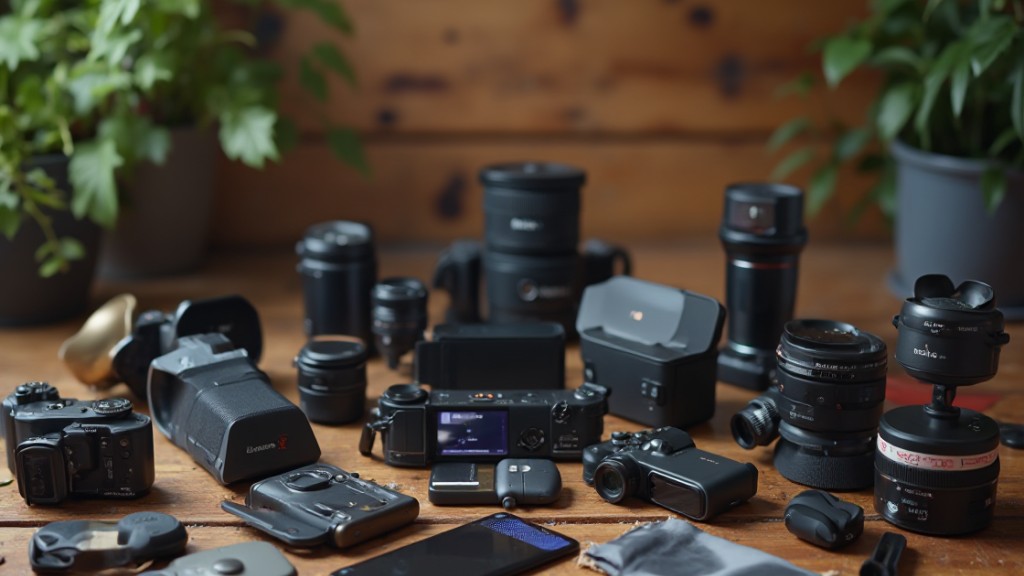
In conclusion, effective product photography requires attention to equipment, lighting, and composition. By mastering various techniques, such as experimenting with angles and utilizing props, you can create compelling images that highlight your products. Post-processing is essential for enhancing image quality, whereas optimizing for online use guarantees maximum visibility. By following these tips, you’ll be well-equipped to take photos that not just showcase your products but additionally drive sales and engage potential customers effectively.
Image via Google Gemini