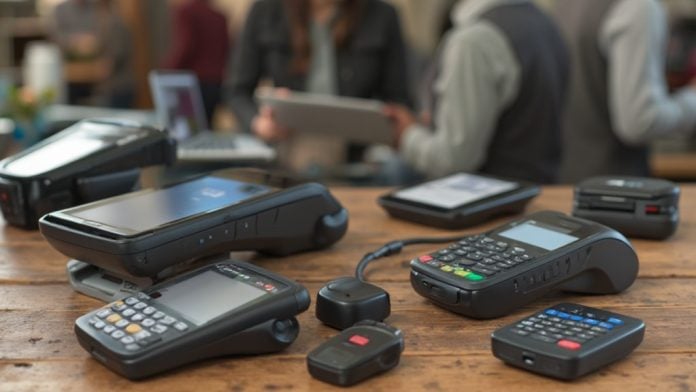
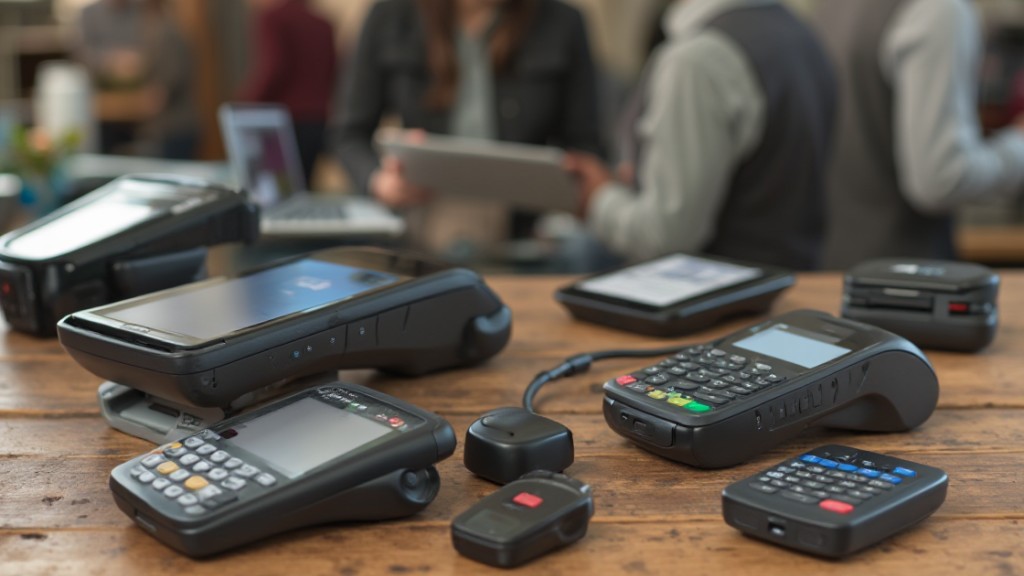
When considering the best mobile point of sale (mPOS) systems, it’s vital to understand what they offer and how they can improve your business operations. These systems allow you to accept payments anywhere, streamline inventory management, and provide valuable analytics. With many options available, knowing the key features and benefits is important for making an informed choice. As you explore the environment of mPOS technology, you’ll discover important factors that can greatly impact your decision.
Key Takeaways
- Square: Ideal for small businesses, offers user-friendly software with no monthly fees and competitive transaction rates.
- Clover: Provides extensive hardware options and a customizable interface tailored to various business needs.
- PayPal Zettle: Easily integrates with existing PayPal accounts for seamless payment processing and management.
- Square POS for Restaurants: Includes features like table management and real-time reporting, enhancing operational efficiency in food service.
- Clover Flex: Versatile system supporting both countertop and mobile transactions, perfect for dynamic business environments.
What Is a Mobile Point of Sale System?
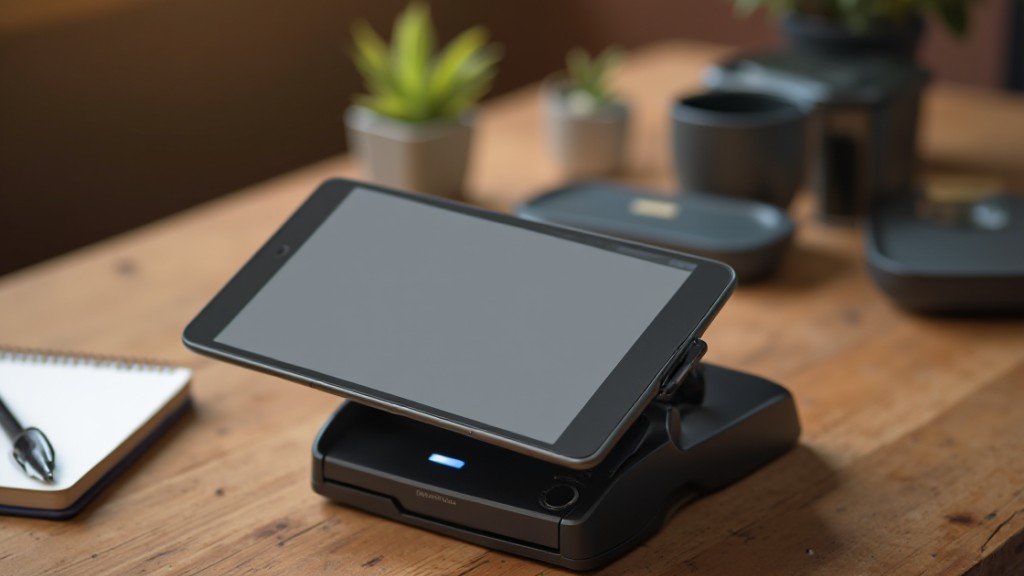
A mobile point of sale (mPOS) system is a modern solution that empowers businesses to process transactions using mobile devices, such as smartphones and tablets.
This technology improves sales capabilities beyond traditional cash registers, allowing you to accept payments from virtually anywhere via mobile networks or Wi-Fi. Ideal for industries like retail and food service, mPOS systems streamline operations with features like inventory management, sales reporting, and customer relationship management (CRM).
You can cater to diverse customer preferences by facilitating various payment methods, including credit cards, contactless payments, and digital wallets.
If you’re looking for a cost-effective way to get started, many providers offer a mobile POS system free of charge, allowing you to explore its benefits without an initial investment.
In addition, mPOS solutions can integrate seamlessly with your existing business software, improving operational efficiency and enhancing customer engagement through faster and more accurate transactions.
Key Benefits of Mobile POS Systems for Small Businesses
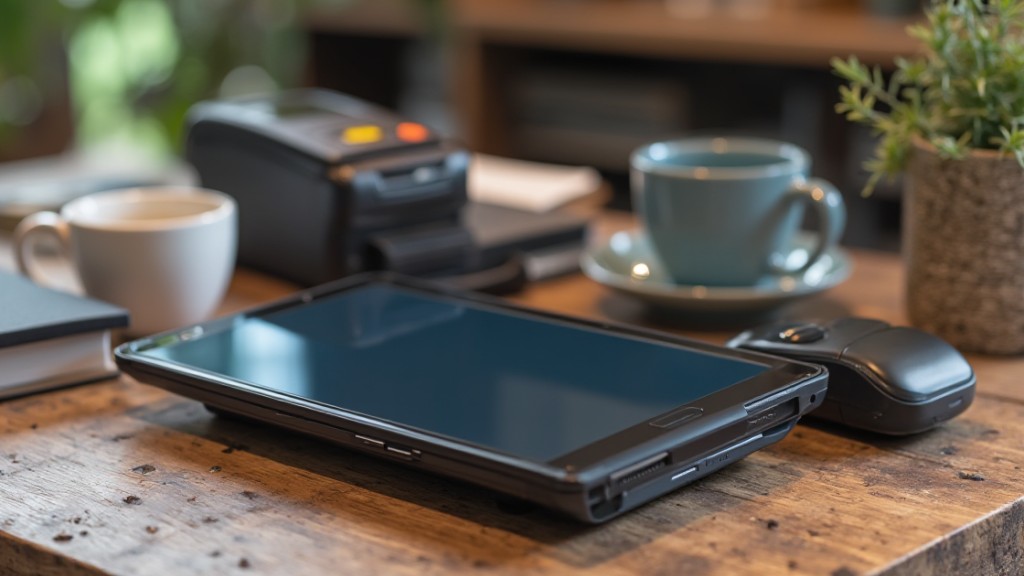
Mobile POS systems offer numerous advantages for small businesses, transforming how transactions are conducted and enhancing operational efficiency.
With faster transaction speeds, these systems help you process payments quickly, reducing customer wait times and boosting satisfaction. You can accept various payment methods, such as credit cards, contactless payments, and digital wallets, which broadens customer options and can increase sales.
Moreover, mobile POS systems provide real-time inventory management, allowing you to track stock levels and automate reordering, thereby preventing shortages and overstock issues that might hurt sales.
They likewise integrate seamlessly with CRM tools, enabling you to collect customer data for personalized marketing and loyalty programs, enhancing engagement and retention.
The portability of mobile POS systems means you can conduct transactions anywhere, making them perfect for food trucks, pop-up shops, and outdoor events, eventually broadening your sales opportunities.
Essential Features to Look for in a Mobile POS System
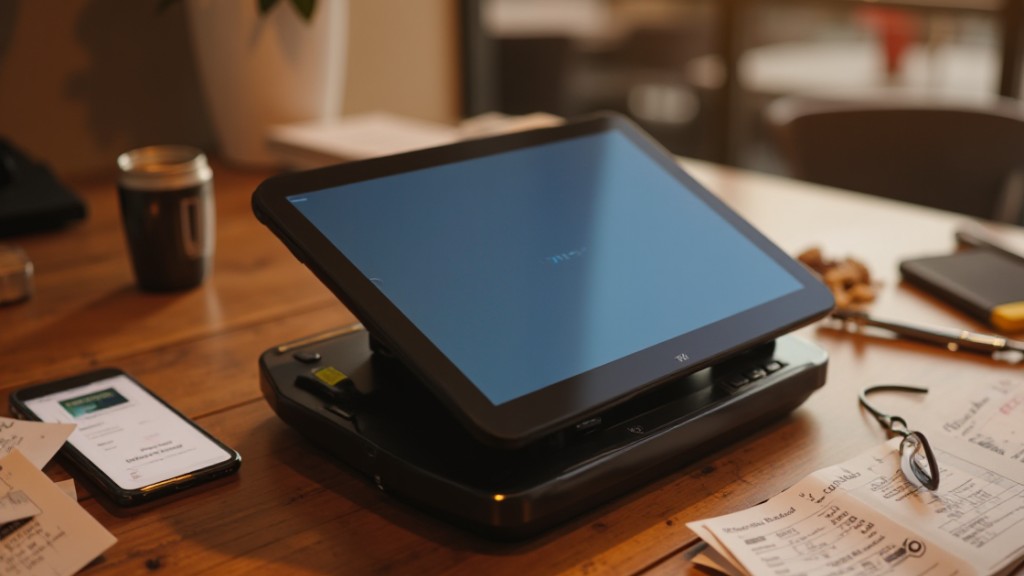
When considering a mobile POS system, what important features should you prioritize to guarantee it meets your business needs? First, make sure the system has a user-friendly interface. A simple design minimizes training time and reduces errors, allowing your staff to adapt quickly.
Next, look for robust inventory management capabilities. These features enable real-time tracking of stock levels and automate reordering processes, helping you avoid shortages.
Moreover, diverse payment processing options—including cash, cards, and digital wallets—enhance customer convenience and can broaden your potential customer base. Integrated CRM features are likewise essential, as they collect customer data for personalized marketing efforts and loyalty programs, supporting customer retention.
Finally, strong reporting and analytics tools provide actionable insights, allowing you to make informed decisions based on sales and inventory data. By prioritizing these important features, you can select a mobile point of sale system that truly supports your business’s growth.
Popular Mobile POS Systems Reviewed
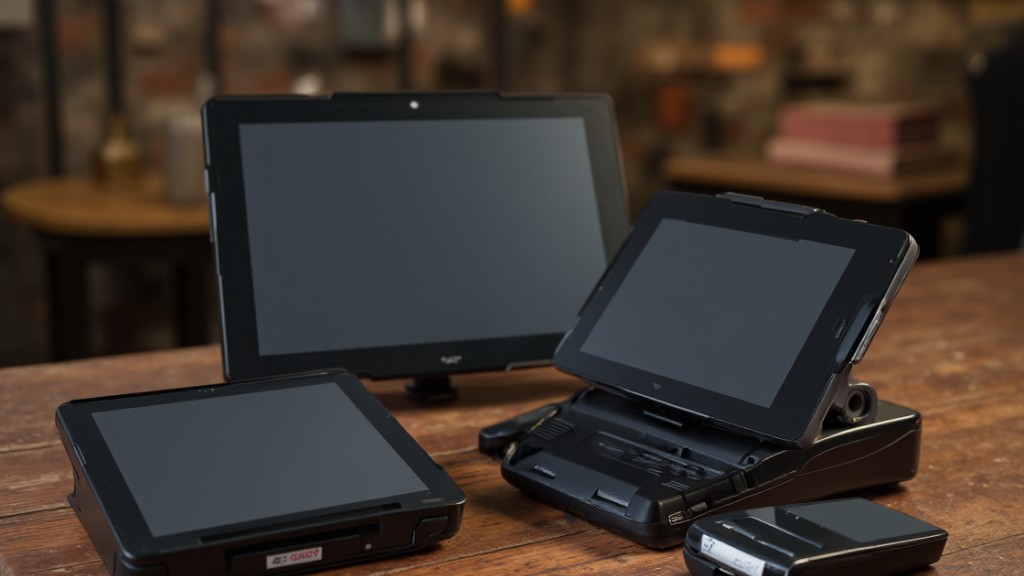
When considering mobile POS systems, you’ll want to explore key players like Square, Clover, and PayPal Zettle.
Square offers a user-friendly interface without monthly fees, making it appealing for small businesses, whereas Clover provides extensive customization options suitable for various environments.
PayPal Zettle stands out for its seamless integration with existing PayPal accounts, enhancing inventory management for businesses already using PayPal services.
Square POS Features Overview
Square POS stands out as a versatile solution customized particularly for the restaurant industry, offering features that greatly boost service efficiency and customer satisfaction.
With its intuitive design, you can quickly adopt this android point of sale app without extensive training. Key features include:
- Table Management: Streamline seating arrangements and improve customer flow.
- Course Tracking: Keep track of orders and courses served, ensuring timely service.
- Real-Time Reporting: Access analytics that help you make informed inventory and sales decisions.
Additionally, Square POS integrates seamlessly with third-party tools, reducing manual errors in accounting and inventory management.
Although it offers a free plan, be mindful of the transaction processing fees, which may be higher than some competitors.
Clover Customization Options
Clover’s customization options make it a standout choice for businesses seeking a personalized mobile point of sale experience.
With a highly customizable interface and diverse hardware options, including card readers and registers, Clover adapts to various business types seamlessly. You can explore the Clover App Market, which offers hundreds of third-party applications that improve functionality, from inventory management to customer loyalty programs.
Customized reporting features allow you to generate specific reports based on sales trends and customer behavior, providing valuable insights.
The Clover Flex enables both countertop and mobile transactions, ensuring flexibility in different environments. Plus, with no long-term contracts on subscription plans, you can adjust your services as needed without worrying about cancellation fees.
Consider using their android pos app for added convenience.
PayPal Zettle Integration Benefits
PayPal Zettle stands out as an efficient mobile point of sale solution, especially for businesses that already utilize PayPal for online transactions. This integration offers several benefits that can improve your operations:
- Seamless Payment Processing: Manage both online and in-person transactions from one platform, simplifying your financial operations.
- User-Friendly Interface: Enjoy quick setup and straightforward operation, making it ideal for businesses of all sizes.
- Diverse Payment Options: Accept credit cards, debit cards, and digital wallets, catering to various customer preferences.
Additionally, PayPal Zettle provides basic inventory management tools and competitive transaction fees, making it a robust choice for small businesses seeking free POS software for small business.
With these features, you can streamline your processes and reduce costs effectively.
Cost Considerations for Mobile POS Systems
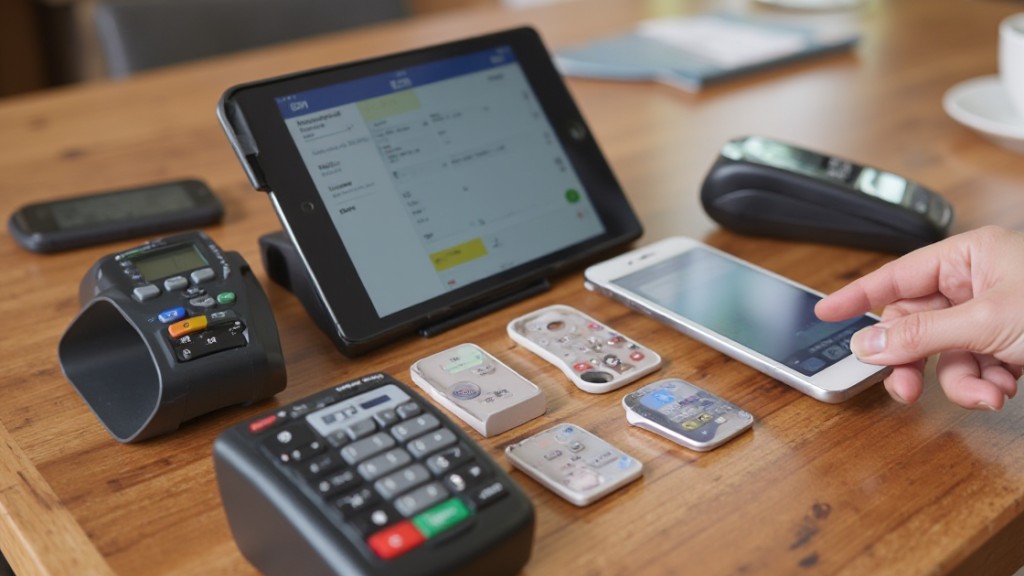
When considering mobile POS systems, it’s vital to evaluate both the initial setup costs and ongoing transaction fees.
Many providers have varying pricing structures, with some charging monthly fees whereas others rely solely on transaction percentages.
Comprehending these costs can greatly impact your business’s bottom line, especially if you process a high volume of transactions.
Initial Setup Costs
Comprehending the initial setup costs of mobile POS systems is vital for any business evaluating this technology, as these expenses can vary widely.
Here are key factors to take into account:
- Software Costs: Some providers offer free POS systems, but they may charge transaction fees or require paid plans, like Toast starting at $69/month.
- Hardware Expenses: Costs range from simple card readers at $49 to more complex setups with tablets and specialized terminals.
- Additional Features: Optional features, such as advanced reporting tools and third-party integrations, can increase your overall expenses.
It’s also important to be aware of hidden fees, such as PCI compliance costs, which can impact your total cost of ownership for mobile POS systems.
Transaction Fees Analysis
Grasping transaction fees is crucial for businesses considering mobile POS systems, as these costs can greatly influence your bottom line. Typically, fees range from 1.5% to 3.5% per transaction based on the provider and payment method. For instance, Square offers free POS software with no monthly fees but has higher fees for larger transactions. Conversely, Helcim provides transparent pricing with lower fees under 2.0% for high-volume businesses. Be cautious of flat-rate models that could lead to overpayment if you have low transaction volumes. Furthermore, factor in costs like PCI compliance, equipment leasing, and integration fees, as they can markedly impact overall expenses.
| Provider | Fee Structure | Extra Costs |
|---|---|---|
| Square | Higher transaction fees | None |
| Helcim | Lower fees for volume | PCI compliance fees |
| Other | Varies | Equipment leasing fees |
| Flat-rate | Potential overpayment | Integration fees |
Hidden Fees to Watch Out For
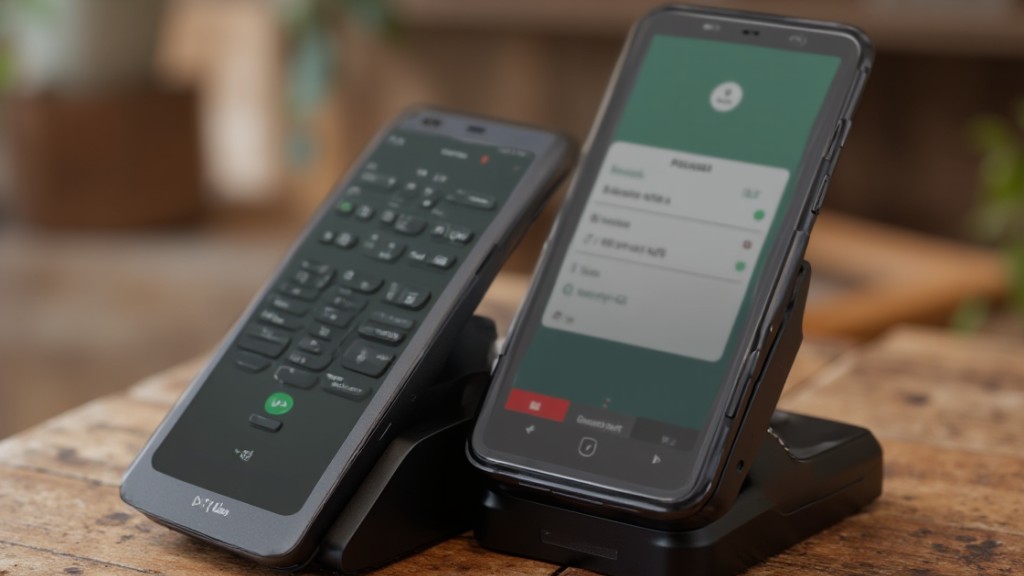
Even though you might think that choosing a mobile point of sale (POS) system is straightforward, hidden fees can quickly complicate your overall costs.
To avoid surprises, here are some fees you should watch out for:
- PCI Compliance Fees: These are charged to maintain data security standards and can notably add to your processing costs.
- Merchant Contract Fees: If you switch providers or terminate your service early, you might incur cancellation penalties that can be costly.
- Hardware Leasing Costs: Renting equipment can seem budget-friendly at first but can accumulate over time, leading to higher expenses than expected.
For small businesses, opting for a free POS app for small business can help minimize these hidden costs.
Always read the fine print and ask questions to make sure you’re fully aware of any potential fees associated with your mobile POS system.
Types of Businesses That Benefit From Mobile POS Systems
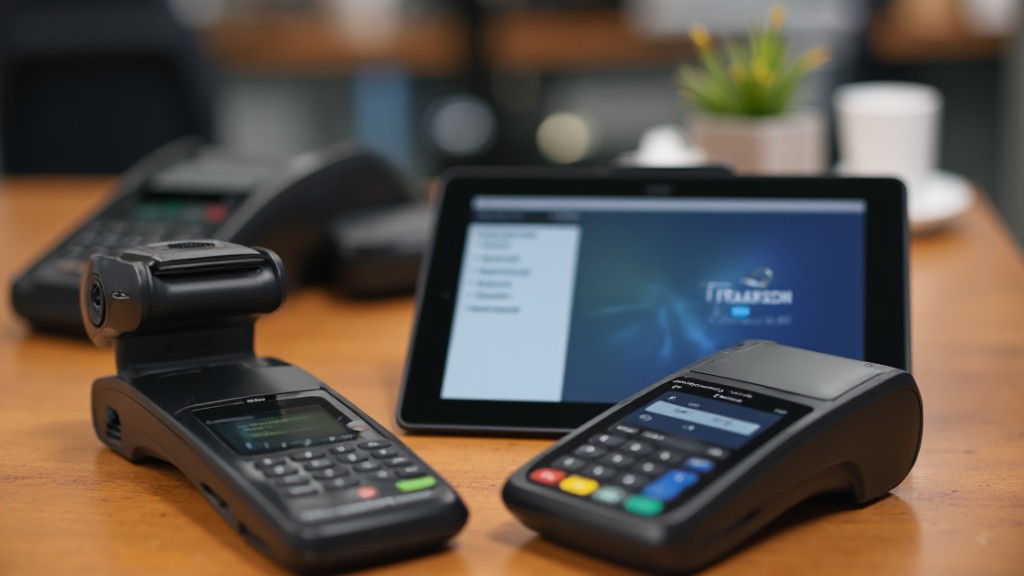
Hidden fees can complicate your decision-making process when selecting a mobile point of sale (POS) system. Various types of businesses can greatly benefit from these systems.
Food trucks and pop-up shops thrive with mobile POS, allowing them to process transactions on-the-go as they manage inventory efficiently without being tied to a fixed location.
Small retailers, including boutiques and coffee shops, enjoy flexible payment options that improve customer experience and streamline checkout processes.
Service providers, such as hair salons and personal trainers, utilize mobile POS systems to manage appointments and accept payments in real-time, which boosts client satisfaction.
Event vendors at fairs and markets leverage mobile Square POS for swift payment processing, ensuring a smooth experience amid high foot traffic.
Moreover, e-commerce businesses shifting to physical sales can use mobile POS to integrate online and in-person transactions, creating a cohesive shopping experience for their customers.
Getting Started With a Mobile POS System
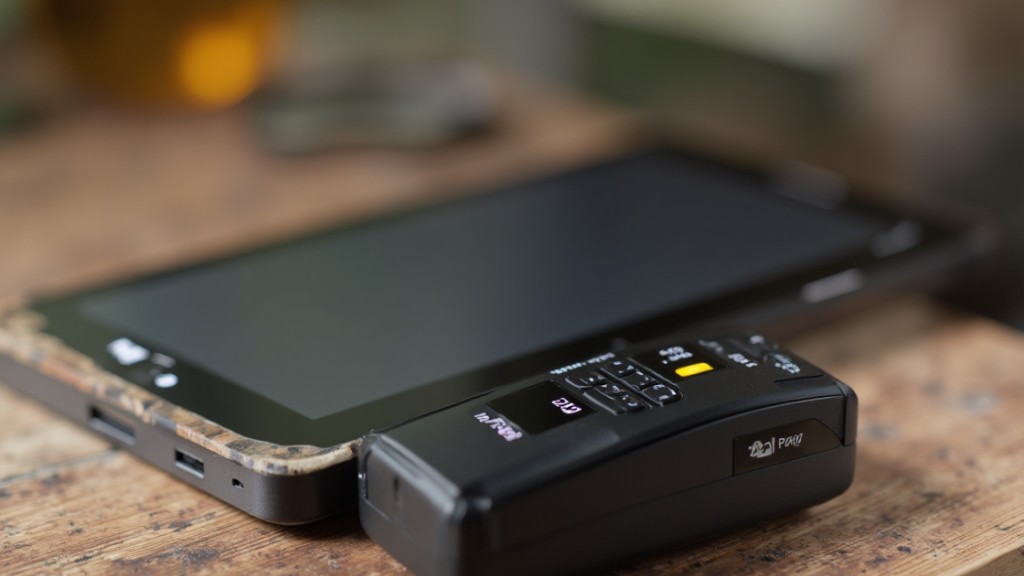
How do you begin the process of integrating a mobile POS system into your business? Start by selecting a provider that aligns with your needs, such as Square, Toast, or Helcim, focusing on their pricing and features.
Once you’ve made your choice, follow these steps:
- Sign up for an account and download the app to your smartphone or tablet to initiate setup.
- If you need to process in-person payments, acquire the necessary hardware, like a card reader or smart terminal.
- Customize the mobile point of sale system to suit your operations, including inventory management and payment options.
Don’t forget to utilize training resources and customer support offered by your provider. This will help guarantee a smooth shift and enable you to use the system effectively, maximizing its benefits for your business operations.
Future Trends in Mobile POS Technology
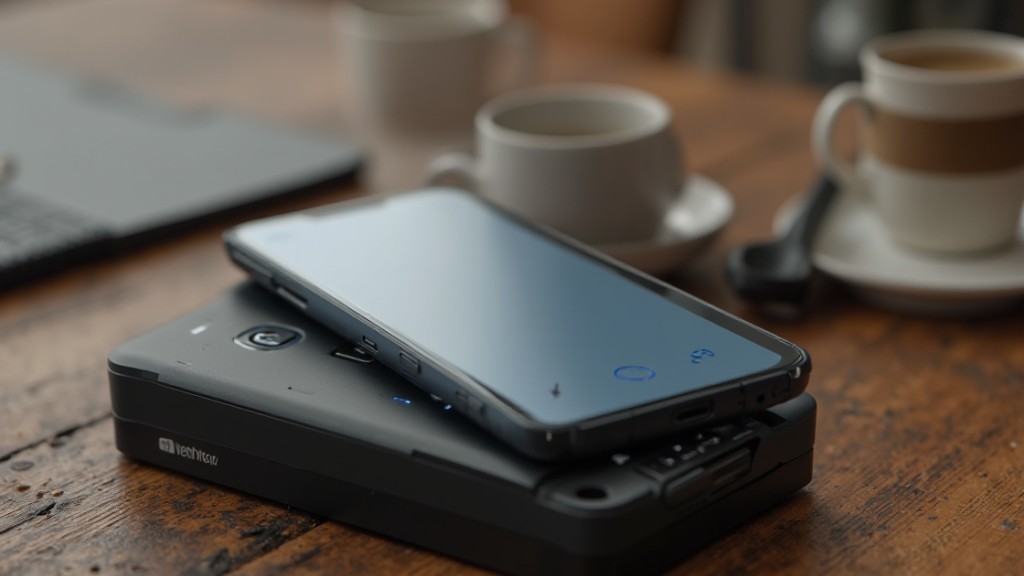
As you integrate a mobile POS system into your business, it’s important to stay informed about the future trends shaping this technology.
The best mobile point of sale systems are swiftly evolving with advancements in AI and machine learning, enhancing data analytics for deeper insights into customer behavior and sales trends.
Expect contactless payment methods, like NFC and mobile wallets, to grow in popularity, as consumers increasingly favor quick and convenient transactions.
Security measures will likewise advance, incorporating biometric authentication and end-to-end encryption to protect sensitive data.
Moreover, the trend toward cloud-based solutions will enable you to access real-time data from anywhere, streamlining decision-making and boosting efficiency.
Finally, the focus on omnichannel capabilities will allow your mobile POS system to integrate in-person and online sales, ensuring a seamless shopping experience across multiple platforms.
Staying ahead of these trends is vital for maximizing your mobile POS investment.
Frequently Asked Questions
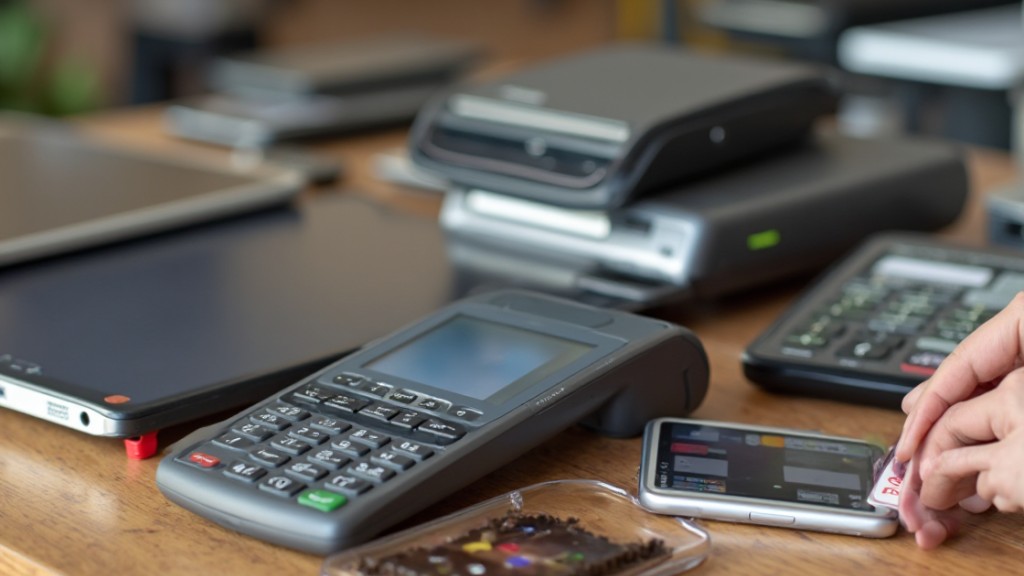
What Is the Number 1 POS System?
The number one POS system is often regarded to be Square.
You’ll find it user-friendly, with no monthly fees and a flexible pricing structure. Transaction fees start at 2.6% plus 10¢ per transaction.
Square integrates seamlessly with various third-party applications, enhancing your business with advanced inventory management and sales reporting.
Its mobile solution allows you to accept payments anywhere, whereas 24/7 customer support guarantees you have assistance whenever you need it.
How Much Does a Mobile POS System Cost?
The cost of a mobile POS system varies considerably. You might find basic plans starting at $0/month, but watch out for transaction fees, which usually range from 2.6% to 3.5%.
Some providers, like Square, offer free plans, whereas others charge monthly fees, such as Toast’s starting at $69.
Don’t forget hardware costs, which can range from $49 to $300, plus potential fees for advanced features or integrations that suit your business needs.
What POS System Does Gordon Ramsay Use?
Gordon Ramsay uses the Toast POS system in many of his restaurants. This system is customized for the food service industry, enhancing mobile ordering and payment processing.
With features like integrated reporting and menu management, Toast streamlines operations. It allows real-time data access, helping management make quick, informed decisions.
Furthermore, it supports contactless payments, catering to modern consumer preferences for convenience and speed in dining experiences, ultimately enhancing customer satisfaction.
What Are the 4 Types of POS Systems?
There are four main types of POS systems: traditional, mobile, cloud-based, and integrated.
Traditional POS systems are stationary and often found in retail settings, whereas mobile POS systems let you process transactions anywhere using devices like tablets.
Cloud-based systems store data online, allowing real-time access from multiple devices.
Integrated POS systems combine various business functions, such as inventory management and CRM, into one platform, streamlining operations and improving efficiency across your business.
Conclusion
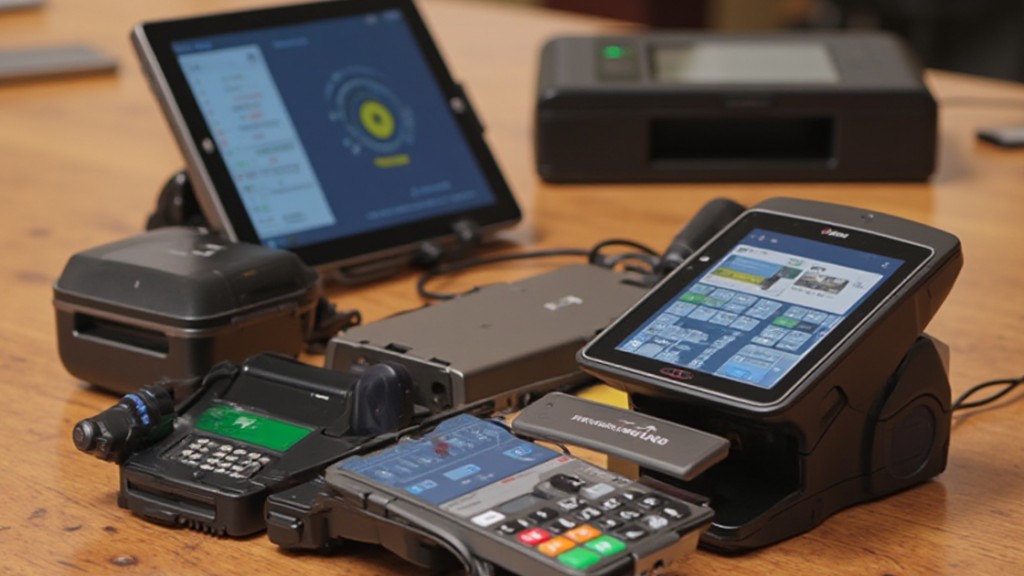
In conclusion, mobile point of sale systems are crucial tools for modern businesses looking to improve transaction efficiency and customer experience. By comprehending their key benefits, vital features, and potential costs, you can select the right mPOS system for your needs. Whether you operate a food truck or a retail shop, these systems provide flexibility and real-time data access. As technology advances, staying informed about future trends will help you maximize the advantages of your mPOS investment.
Image via Google Gemini