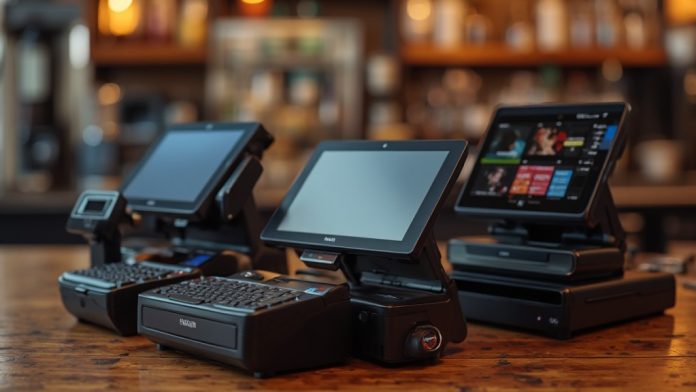
When choosing a POS system for your restaurant or bar, comprehending the various options available is essential. Each system offers unique features customized to different needs, from scaling startups to managing established operations. For instance, Square is ideal for new businesses, whereas Toast caters to those with complex requirements. To make an informed decision, it’s important to take into account functionality, affordability, and user experience. Discover which system aligns best with your specific needs and operational goals.
Key Takeaways
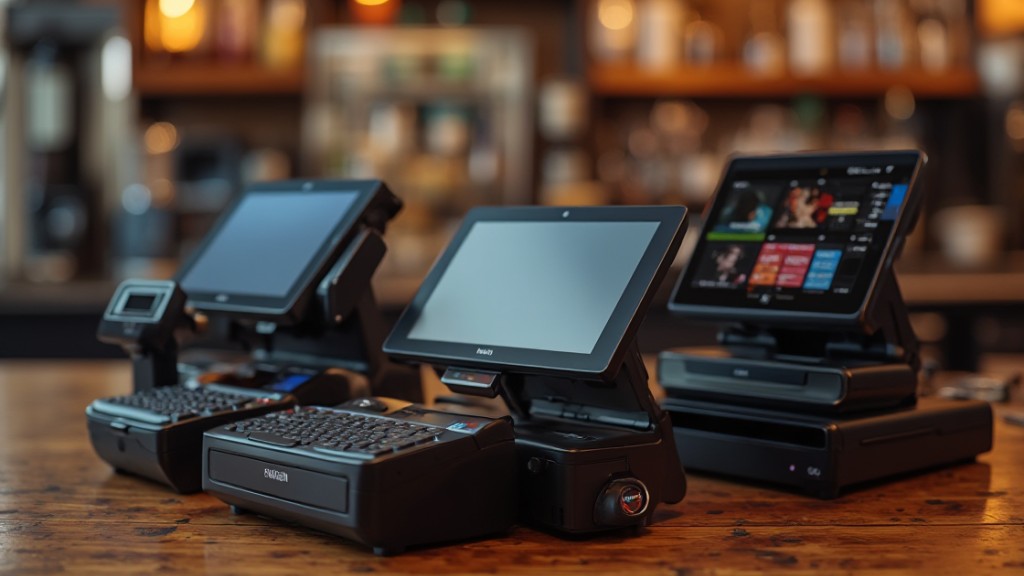
- Square: Ideal for new restaurateurs with a free plan and user-friendly interface, though it lacks advanced inventory management.
- Toast: Best for established restaurants, offering extensive inventory management and recipe-level cost tracking, starting at $69/month.
- Clover: Suitable for medium to large establishments, featuring advanced inventory tools and integration with Shopventory, starting at $69/month.
- SpotOn: Offers a free starting plan with strong staff management features, including scheduling and payroll integration.
- SumUp: Best for small restaurants, providing a quick setup and competitive transaction fees with a free POS software plan.
Square: Best for Scaling Up Your Restaurant Business
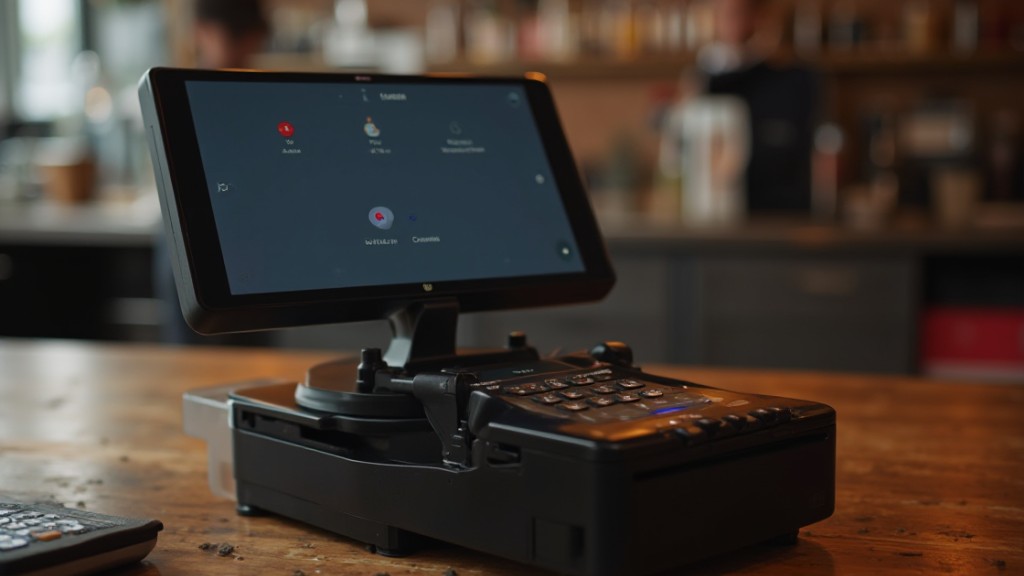
When you’re looking to scale up your restaurant business, Square stands out as a solid option that combines affordability with vital features. Its free POS software plan is perfect for new restaurateurs, whereas paid plans start at $49 per month, providing advanced functionalities.
Significantly, Square includes a customizable kitchen display system (KDS) and an online ordering website, which streamline operations effectively. For those seeking the best POS for bars, Square’s user-friendly interface allows for easy floor plan customization and advanced staff management tools, ideal for larger establishments.
Furthermore, the in-depth reporting tools available in paid plans help you track sales and analyze performance, fundamental for business growth.
Nonetheless, it’s significant to acknowledge that Square lacks detailed inventory management and cost versus profit tracking, which might limit its effectiveness for more complex restaurant needs.
Toast: Best for Established Restaurants With Complex Operations
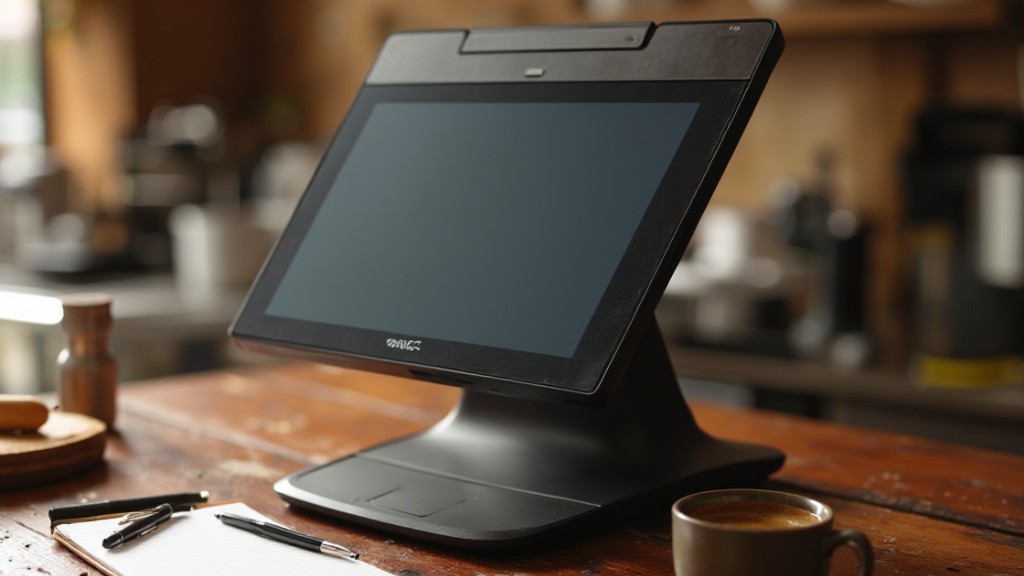
For established restaurants with complex operations, Toast POS emerges as a robust solution that caters to diverse needs. With plans starting at $69/month, it’s accessible for various budgets. This restaurant POS system is particularly designed for full-service restaurants, offering advanced features like recipe-level cost tracking, extensive inventory management, and customizable hardware options.
One of the standout features is its integration with online and mobile ordering platforms, making order management seamless. Toast likewise includes 24/7 customer service support, guaranteeing you have assistance whenever needed. Nevertheless, although it offers advanced profit management tools, some features may come with additional costs, necessitating careful consideration of your expansion needs.
| Feature | Description | Benefit |
|---|---|---|
| Inventory Management | Extensive tracking capabilities | Reduces waste and optimizes stock |
| Customer Support | 24/7 assistance | Guarantees smooth operations |
| Integration | Online and mobile ordering | Improves customer experience |
| Cost Tracking | Recipe-level insights | Boosts profitability |
Clover: Best for Professional Restaurant Hardware
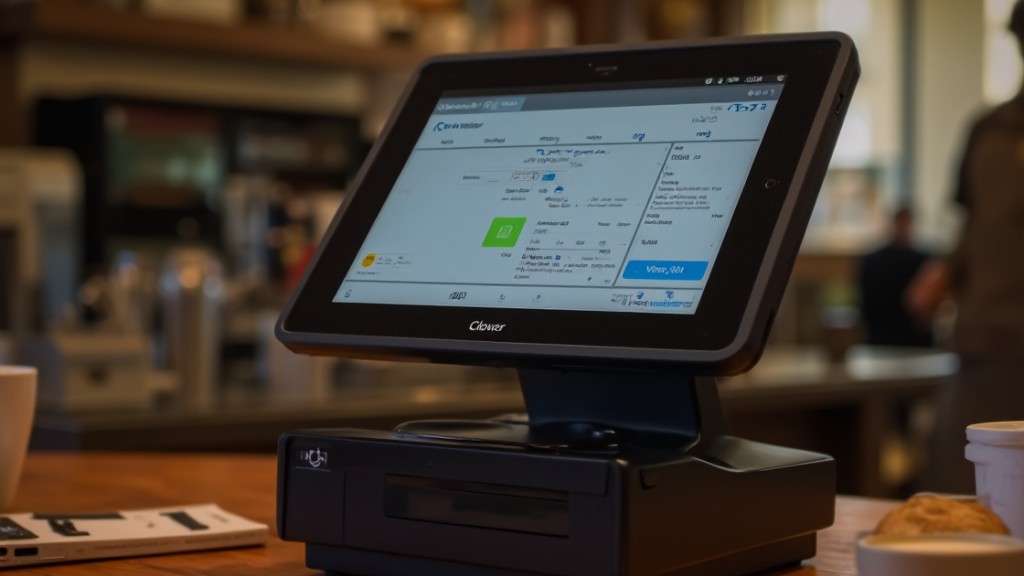
Clover stands out as one of the best POS systems for professional restaurant hardware, particularly designed for medium to large establishments. It offers a thorough solution featuring countertop terminals and handheld devices, allowing for versatile order management.
With customizable table plans and real-time table status tracking, Clover bolsters operational efficiency and improves customer service.
Starting at $69 per month, this system includes advanced inventory management tools, making it an excellent choice for established restaurants. Its user-friendly interface guarantees easy navigation, whereas the drag-and-drop table planner simplifies layout management in busy dining environments.
Furthermore, Clover integrates seamlessly with Shopventory for improved inventory tracking, helping you manage costs and profits effectively. For those seeking the best POS system for restaurant and bar operations, Clover’s high-quality hardware and exhaustive features position it as a top contender in the bar point of sale systems market.
SpotOn: Best for Simplifying Staff Scheduling and Communication
SpotOn emerges as a top choice for restaurants looking to simplify staff scheduling and communication, providing an all-encompassing solution customized for small to mid-sized establishments.
With a free starting plan that includes crucial hardware and low processing fees, it’s an accessible option for many. The platform features a robust staff management system, enabling you to handle efficient scheduling, tip pooling, and payroll integration through its Teamwork app.
Additionally, SpotOn‘s menu and table management tools improve operational efficiency, comparable to leading providers, as it offers customizable customer-facing screens.
The real-time restaurant analytics allow you to make informed decisions based on key performance metrics.
Nevertheless, it’s important to mention that SpotOn lacks a tablet-based POS system, which limits its accessibility to desktop or countertop terminals only.
SumUp: Best for Small Restaurants Seeking Speed and Efficiency
If you’re running a small restaurant, SumUp could be your go-to POS system for its quick setup process and affordable pricing structure.
The system boasts crucial features that streamline transactions, ensuring your staff can serve customers efficiently in a fast-paced environment.
With transparent fees and a user-friendly interface, SumUp makes it easy to manage your operations without overwhelming your team.
Quick Setup Process
When you’re running a small restaurant, having a POS system that sets up quickly can make all the difference. SumUp provides an efficient solution for your bar POS software needs, ensuring you can focus on serving customers instead of dealing with technical issues. With its affordable hardware kits and user-friendly interface, the point of sale system for small bars allows for rapid installation and minimal downtime.
Here’s a quick overview of SumUp’s setup process:
| Feature | Benefits | Setup Time |
|---|---|---|
| Free POS Software | Cost-effective solution | Instant access |
| Easy Hardware Installation | User-friendly | Less than 30 mins |
| Online Store Integration | Expand sales channels | Simple setup |
| Minimal Staff Training | Quick onboarding | A few hours |
Choose SumUp for a seamless experience.
Affordable Pricing Structure
SumUp’s affordable pricing structure makes it an attractive option for small restaurants aiming for efficiency without the burden of high upfront costs.
With a free POS software plan, you can start minimizing expenses immediately. The hardware kits are budget-friendly, ensuring you won’t face steep investments. Transaction fees are competitive at 2.6% plus 10 cents, which helps keep ongoing costs manageable, especially for low-volume businesses.
This makes SumUp one of the best point of sale systems for bars, as it balances features with affordability. Furthermore, its system processes transactions quickly, enhancing customer satisfaction.
SumUp also integrates online store functionality and loyalty programs, giving small restaurants essential tools for effective operations and customer engagement, all in the process of keeping bar POS system costs low.
Essential POS Features
Choosing the right POS system for your small restaurant involves comprehending the fundamental features that can improve speed and efficiency.
SumUp stands out in the restaurant POS comparison thanks to its free software focused on crucial functionalities, making it a budget-friendly choice. This system is designed for rapid transaction processing, greatly reducing customer wait times—vital for quick-service operations.
The affordable hardware kits let you set up without high costs, ensuring you can focus on service. Furthermore, SumUp integrates online store capabilities, allowing you to broaden your sales channels effortlessly.
With its user-friendly interface, staff can quickly learn the system, ensuring smooth operations even during busy hours, making it a strong option among pos systems for bars and restaurants.
Lightspeed Restaurant: Best for Increasing Customer Loyalty
Lightspeed Restaurant stands out for its robust loyalty program integration, allowing you to create customized rewards designed to your customers’ preferences.
With an intuitive user experience, this POS system makes it easy for you to implement and manage these programs during enhancing customer engagement through personalized promotions.
Furthermore, its analytics features provide valuable insights into purchasing habits, enabling you to refine your marketing strategies and boost customer retention effectively.
Loyalty Program Integration
When you consider enhancing customer loyalty in your restaurant or bar, integrating a robust loyalty program can make a significant difference in your business’s success.
Lightspeed Restaurant offers customizable loyalty program integration that allows you to reward customers for repeat visits, which boosts retention and encourages higher spending.
The system enables you to create personalized rewards based on customer preferences, nurturing a personalized experience that drives loyalty.
With tools to track customer purchases and behavior, you can analyze the effectiveness of your loyalty initiatives and adjust strategies accordingly.
Plus, the platform supports digital loyalty cards, making it easy for customers to collect points and redeem rewards through their smartphones, enhancing engagement during your restaurant POS system price.
Intuitive User Experience
An intuitive user experience is essential for restaurant staff to efficiently manage orders and improve customer interactions.
Lightspeed Restaurant offers a user-friendly interface that simplifies restaurant order management, allowing staff to navigate effortlessly and provide timely service. With features like menu management and heat maps, you can identify busy times and optimize staffing accordingly, enhancing service speed.
The platform likewise supports online ordering and payment options directly at the table, making the dining experience seamless and encouraging repeat visits.
Furthermore, detailed customer profiles enable you to tailor services and promotions, markedly boosting customer loyalty.
Analytics for Engagement
Comprehending customer preferences and behaviors is key to enhancing loyalty in the competitive restaurant industry. Lightspeed Restaurant’s advanced analytics tools provide the insights you need. With this cloud-based restaurant point of sale, you can effectively tailor your engagement strategies.
Here’s what you can benefit from:
- Heat maps to identify peak customer times for optimized staffing.
- Detailed customer profiles that help you create targeted loyalty programs.
- Menu performance reports for adjusting offerings based on customer preferences.
- Integration with third-party loyalty programs to streamline communication.
These features help you boost customer satisfaction and repeat patronage, making Lightspeed Restaurant a top choice, as highlighted in numerous restaurant point of sale reviews.
Buying Guide: How to Choose a Restaurant POS System
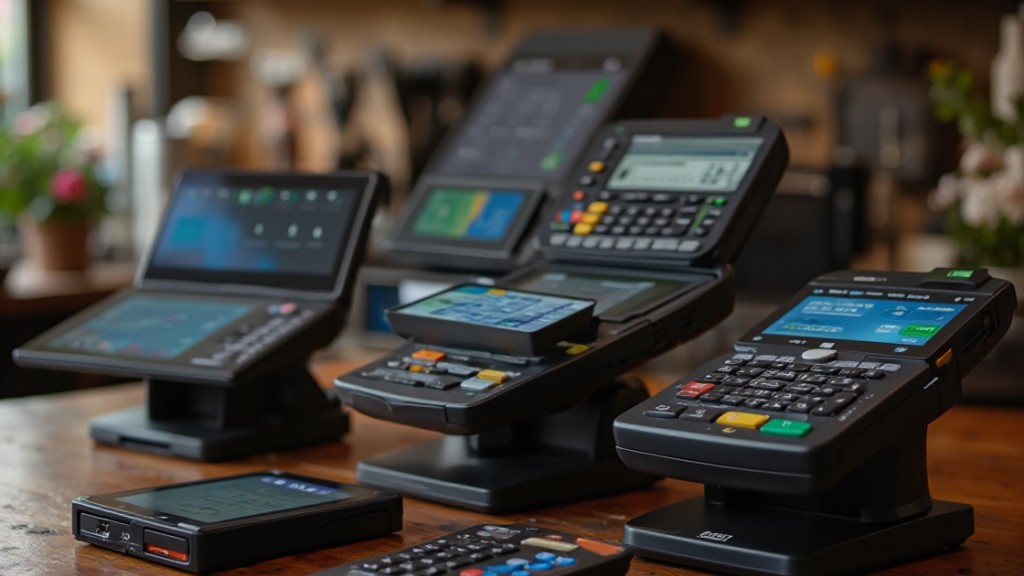
Choosing the right POS system for your restaurant requires careful consideration of several key factors that align with your operational needs.
First, assess the specific features you need, like inventory management, employee scheduling, and reporting tools, to guarantee the system fits your requirements.
Next, consider the pricing structure, including monthly fees and transaction costs, to find a solution that doesn’t compromise vital features.
Evaluate the user interface for ease of navigation; an intuitive system improves staff efficiency, especially during peak hours.
Don’t overlook customer support options; responsive support is important for quick issue resolution and minimizing downtime.
Lastly, investigate hardware compatibility and options, confirming the POS system integrates seamlessly with your existing devices and suits your restaurant’s layout.
Frequently Asked Questions
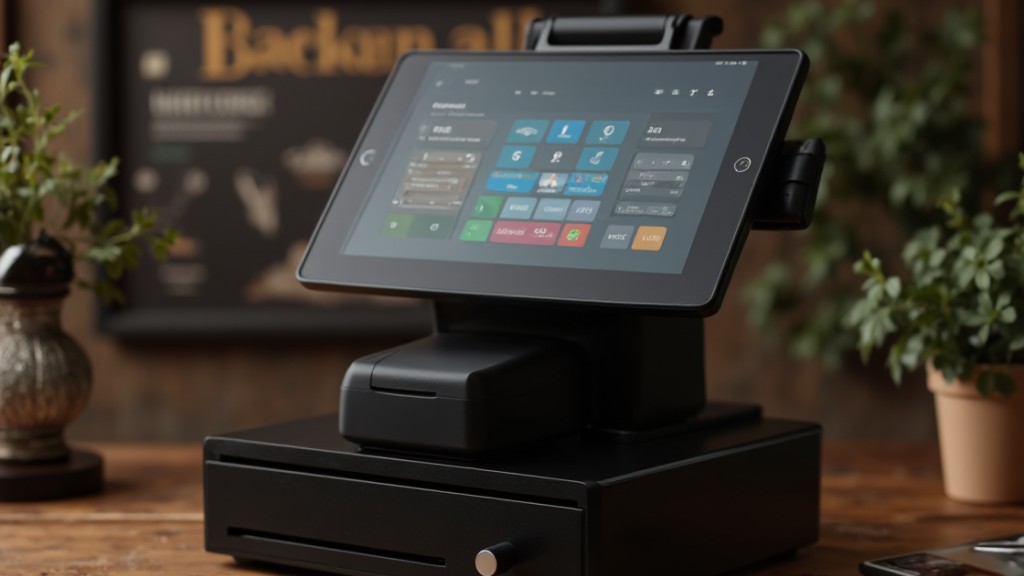
What POS System Do Most Restaurants Use?
Most restaurants choose a POS system based on their specific needs and operations.
Popular options include Square, known for its no monthly fees, and Toast, favored for its advanced features.
Clover offers extensive analytics, appealing to medium to large establishments.
SpotOn emphasizes workforce management, whereas SumUp is efficient for quick-service environments.
Each system varies in pricing and features, so it’s essential to assess your restaurant’s requirements before making a decision.
What Is the Best POS System for Bars?
Selecting the best POS system for bars relies on your specific needs.
Look for systems that improve customer experience, like those with QR code ordering to reduce wait times. Consider options that offer robust inventory management and real-time analytics, which assist in tracking sales and stock levels.
Systems with strong offline capabilities can likewise guarantee service continuity during internet outages.
Evaluate these features to find a solution that aligns with your bar’s operational requirements.
What POS Does Chick-Fil-A Use?
Chick-fil-A uses a proprietary POS system customized for its restaurant operations. This system integrates order management, payment processing, and inventory tracking, which streamlines their workflow across multiple locations.
With a user-friendly interface, team members can quickly take orders and process payments, minimizing customer wait times. The technology additionally supports mobile ordering and drive-thru services, enhancing convenience.
Regular updates guarantee the system adapts to evolving needs, maintaining overall operational efficiency.
What POS Does Gordon Ramsay Use?
Gordon Ramsay uses the Toast POS system in his restaurants, which is designed particularly for the food service industry.
This system offers features like advanced inventory management, detailed reporting analytics, and integration for online ordering. Its user-friendly interface and customizable pricing plans suit Ramsay‘s diverse operations.
With hardware options such as handheld terminals, Toast improves service efficiency in busy dining environments, reflecting Ramsay‘s focus on technology for better customer experience and operational effectiveness.
Conclusion
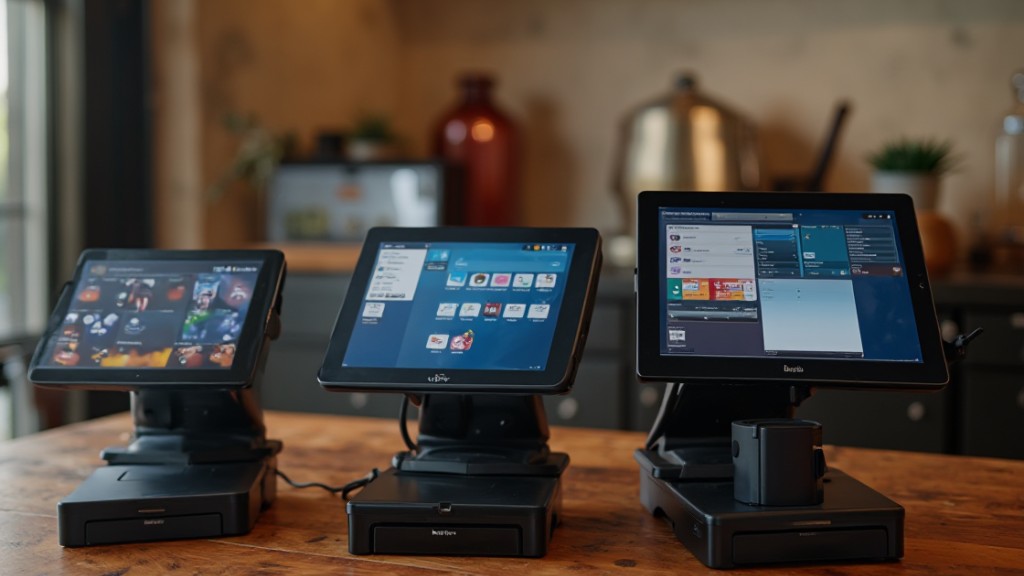
Choosing the right POS system for your restaurant or bar is essential for enhancing operations and customer satisfaction. Each option discussed—Square, Toast, Clover, SpotOn, SumUp, and Lightspeed Restaurant—caters to different needs, from scaling businesses to managing complex operations. Evaluate your specific requirements, such as staff management and inventory control, to find the best fit. By selecting an appropriate system, you can streamline processes, improve efficiency, and ultimately create a better experience for both employees and patrons.
Image via Google Gemini