
If you’re managing a small business, selecting the right cash register app can greatly impact your operations. There are numerous options available, each with unique features customized to various industries. For instance, some apps offer robust employee management tools, whereas others focus on streamlining sales processes. Comprehending these differences can help you choose the best fit for your needs. Let’s explore the top ten cash register apps that can enhance your business efficiency and customer experience.
Key Takeaways

- Square Point of Sale: A free and user-friendly POS system ideal for small businesses, supporting multiple payment methods and real-time inventory management.
- Lightspeed: Tailored for restaurants, it offers customizable menus and detailed sales reporting, starting at €69.00 per month.
- Clover: Comprehensive POS features include employee management and inventory tracking, with competitive transaction fees and a 90-day risk-free trial.
- Toast: Designed specifically for the restaurant industry, it includes tableside ordering and employee scheduling, starting at approximately $69 per month.
- Loyverse POS: A free, scalable cash register solution that supports various payment options and offers robust inventory management features for small businesses.
Square Point of Sale

Square Point of Sale is a thorough, free POS system customized for small businesses, particularly retailers and multi-channel sellers. This pos app allows you to synchronize sales and inventory seamlessly across various platforms, making management easier.
You can tailor cash registers to fit specific business needs, which helps streamline operations. Furthermore, the app offers extensive employee management features and detailed sales reporting, ensuring you stay informed about your business’s performance.
Square charges processing fees per transaction, making it cost-effective for businesses with varying sales volumes. The transparent pricing details on OMR-Reviews help you understand potential costs.
The app supports multiple payment options, including credit cards and mobile payments, ensuring flexible and secure transactions for your customers. With its user-friendly interface, you can quickly train employees, promoting efficient operation for small businesses and startups.
This makes Square Point of Sale a solid choice for managing your retail operations effectively.
Lightspeed

For small to medium-sized businesses, Lightspeed offers a robust restaurant software and POS system designed to streamline operations and improve customer service.
With a solid rating of 4.4 based on over 200 user reviews, you can trust its reliability and user satisfaction. Starting at €69.00 per month, Lightspeed is a scalable option, catering to your growing business needs.
Its features include customizable menus, real-time inventory tracking, and detailed sales reporting, all aimed at enhancing operational efficiency.
You’ll appreciate the support for multiple integrations, allowing you to connect other tools seamlessly. Moreover, Lightspeed provides unlimited customer support, ensuring you have assistance whenever needed.
If you’re managing multiple store locations, this system is particularly advantageous, as it helps you maintain consistency across your operations.
Plus, the Android POS application makes it easy to manage your business on-the-go, giving you flexibility and control.
Clover

Clover stands out with its extensive POS system, combining employee management and inventory tracking features that help you monitor staff performance and sales analytics in real-time.
Its competitive pricing starts at 2.3% plus 10 cents per transaction, making it a viable choice for small businesses.
Plus, you can try Clover risk-free with a 90-day trial, but keep in mind that it requires a three-year commitment for full access to its features.
Key Features Overview
When evaluating cash register apps for small businesses, it’s essential to contemplate the key features offered, especially those provided by Clover.
This cash register app for small business integrates employee management software, allowing you to track staff performance and customize access levels based on roles.
With robust inventory management tools, you can monitor stock levels in real-time and gain detailed sales analytics to optimize your product offerings.
Clover additionally supports various payment methods, including card, cash, and mobile payments, enhancing customer convenience.
To help you assess its capabilities, Clover offers a 90-day free trial for new users, making it easier to determine if it fits your business needs before fully committing to any plans.
Pricing and Plans
Comprehending the pricing and plans available can help you make an informed decision about using Clover for your small business. Clover offers various pricing options starting from around $14.95 per month, which includes vital features customized for small businesses.
Payment processing fees begin at 2.3% + $0.10 per transaction, making it competitive for varying sales volumes. Furthermore, hardware options may require an upfront investment, ranging from $0 to several hundred dollars.
New users can take advantage of a 90-day free trial to explore the system. Here are some key points to reflect on:
- Basic plan includes vital features.
- Competitive transaction fees for all sales volumes.
- Upfront costs for hardware vary.
- Extra features can improve functionality.
Integration Capabilities
After considering the various pricing options and plans, it’s important to understand how Clover’s integration capabilities can additionally improve your small business operations.
Clover POS offers an open API, making it easy to connect with numerous third-party applications and services. This cash register computer program integrates seamlessly with accounting software like QuickBooks, enhancing your financial management and reporting.
You can likewise link Clover to popular e-commerce platforms, allowing you to synchronize inventory and sales data across online and physical stores.
Moreover, integrating Clover with customer relationship management (CRM) tools streamlines customer engagement and boosts marketing efforts.
Finally, Clover supports loyalty program applications, effectively helping you reward and retain your customers, ultimately driving business growth.
Toast
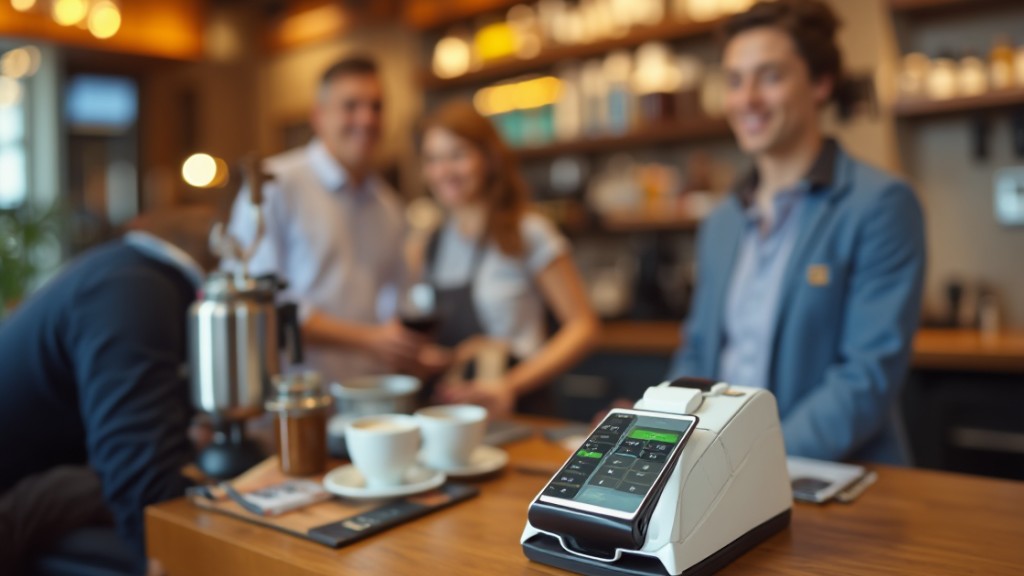
Toast stands out as a cloud-based POS system customized for restaurants, offering crucial features like tableside ordering and integrated payment processing.
You’ll find it simplifies tasks such as menu management and employee scheduling, all while providing real-time analytics to help you track sales and inventory.
As we explore its key features and pricing plans, you’ll see how Toast can improve your restaurant’s efficiency and customer experience.
Key Features Overview
When considering a POS system for your restaurant, you’ll find that Toast offers a range of key features customized to meet the unique demands of the food service industry.
This point of sale app improves your operations with tools designed particularly for restaurants.
- Menu customization: Tailor your menu items and prices effortlessly.
- Real-time sales tracking: Monitor sales performance as it happens.
- Integrated employee management: Manage schedules, payroll, and performance from one platform.
- Detailed reporting and analytics: Gain insights into sales trends and customer preferences.
Additionally, Toast supports multiple payment methods, including contactless options, and it’s cloud-based, ensuring your data is secure and accessible from any device.
This is essential for managing multiple locations efficiently.
Pricing and Plans
For those considering a point of sale system, grasping the pricing and plans offered by Toast is essential, as they cater to various business needs.
The subscription-based model starts at approximately $69 per month for the restaurant POS system. Depending on the features you choose—like advanced reporting or online ordering—your costs may vary.
Furthermore, Toast applies a payment processing fee of 2.6% plus 15 cents per credit card transaction. The platform provides customized plans for everything from small cafes to larger restaurant chains.
To help you assess its services risk-free, Toast offers a free trial. This allows you to explore the benefits of their POS system before deciding on a paid plan, ensuring you make an informed choice.
Loyverse POS

Loyverse POS stands out as a free cash register solution customized particularly for small businesses in retail, restaurants, and salons. This app offers crucial features for effective sales management, enabling you to operate your business efficiently.
- Accept multiple payment options, including cash, credit cards, and mobile payments.
- Utilize robust inventory management to track stock levels and manage suppliers.
- Access back office functions like sales analytics and employee management.
- Scale your operations by managing multiple stores from a single account.
With Loyverse POS, you can easily monitor sales trends and improve customer loyalty through integrated programs.
This free cash register app is designed to grow alongside your business, providing you with the tools necessary to streamline operations and increase profitability.
Its user-friendly interface guarantees that you can focus on delivering excellent service as you keep your business running smoothly.
Zettle

Zettle offers a range of payment options that cater to various business needs, allowing you to accept transactions easily.
It furthermore includes robust inventory management features, helping you keep track of stock levels effectively as well as ensuring compliance with security standards like KassenSichV and GoBD.
With its user-friendly interface and no monthly subscription fees, Zettle stands out as a practical choice for small businesses looking to streamline their operations.
Payment Options Available
When you’re looking for a versatile payment solution for your small business, Zettle stands out by offering a variety of payment options that cater to customer preferences.
This cashier register app guarantees flexibility and convenience, making it easier for you and your customers to complete transactions. Here are some key payment options available through Zettle:
- Credit and debit card payments
- Mobile payments, including digital wallets
- Contactless payments for quick transactions
- Secure payment processing with encrypted data
With Zettle, you can track sales in real-time and enjoy cost-effective pricing, as you only pay for processed payments.
Designed to work seamlessly across smartphones and tablets, Zettle improves accessibility for various retail environments, making it an excellent choice for small businesses.
Inventory Management Features
Managing payments effectively is only part of running a small business; keeping track of inventory is just as critical.
Zettle offers robust inventory management features that let you track stock levels in real-time, helping you avoid stockouts. With its computer cash register software, you can upload multiple products in bulk, saving time during setup.
You can likewise categorize products with custom tags and create product variants, making it easier to manage diverse inventories. Zettle provides detailed sales analytics, giving you insights into which items are bestsellers and which need discounts.
Furthermore, its integrated system updates stock automatically with each sale, ensuring your inventory records are always accurate. This streamlined approach helps you manage your business more effectively.
Compliance and Security Standards
In today’s digital environment, guaranteeing compliance and security in financial transactions is essential for small businesses. Zettle’s cash register app maintains strict adherence to German regulations like KassenSichV and GoBD, making it a reliable choice.
Here are key features that improve its compliance and security:
- Encrypted data storage protects sensitive customer information.
- Real-time sales tracking promotes transparency in financial reporting.
- Multiple payment options comply with various transaction standards.
- Regular updates and security patches guarantee ongoing compliance.
With a cash register free download, you can confidently manage your transactions, knowing Zettle prioritizes data security and regulatory requirements.
This focus on compliance not only safeguards your business but also builds trust with your customers.
Ehopper
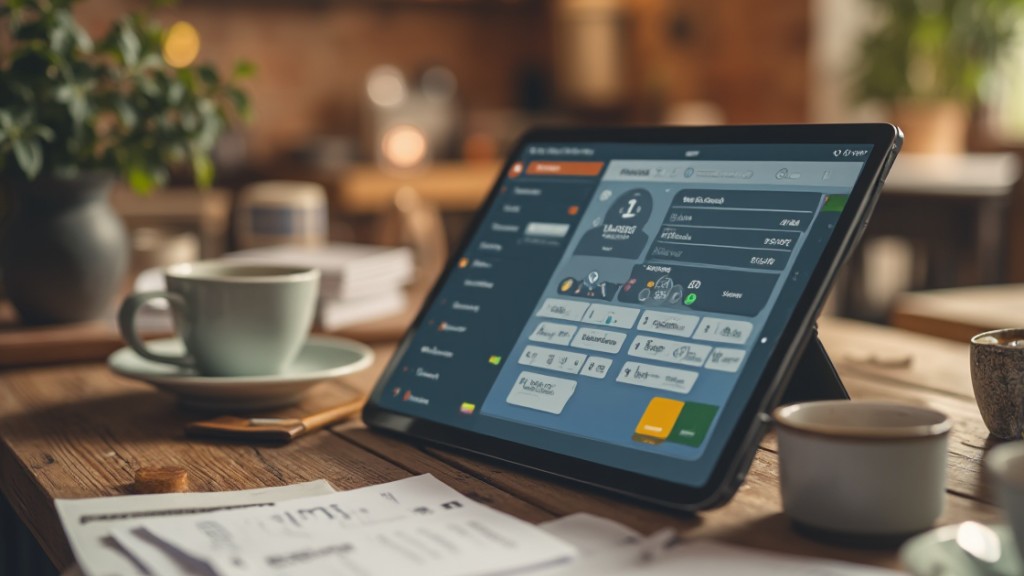
eHopper stands out as a versatile cash register system that caters particularly to small businesses, providing a free solution for those operating on a limited budget.
This free cash register is compatible with iPads, Android tablets, and Windows PCs, allowing you to choose the device that suits your business setup best. With eHopper, you can generate reports, manage employees, and process payments, making it ideal for small operations like bars and food trucks.
It supports multiple payment methods, enhancing customer convenience during transactions. Although the free version limits you to one cash register and 300 transactions per month, it still offers crucial features for low-volume operations.
Furthermore, eHopper includes tax management tools, ensuring you stay compliant and accurate in your financial reporting. Overall, eHopper provides a practical option for small business owners looking for affordable cash register solutions.
Ready2order
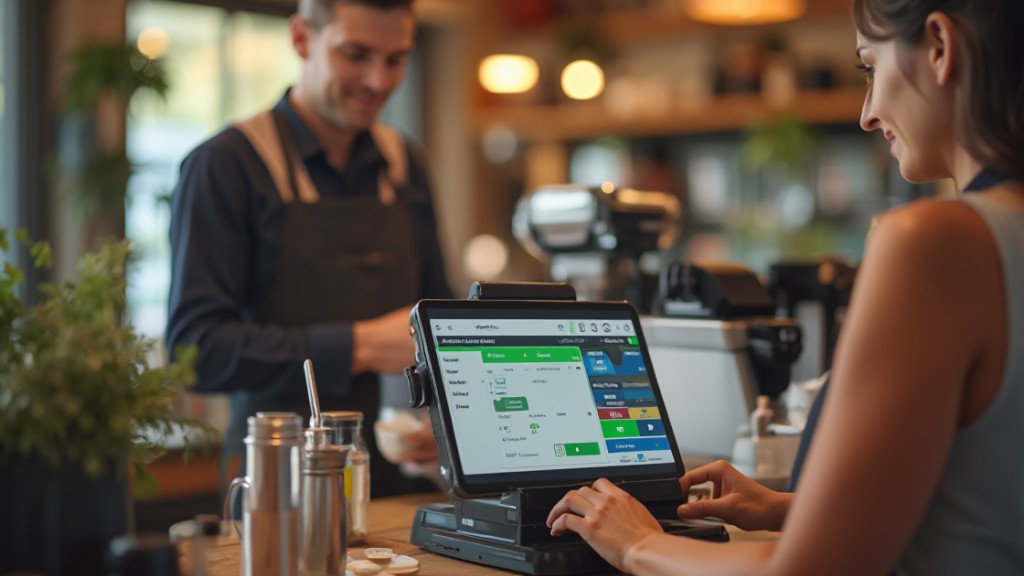
If you’re looking for a reliable cash register solution that complies with local regulations in Germany and Austria, Ready2order might be the right fit for you.
This cloud-based till register app is designed for smartphones, tablets, and PCs, offering flexibility for various business environments. Its intuitive user interface simplifies cash register operations, making it easy for your employees to use.
Key features of Ready2order include:
- Compliance with German and Austrian regulations
- Cloud-based accessibility for on-the-go management
- User-friendly interface that improves employee usability
- Crucial functionalities customized for small businesses
While Ready2order provides the necessary features, it’s wise to consult user reviews on OMR-Reviews for comparisons with other systems.
This way, you can verify that it meets your specific needs without extensive reporting capabilities or customer support limitations.
RoverCash

RoverCash stands out as a cloud-based POS solution customized for retail businesses, providing a straightforward approach to cash register operations. Its user-friendly interface simplifies transactions and inventory management, making it ideal for small shops and boutiques. With seamless payment processing and support for various payment methods, you’ll find it easy to cater to your customers.
Here’s a quick overview of RoverCash’s features:
| Feature | Description | Benefit |
|---|---|---|
| Sales Reporting | Offers detailed sales analytics | Helps track performance |
| Employee Management | Allows you to manage staff efficiently | Streamlines scheduling |
| Customizable Receipts | Tailors receipts to your brand | Improves customer experience |
| Cost | Starts at €30.00/month | Affordable for small retailers |
For those looking for an online cash register free solution, RoverCash provides a solid starting point with its extensive features.
Tiller

Tiller is a financial management software designed to integrate seamlessly with cash register systems, offering small businesses vital tools for budgeting and expense tracking.
As it aims to optimize your business operations, its low rating of 1.3 based on 9 reviews raises concerns about user satisfaction.
Here are some key features of Tiller:
- Barcode scanning for efficient inventory management
- Real-time reporting to keep track of sales and expenses
- Insights to improve your business’s financial health
- Compatibility with Windows point of sale software
With a paid version starting at €79.00 per month, you’ll want to evaluate if this fits your budget.
Tiller’s features are geared at streamlining processes and enhancing customer satisfaction, but weighing its cost against functionality is vital before making a decision.
Frequently Asked Questions

Is There an App That Acts Like a Cash Register?
Yes, there are several apps that function like cash registers.
These apps enable you to manage sales transactions and track inventory directly from your smartphone or tablet. They support various payment methods, including cash, cards, and digital options, ensuring flexibility for your customers.
Many offer real-time sales tracking, detailed reporting, and features like employee management. Most operate on a freemium model, allowing you to access basic functionalities for free during offering paid upgrades for more advanced features.
What Is the Best Payment App for Small Businesses?
When you’re looking for the best payment app for small businesses, consider options like Square and Zettle. They offer low transaction fees, multiple payment methods, and user-friendly interfaces.
These apps enable real-time sales tracking and inventory management, which can streamline your operations. Furthermore, many provide free plans, making them accessible for startups.
In the end, the right app will depend on your specific needs, sales volume, and budget constraints.
Is Cash App Good for Small Businesses?
Cash App can be a good choice for small businesses. It enables you to send and receive payments quickly, with instant transfers for a fee of 1.5% per transaction.
You’ll benefit from features like a unique QR code for payments and sales tracking capabilities. As there are no monthly fees, transaction fees can add up, especially with high sales volumes.
Its user-friendly interface and compatibility with various payment methods make it versatile for your needs.
What Is the Best POS System for Small Businesses?
When choosing the best POS system for your small business, consider factors like ease of use, pricing, and features.
Shopify POS thrives in inventory management and reporting, whereas Square Point of Sale offers a no-monthly-fee option.
If you need multi-store capabilities, Lightspeed POS is suitable, but Clover POS integrates employee management and analytics.
For a budget-friendly choice, Loyverse POS provides fundamental features at no cost, making it ideal for startups.
Conclusion

In summary, selecting the right cash register app for your small business can greatly improve your operations. Options like Square Point of Sale and Lightspeed cater to various needs, whereas Clover and Toast provide all-encompassing solutions for different industries. For those seeking cost-effective choices, Loyverse POS and Zettle offer excellent features without monthly fees. By evaluating your specific requirements, you can choose an app that streamlines transactions, manages employees, and in the end supports your business growth effectively.
Image via Google Gemini