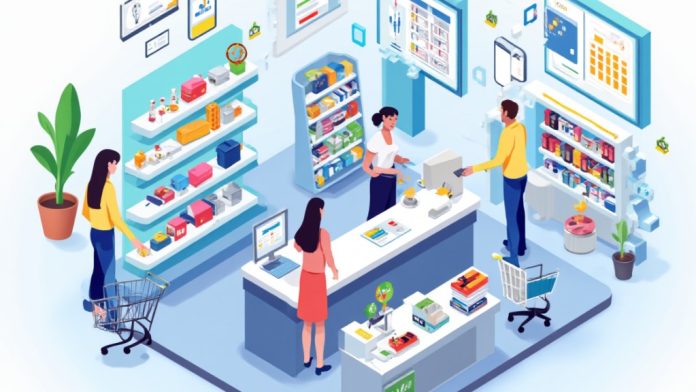
A Point of Sale (POS) system is crucial for modern retail and service businesses, streamlining transactions and inventory management. It combines hardware like cash registers and scanners with software that processes sales and tracks stock levels. As you scan items, the system calculates totals, processes payments, and updates inventory in real-time. Comprehending how each component works together can greatly improve your operational efficiency. Let’s explore the key elements that make a POS system effective.
Key Takeaways
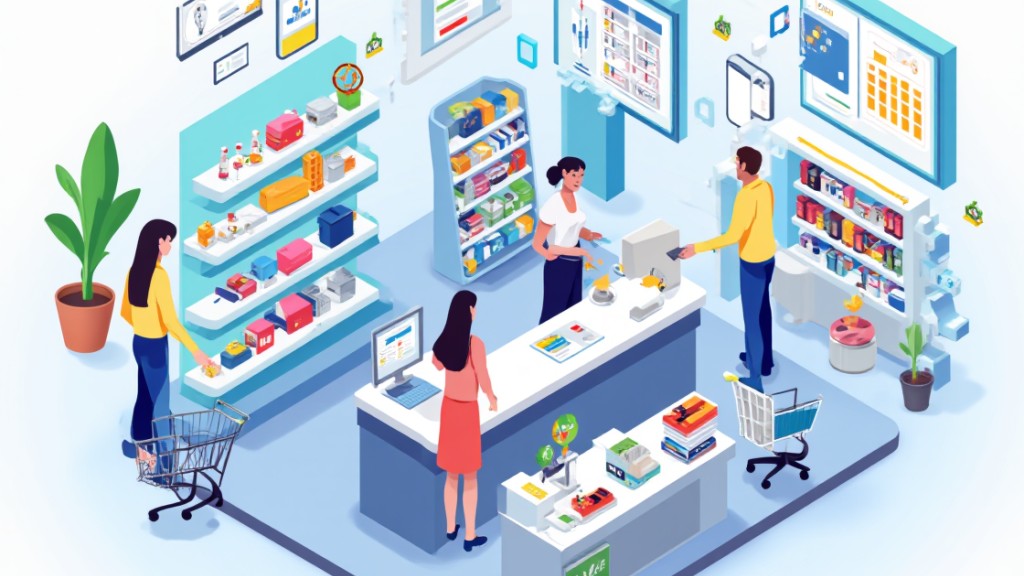
- A POS system processes transactions by scanning items or inputting details, calculating totals, and securely managing payment processing.
- After a sale, the system generates a receipt and updates inventory levels in real-time.
- Back office functions include sales analytics, employee management, and customer relationship management for improved business insights.
- POS systems automate tasks like inventory tracking and report generation, saving time and reducing manual errors.
- Integration with accounting and CRM tools ensures synchronized data for streamlined operations and enhanced marketing efforts.
What Is a POS System?
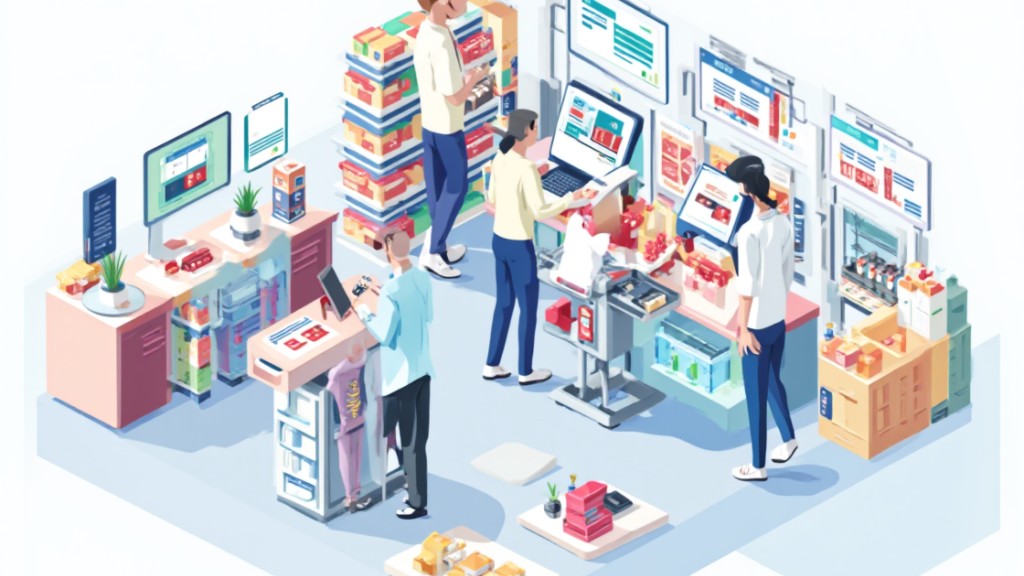
A Point of Sale (POS) system is vital for modern businesses, acting as the central hub where transactions occur. So, how does point of sale work? Fundamentally, it combines hardware and software to streamline sales, inventory management, and customer data.
When you use a POS system, it processes payments through various methods, including credit cards, debit cards, cash, and mobile payments, providing flexibility for your customers.
Curious about how does a point of sale system work? The software manages the transactions and generates sales reports, whereas the hardware includes important tools like barcode scanners, card readers, and cash drawers.
Furthermore, POS systems improve operational efficiency by automating inventory tracking and offering analytics that help in making informed business decisions. They additionally integrate seamlessly with other business tools, like accounting software and customer relationship management (CRM) systems, making your overall operations smoother and more effective.
Key Components of a POS System
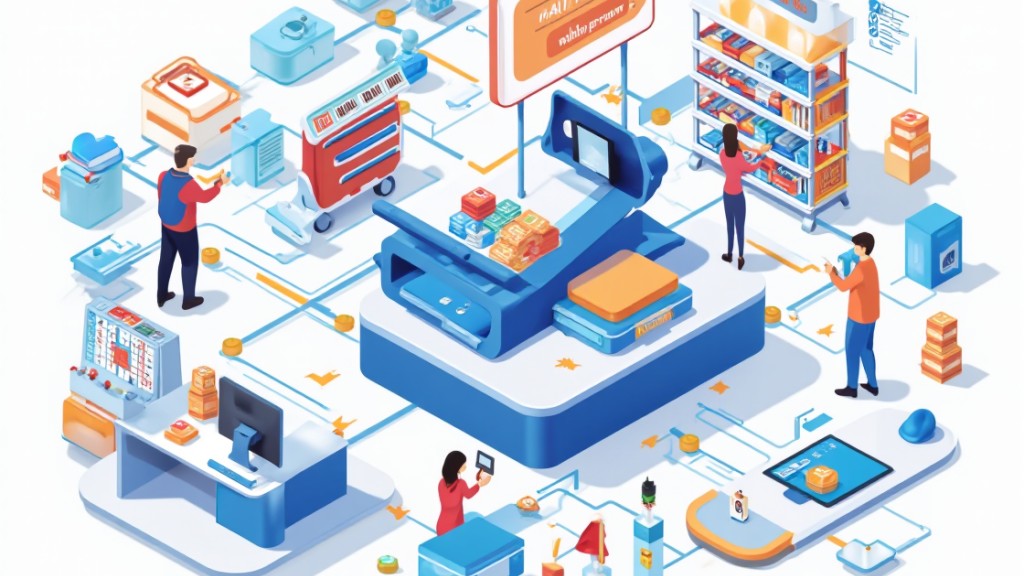
Key components of a POS system are vital for ensuring smooth and efficient transactions in any business. These components can be divided into two main categories: software and hardware. The software manages sales, inventory, and customer data, executing functions like calculating totals and integrating loyalty programs.
On the hardware side, you’ll find indispensable devices that facilitate the checkout process.
Here are the key components of a POS system:
- POS Software: Manages sales, inventory, and customer information.
- POS Terminals: The central hub where transactions take place.
- Barcode Scanners: Streamline product scanning for quicker checkouts.
- Receipt Printers: Provide customers with printed transaction records.
Cloud-based systems further improve functionality, requiring a reliable internet connection for real-time data access.
Comprehending these components helps you appreciate how a POS system supports business operations effectively.
How a POS System Works in the Checkout Process
During the checkout process, you’ll see the POS system in action as the cashier scans items or inputs details manually.
This system calculates your total, including taxes and discounts, ensuring you understand what you’re paying.
Once payment is processed, a receipt is generated, confirming the transaction and providing you with necessary details.
Item Scanning Process
When you check out at a store, the item scanning process kicks off with the cashier using a barcode scanner to read each product’s barcode. This action automatically inputs the item and its price into the POS system.
The system then:
- Calculates the total cost, including taxes and discounts.
- Updates inventory levels in real-time, reflecting the new stock after each sale.
- Allows cashiers to apply loyalty points if the customer is part of a loyalty program.
- Prepares a digital or printed receipt after payment is processed, documenting the transaction details.
This streamlined process guarantees accuracy, efficiency, and up-to-date inventory management, enhancing your overall shopping experience.
Payment and Receipt
As you approach the checkout, the payment and receipt process becomes a critical part of your shopping experience.
The POS system records your items by scanning barcodes or entering them manually, calculating the total cost with taxes and discounts included.
When you’re ready to pay, the system securely connects to a payment gateway, authorizing transactions for cash, credit cards, or mobile payments.
After processing your payment, the POS generates a receipt that details your purchases, total cost, and payment method, which can be printed or sent digitally.
Furthermore, the system updates inventory levels in real-time, ensuring accurate stock management.
If the store offers a loyalty program, you may likewise earn points during this checkout process.
Back Office Functions of a POS System
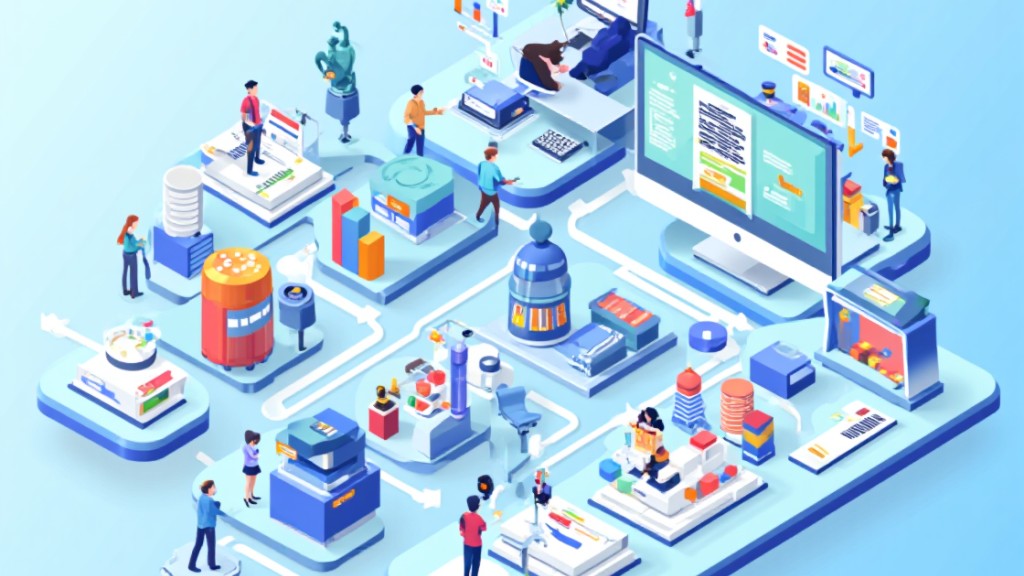
A POS system plays a crucial role in managing back office functions, particularly by automating inventory tracking, which helps you maintain accurate stock levels in real time. This capability prevents overstocking or stockouts, ensuring your business runs smoothly.
Furthermore, it offers valuable insights through detailed sales reports that highlight sales performance and customer purchasing behavior.
Here are some key back office functions of a POS system:
- Sales Analytics: Analyzes peak hours and customer trends for strategic decisions.
- Employee Management: Tracks staff hours, performance, and access permissions for better oversight.
- Customer Relationship Management: Integrates tools to analyze customer data for personalized marketing.
- Operational Efficiency: Reduces manual data entry, streamlining processes across your business.
Payment Processing in a POS System
Payment processing in a POS system simplifies the checkout experience by securely transmitting transaction data to a payment gateway for authorization and approval. This process guarantees that funds are transferred from the customer’s account to the merchant’s account efficiently. Your POS system supports various payment methods, including credit cards, debit cards, and mobile payments, providing flexibility during checkout.
| Payment Method | Description |
|---|---|
| Credit Card | Standard card payments |
| Debit Card | Direct bank account payments |
| Mobile Payments | Tap-to-pay via smartphones |
| Contactless Payments | Quick, secure transactions |
Additionally, card readers in POS systems facilitate contactless payments, enhancing transaction speed. After processing, the POS generates a receipt detailing the items purchased and the payment method used, serving as proof of purchase. Real-time inventory updates automatically reflect sales, aiding in efficient inventory management.
Benefits of Using a POS System
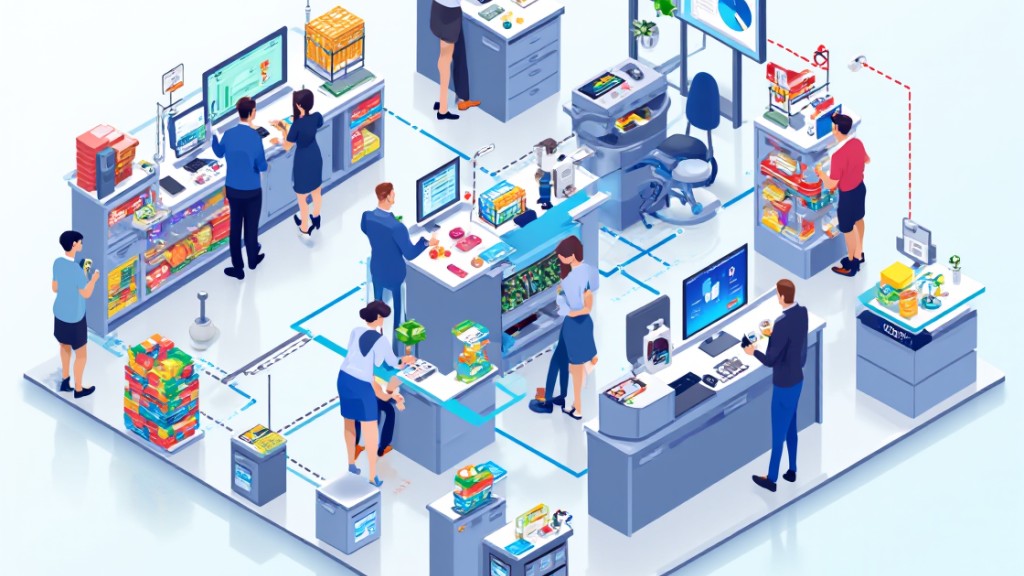
Grasping the benefits of using a POS system can greatly impact your business operations. Here are some key advantages:
- Transaction Efficiency: A POS system improves transaction speed and accuracy, reducing checkout errors.
- Time Savings: By automating tasks like inventory updates and sales reports, it streamlines operations, allowing you to focus on growth.
- Real-Time Inventory Tracking: You can avoid stockouts and overstocking, making informed decisions about restocking based on accurate data.
- Detailed Reporting: The analytics generated provide insights into sales trends, peak hours, and best-selling items, aiding in data-driven strategies.
Additionally, the flexibility of accepting various payment methods, including mobile and contactless options, boosts customer satisfaction and can improve your sales conversion rates.
Types of POS Systems
When choosing a point of sale system, you’ll encounter several types customized to different business needs.
Traditional POS systems provide a reliable setup for brick-and-mortar stores, whereas mobile POS options offer the flexibility of handling transactions anywhere.
Cloud-based solutions streamline operations with internet access, allowing for easy updates and scalability without extensive hardware requirements.
Cloud-Based POS Solutions
Cloud-based POS solutions have transformed how businesses manage sales and inventory, providing flexibility and accessibility like never before. These systems operate via the internet, allowing you to access your data from anywhere.
Here are some key benefits:
- Cost-Effective: They often come with subscription models ranging from $0 to $200 per month, making them affordable for small businesses.
- Reduced Maintenance: You eliminate the need for expensive physical servers, and updates are automatic.
- Real-Time Inventory: You can track stock levels and sales instantly, helping you make informed restocking decisions.
- Seamless Integration: Many systems integrate with accounting software and eCommerce platforms, streamlining your operations.
This efficiency ultimately improves your ability to manage your business effectively.
Mobile POS Options
Mobile POS options are revolutionizing the way businesses handle transactions and customer interactions. These systems utilize portable devices like tablets and smartphones, enabling you to process transactions anywhere, which increases flexibility and boosts customer engagement.
Typically, mobile POS systems connect wirelessly to payment processing hardware, such as card readers, allowing secure payments without needing a traditional cash register. They often include features like inventory management and customer relationship management (CRM) tools, streamlining operations and improving sales reporting.
Especially beneficial for businesses with multiple sales channels, these systems integrate easily with existing inventory and sales data across online and physical platforms. Many mobile POS applications offer cloud-based solutions, ensuring real-time access to current and accurate sales and inventory information.
Traditional POS Systems
Though mobile POS options have become increasingly popular due to their flexibility, traditional POS systems remain a staple in many retail and hospitality environments. These systems consist of hardware components that are physically installed on-site.
Here are some key features of traditional POS systems:
- Fixed Location: They require a static internet connection and operate in a designated area.
- Upfront Costs: Initial hardware investments can range from $600 to $4,000, with additional costs for servers and maintenance.
- In-Person Transactions: They primarily handle face-to-face sales, limiting online capabilities.
- Limited Scalability: Unlike cloud-based systems, they lack adaptability for growing businesses.
While they offer efficient transactions and inventory management, traditional POS systems may not meet the needs of all modern retailers.
Integrating Your POS System With Other Business Tools
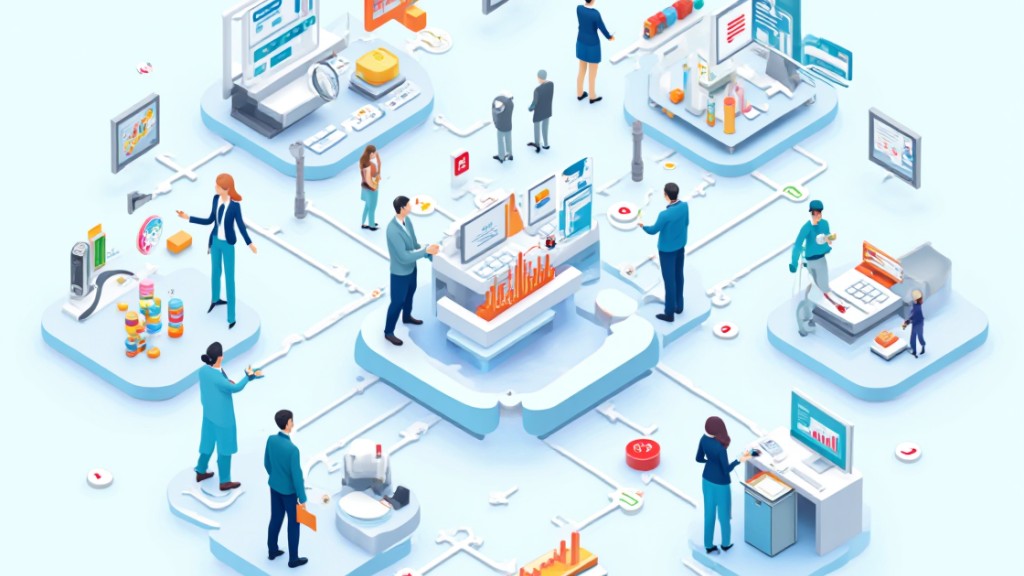
Integrating your POS system with other business tools can greatly improve your operational efficiency and data accuracy. When you connect your POS with accounting software, it automatically syncs sales and expense data, reducing manual entry errors and simplifying financial management.
Linking your POS to inventory management tools provides real-time tracking of stock levels, which helps prevent stockouts and overstocking. Moreover, integrating with Customer Relationship Management (CRM) systems allows you to track customer purchase history and preferences, enhancing your targeted marketing efforts and improving customer retention.
An integrated POS system likewise streamlines tax preparation by generating tax reports based on your sales data, making compliance easier. In addition, seamless integration with eCommerce platforms lets you manage both in-store and online sales from a single system, offering a unified view of inventory and customer data across all channels, ultimately boosting your business’s overall performance.
Frequently Asked Questions

How Does the POS System Work Step by Step?
To understand how a POS system works, you start by scanning or entering items into the system.
It calculates the total price, including taxes and discounts, then processes your payment through a secure method.
Once payment’s confirmed, the system updates inventory levels and generates a detailed receipt for your records.
Finally, it collects sales data, helping businesses analyze customer preferences and improve decision-making over time, ensuring efficient operations.
What Is the Disadvantage of POS?
One significant disadvantage of POS systems is their high initial setup cost, which can burden small businesses.
Training staff on these systems often takes time, causing operational delays.
Furthermore, technical issues like software glitches can disrupt sales, negatively affecting customer satisfaction.
Integration problems with existing software may lead to data inconsistencies, requiring manual corrections.
Finally, there are data security risks; sensitive customer information could be exposed to cyberattacks, potentially damaging trust and leading to financial penalties.
What Is Point of Sale and How Does It Work?
A point of sale (POS) system is where retail transactions occur, integrating hardware and software to streamline the checkout process.
You scan or input items, and the system calculates the total cost, including taxes. It connects to payment processors for secure transactions via cash, cards, or mobile payments.
After processing, you receive a receipt, and the system tracks sales and inventory, providing valuable data for business insights and customer preferences.
How Much Does a Point of Sale System Cost per Month?
When considering the cost of a point of sale (POS) system, expect monthly fees to vary greatly.
Cloud-based systems typically range from $0 to $200, whereas traditional systems can cost $70 to $300 monthly, plus upfront hardware expenses.
You might likewise face installation fees and recurring payment processing charges.
Some providers offer free software, but ongoing support and updates could lead to subscription fees.
Assess your specific needs to determine the best option.
Conclusion
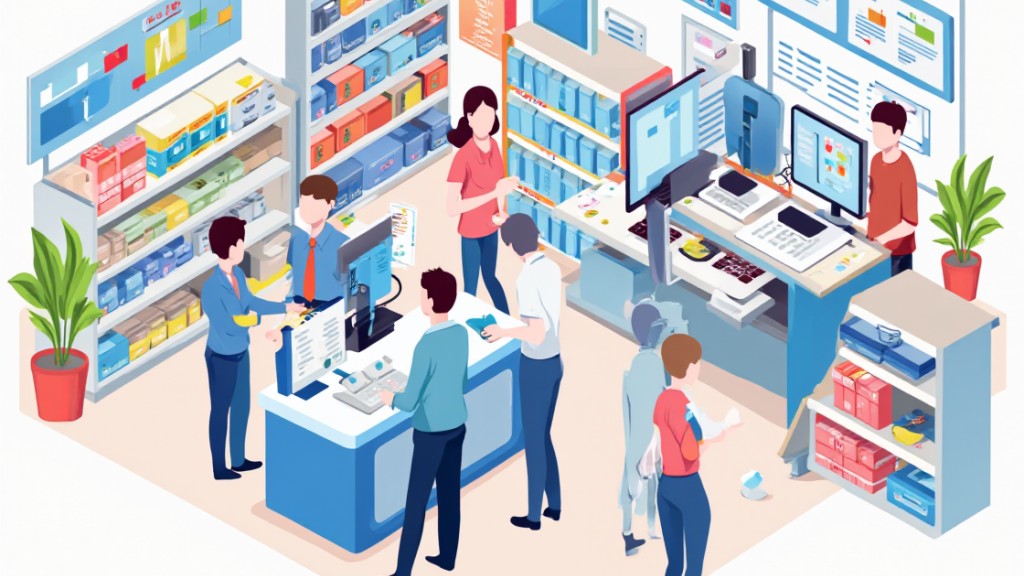
In conclusion, comprehending how a POS system operates is fundamental for any business. By integrating hardware and software, it streamlines transactions, manages inventory, and provides valuable analytics. The checkout process is efficient, with secure payment processing and real-time inventory updates. Furthermore, the versatility of POS systems allows for integration with other business tools, enhancing overall operations. Adopting a POS system can lead to improved customer experiences and informed decision-making, making it a crucial asset for modern businesses.
Image via Google Gemini