In terms of managing your finances at home, choosing the right accounting software can make a significant difference. Several options cater to different needs, from freelancers seeking free invoicing tools to small businesses in need of thorough bookkeeping solutions. Each program offers unique features, like automated invoicing or offline capabilities, making it crucial to find one that fits your specific requirements. Let’s explore these top 10 accounting programs to help you streamline your financial management.
Key Takeaways
- Wave offers free invoicing and expense tracking, making it ideal for freelancers and small business owners working from home.
- Zoho Books provides a free plan perfect for micro businesses, automating invoicing and payment reminders.
- GnuCash is an open-source software that is free to use, offering comprehensive financial reporting for effective home financial management.
- Manager allows offline access to financial data at no cost, suitable for personal finance management and small home-based businesses.
- Akaunting offers exceptional customization options, catering to freelancers and larger enterprises with unique accounting needs.
Wave: Best Free Accounting Software for Invoicing and Estimates
When you’re looking for a reliable and cost-effective accounting solution, Wave stands out as the best free accounting software for invoicing and estimates.
It’s particularly suited for freelancers and small business owners who need efficient accounting apps for Mac. With Wave, you can manage an unlimited number of customers and transactions without any monthly fees, making it a smart choice for tight budgets.
The mobile app allows you to create and send invoices on-the-go, track payments, and access financial reports directly from your smartphone, enhancing convenience.
Furthermore, Wave includes features like receipt scanning and expense tracking, so you can keep all your financial information organized in one place.
As a cloud-based solution, it guarantees your data is secure and accessible from anywhere, whether at home or traveling. This makes it one of the top small business accounting programs for Mac and an excellent option for personal accounting software for Mac users.
Zoho Books: Best Free Bookkeeping Software for Micro Businesses
Zoho Books emerges as one of the best free bookkeeping software options for micro businesses, especially those earning $50,000 or less annually. This platform offers a free plan for one user and an accountant, allowing you to manage up to 1,000 invoices and track 1,000 expenses each year.
With its user-friendly interface, Zoho Books simplifies your financial tasks, making it ideal for small business owners without a strong accounting background.
Key features include:
- Automation of recurring invoicing and payment reminders
- Integration with other Zoho applications and third-party services
- Robust mobile apps for iOS and Android for on-the-go management
- Extensive financial reporting tools
- Easy expense tracking and categorization
As one of the top accounting programs for home use, Zoho Books stands out as effective bookkeeping software for home use, ensuring you maintain your financial health effortlessly.
ZipBooks: Best Free Accounting App for Unlimited Contacts and Payments
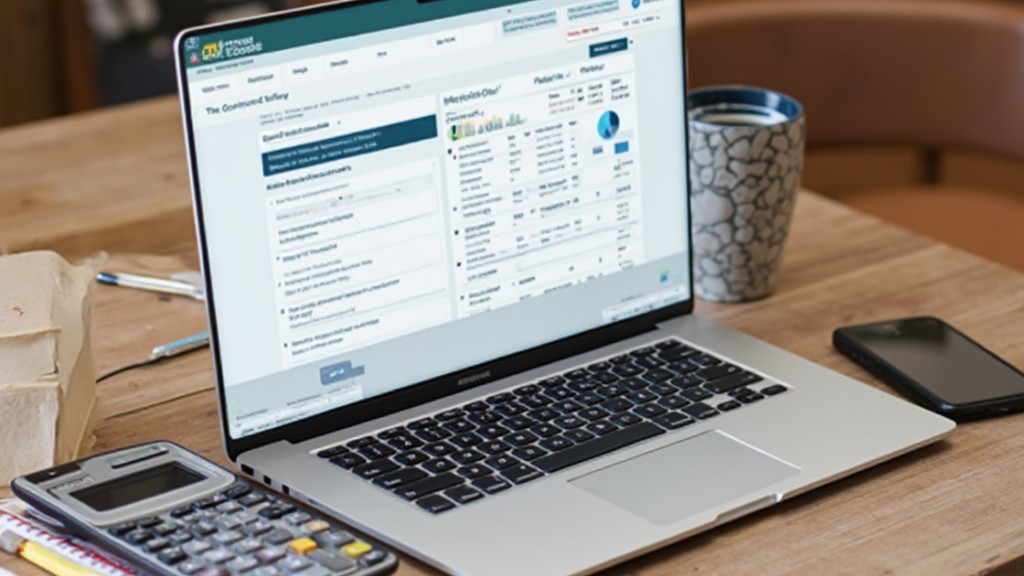
ZipBooks stands out as a top choice for freelancers and small businesses with its free plan that offers unlimited invoicing and contact management.
You can easily process payments through integrations with platforms like Square and PayPal, making it convenient to get paid quickly.
Plus, its user-friendly interface combines crucial features like time tracking and project management, ensuring you have all the tools you need at your fingertips.
Unlimited Invoicing Features
For small business owners and freelancers, managing invoices can often feel overwhelming, but using a tool like ZipBooks simplifies this process considerably. This free accounting app offers unlimited invoicing, which means you can create and send invoices without worrying about contact limits or payment restrictions.
Key features include:
- Seamless payment integrations with Square and PayPal
- Expense tracking with receipt attachments
- User-friendly interface for easy navigation
- Project tracking to manage multiple clients
- Automatic payment reminders to improve cash flow
As one of the top accounting programs for Mac users, ZipBooks effectively combines functionality with simplicity, making it an excellent choice for those needing personal checkbook software.
This allows for better financial management without the hassle of complicated accounting packages for Mac.
Payment Processing Options
In regards to payment processing, having reliable options can greatly improve your business’s cash flow and efficiency.
ZipBooks, an excellent choice for macintosh small business accounting software, offers a free plan that allows you to manage unlimited contacts and process an unlimited number of payments. By integrating with Square and PayPal, it makes receiving payments straightforward within the app.
You can likewise attach receipts to expenses, track project time, and manage invoicing effectively. Furthermore, ZipBooks includes custom reminder emails for late payments, helping you stay on top of accounts receivable.
These features augment your overall expense management, ensuring that your financial processes remain streamlined and efficient, ultimately benefiting your small business.
User-Friendly Interface
How can a user-friendly interface improve your accounting experience? With ZipBooks, you’ll find that its intuitive design makes managing your finances simple and efficient.
Here are some key features that improve usability:
- Unlimited Contacts and Payments: Manage as many clients as you need without additional costs.
- Easy Navigation: Access all functions with minimal effort, regardless of your accounting background.
- Receipt Attachment: Organize expenses effectively by attaching receipts directly in the app.
- Customizable Payment Reminders: Stay on top of accounts receivable with customized reminder emails for late payments.
- Project Tracking: Link time entries and budgets to specific projects, perfect for freelancers and small businesses.
ZipBooks truly streamlines your accounting tasks, making it accessible and straightforward.
NCH Express Accounts: Best Free Desktop Software for Small Teams
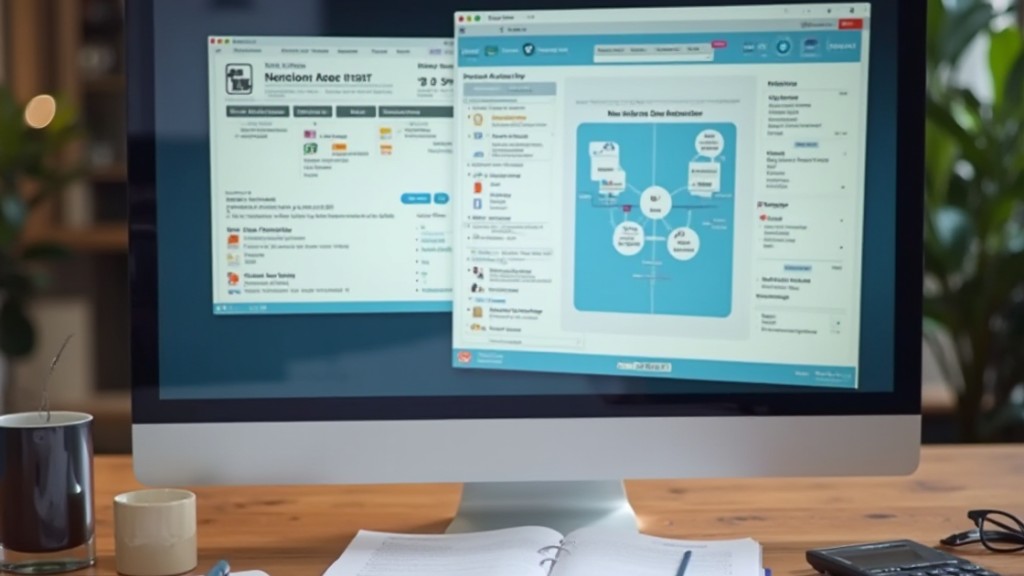
NCH Express Accounts stands out as a free desktop accounting software customized for small teams, particularly those with up to five employees.
With features like automated order and invoice creation, along with over 20 financial reports, it streamlines your financial processes and provides crucial insights for decision-making.
This software is especially useful for micro-businesses and startups that need user-friendly tools for expense tracking, bank reconciliation, and customizable invoicing options.
Key Features Overview
Small businesses often need efficient tools to manage their finances, and NCH Express Accounts stands out as an excellent free desktop accounting software option for teams with up to five employees.
This software offers several key features that improve financial management:
- Automated invoicing and order generation to streamline bookkeeping processes.
- Access to over 20 financial reports, providing insights into business performance.
- Multi-currency support, making it suitable for international transactions.
- Compatibility with both Windows and macOS, ensuring flexibility for various users.
- User-friendly interface, which simplifies navigation and financial tracking.
With these features, NCH Express Accounts helps small teams maintain organized and efficient financial operations, allowing you to focus on growing your business.
Ideal User Scenarios
For teams operating with a limited workforce, NCH Express Accounts proves to be an advantageous choice in various scenarios. This software is perfect for small businesses with up to five employees, offering a free solution that won’t strain your budget. You can automate orders and invoices, saving time on manual tasks. With over 20 financial reports available, you’ll gain valuable insights into your financial health. Furthermore, it supports multiple currencies, making it ideal for teams with international dealings. The user-friendly interface requires minimal training, allowing your team to manage accounting tasks effectively.
| Scenario | Benefit |
|---|---|
| Small Team (up to 5) | Free software option |
| Automating Invoices | Saves time on manual entry |
| Financial Reporting | Informed decision-making |
| Multi-Currency Support | Engages with international clients/suppliers |
| User-Friendly Interface | Minimal training required |
Akaunting: Best Open-Source Accounting Software for Customization
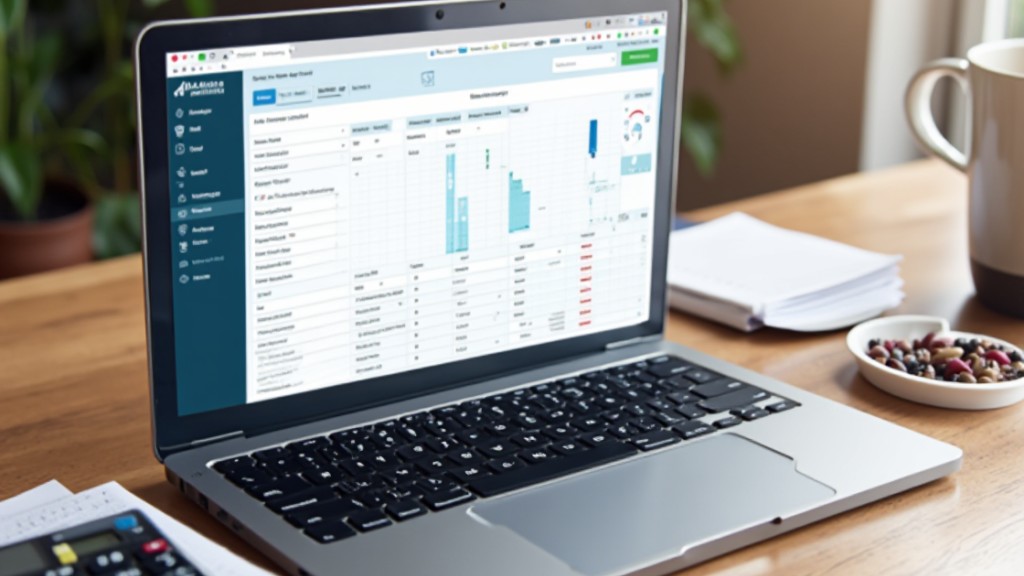
When you’re looking for an accounting solution that offers exceptional customization, Akaunting stands out as a premier open-source software option. This platform caters to your unique business needs, ensuring you can tailor your accounting experience.
Its features include:
- Unlimited invoicing and expense management for businesses of all sizes
- Multi-currency and multi-language support, ideal for international operations
- A user-friendly interface that simplifies tracking income and expenses
- Effortless report generation for informed decision-making
- Additional modules and extensions to improve functionality as your business grows
With Akaunting, you’ll experience flexibility that proprietary software often lacks. You can modify and expand your accounting processes, making it a perfect choice whether you’re a freelancer or manage a larger enterprise.
BrightBook: Best Free Online Accounting Software for Creative Freelancers
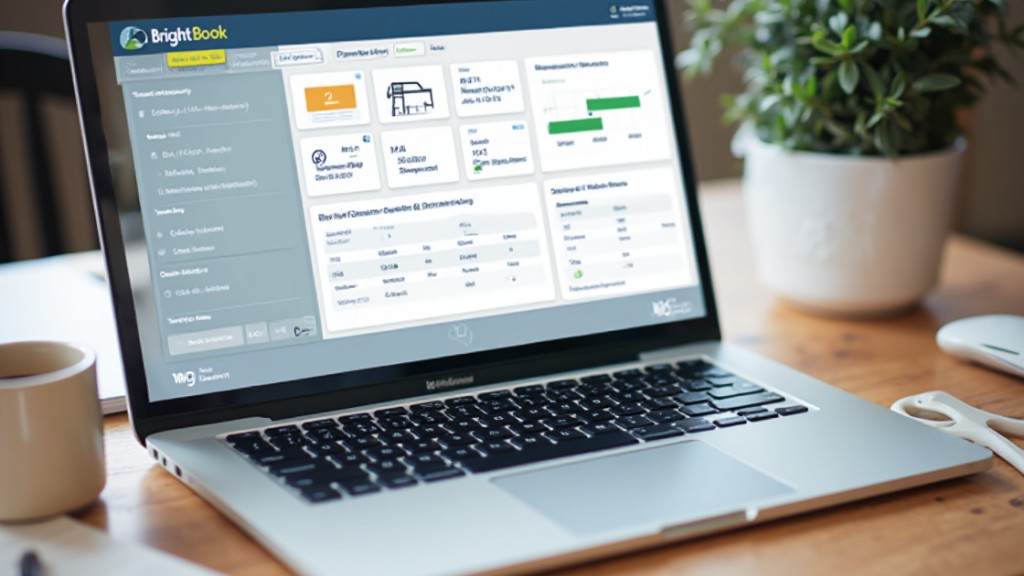
As businesses grow and evolve, so do their accounting needs, which can lead some to seek specialized solutions. BrightBook stands out as the best free online accounting software customized particularly for creative freelancers.
This platform provides vital tools for invoicing and expense tracking, allowing you to manage your finances without unnecessary complexity. With BrightBook, you can create professional-looking invoices and track payments, ensuring you get paid on time for your creative work.
The software supports multiple currencies, making it ideal for freelancers working with international clients. Its user-friendly interface simplifies the accounting process, letting you focus more on your creative projects rather than getting bogged down by bookkeeping tasks.
Additionally, basic bill and expense tracking features help you maintain financial organization, making BrightBook a practical choice for freelancers looking to streamline their accounting without breaking the bank.
Manager: Best Free Linux Accounting Software With Offline Access
Manager stands out as one of the best free accounting software options for Linux users, offering robust offline access to financial data without any subscription fees. This software is perfect for small businesses and personal finance management, providing crucial features to help you stay organized.
Key features include:
- Unlimited invoicing and expense tracking
- Support for multiple companies
- Double-entry bookkeeping for accuracy
- Customizable invoices to meet your needs
- Extensive financial reporting capabilities
The user-friendly interface allows for easy navigation through various accounting functions, making it straightforward to generate reports.
Regular updates keep Manager relevant, ensuring you benefit from new features and improvements as they become available. With its combination of functionality and ease of use, Manager is an excellent choice for those looking to manage their finances efficiently on Linux.
Odoo: Best Free Accounting Software for Profit Tracking and Budgeting
For those seeking a strong solution to manage finances effectively, Odoo emerges as a top choice, especially for profit tracking and budgeting. This free accounting module supports unlimited users, making it perfect for home-based businesses and freelancers.
With real-time financial reporting, you can seamlessly track profits, expenses, and guarantee you’re sticking to your budget.
Odoo offers crucial features like invoicing, expense management, and bank reconciliation, simplifying your financial management process. Its customizable nature allows you to tailor the accounting module to fit your specific business needs, accommodating various accounting practices.
Additionally, Odoo integrates with other modules, such as inventory and sales, providing a thorough solution for monitoring profitability and budgeting all in one place.
LedgerSMB: Best Free ERP Accounting Software for Growing Businesses
LedgerSMB stands out as one of the best free ERP accounting software options for growing businesses, providing a robust suite of tools that address various financial needs.
As an open-source platform, it offers flexibility and strong community support, making it an excellent choice for your organization.
Here are some key features:
- Extensive accounting and budgeting functionalities
- Inventory management capabilities for efficient stock control
- Support for multiple currencies, ideal for diverse markets
- Sales and purchase order management to streamline operations
- Robust reporting tools for detailed financial insights
With LedgerSMB, you can customize your accounting processes, ensuring they align with your business model.
The platform enables you to generate financial statements and performance reports, aiding strategic decision-making.
GnuCash: Best Free Desktop Accounting Software for Data Privacy
GnuCash stands out as a top choice for anyone concerned about data privacy, as it allows you to store your financial information locally rather than in the cloud.
This open-source software not only prioritizes user privacy but furthermore offers extensive financial reporting features, making it suitable for personal and small business use.
In addition, with its customizable options, you can tailor the program to meet your specific accounting needs effectively.
User Privacy Focus
How can you guarantee your financial data remains private during effectively managing your accounting needs?
With GnuCash, you can prioritize user privacy by keeping your financial information stored locally on your desktop. This open-source software eliminates the need for cloud storage, giving you full control over your data.
Here are some key features that improve user privacy:
- Double-entry bookkeeping to accurately track your income, expenses, and investments.
- Customizable reports to meet your specific accounting needs.
- Scheduled transactions for effortless financial management.
- Multi-currency support for international transactions.
- Free usage, minimizing costs associated with other commercial software.
Comprehensive Financial Reporting
In relation to managing your finances effectively, detailed financial reporting is crucial for grasping your financial health.
GnuCash, as an open-source desktop accounting software, shines in this area by offering extensive reporting capabilities during data privacy. With support for double-entry bookkeeping, you can maintain accurate records and generate vital reports such as profit and loss statements, balance sheets, and cash flow statements.
GnuCash furthermore allows you to track multiple currencies and manage bank accounts, stocks, income, and expenses securely. You can schedule recurring transactions and create customizable financial reports, giving you deeper insights into your financial situation.
Available for Linux, macOS, and Windows, GnuCash provides a versatile, offline solution for your home accounting needs.
Open-Source Customization Options
Regarding managing your finances, the ability to customize your accounting software can greatly improve your experience and effectiveness.
GnuCash, as an open-source solution, offers you numerous customization options that cater to your specific needs:
- Double-entry bookkeeping to track income and expenses accurately.
- Multi-currency support for users dealing with international transactions.
- Local data storage guarantees your financial information remains private and secure.
- Comprehensive reporting tools help you generate balance sheets, profit-loss statements, and cash flow reports.
- Cross-platform compatibility makes it accessible on Linux, macOS, and Windows.
These features allow you to tailor GnuCash to fit your financial management style, guaranteeing you can maintain control over your financial data efficiently.
Frequently Asked Questions
What Is the Easiest Home Accounting Software to Use?
When searching for the easiest home accounting software, consider options like Wave, which offers free invoicing and expense tracking with a user-friendly app.
ZipBooks simplifies navigation with unlimited invoicing and bank integration. FreshBooks provides an intuitive interface for invoicing and project management, whereas QuickBooks Online stands out for its straightforward dashboard and TurboTax integration.
GnuCash, though complex, is a solid choice if you prefer detailed financial reporting and are familiar with double-entry bookkeeping.
What Is the Most Widely Used Accounting Software?
The most widely used accounting software is QuickBooks, boasting over 4.5 million subscribers as of 2023. Its user-friendly interface and extensive features make it ideal for small businesses looking to manage finances efficiently.
Xero follows closely, with real-time reporting functionalities favored by many small to medium enterprises. FreshBooks likewise stands out for its invoicing capabilities, whereas Wave offers a free solution, attracting freelancers and small business owners seeking cost-effective options.
Is There a Free Accounting Software for Personal Use?
Yes, there are several free accounting software options for personal use.
Wave allows unlimited invoicing and expense tracking, making it user-friendly for individuals.
GnuCash is an open-source tool that supports double-entry bookkeeping, ideal for those who prefer desktop applications.
ZipBooks offers basic expense tracking and invoicing, whereas Akaunting provides customizable features for managing finances.
BrightBook is great for freelancers, offering crucial bill tracking and multi-currency support without any cost.
Can You Use Accounting Software for Personal Use?
Yes, you can definitely use accounting software for personal use.
Many programs, like Mint and YNAB, offer features particularly for managing personal finances, such as budgeting tools and expense tracking.
Furthermore, free options like ZipBooks allow you to categorize expenses and generate reports easily.
Most software includes features like bank synchronization, providing you with insights into your financial health.
You can explore these tools through free trials or versions without any commitment.
Conclusion
In conclusion, choosing the right accounting program for home use depends on your specific needs, whether you’re a freelancer, micro business, or managing a small team. Programs like Wave and Zoho Books offer user-friendly solutions at no cost, whereas others like GnuCash and Manager provide robust offline capabilities. By considering factors such as customization, payment integrations, and reporting features, you can select an accounting software that effectively supports your financial management needs.
Image via Google Gemini