


Key Takeaways

- No-Code Revolution: No-code platforms enable anyone to create apps without programming knowledge, simplifying app development and fostering creativity.
- User-Friendly Design: Most no-code tools feature intuitive drag-and-drop interfaces and pre-built templates, making it easy for users to design and launch applications quickly.
- Cost and Time Efficiency: Utilizing no-code solutions can significantly reduce development costs and time to market, allowing small businesses to innovate without hiring expensive developers.
- Diverse Application Types: No-code platforms support the creation of various apps, including mobile apps for procurement and performance management, and web apps for CRM and e-commerce.
- Essential Considerations: When choosing a no-code tool, assess your app’s purpose, ease of use, essential features, pricing, and available community support to maximize development efficiency.
- Iterative Development: Regular testing and user feedback throughout the app development process are crucial for refining features and ensuring optimal performance tailored to business needs.
In today’s fast-paced digital world, creating apps has never been easier. You don’t need to be a coding wizard to bring your ideas to life. With the rise of no-code platforms, anyone can design and launch an app that meets their needs without writing a single line of code.
These user-friendly tools empower you to focus on creativity and functionality rather than getting bogged down by technical jargon. Whether you’re a small business owner looking to streamline operations or an entrepreneur with a groundbreaking idea, no-code apps offer a simple solution to turn your vision into reality. Dive into the world of app development without the coding hassle and unlock endless possibilities for innovation.
Overview of Apps Without Coding

Apps without coding empower you to create functional tools without technical expertise. These platforms simplify app development by providing user-friendly interfaces, drag-and-drop features, and pre-built templates. This accessibility benefits small business owners by streamlining the process, enabling you to focus on your business goals.
You can design and deploy various applications, from customer management tools to e-commerce platforms. No-code solutions eliminate the need for extensive programming knowledge, allowing you to harness your creativity and showcase your brand effectively. Engaging with these platforms fosters innovation, giving you the freedom to experiment with your ideas.
For small businesses, the advantages of using no-code apps include cost savings and reduced time to market. You avoid hiring expensive developers, which can strain budgets. Instead, you can launch your app ideas quickly, respond to customer feedback in real-time, and adapt your offerings to meet market demands. By leveraging apps without coding, you’re empowered to enhance your business operations effortlessly.
Popular No-Code Platforms

No-code platforms offer small businesses an efficient way to build applications without requiring programming skills. Here are some of the leading no-code solutions available.
Key Features
- User-Friendly Interface: Most platforms provide intuitive drag-and-drop functionalities, allowing you to design applications visually.
- Pre-Built Templates: Leverage customizable templates to jumpstart your projects, saving you time and effort.
- Integration Options: Connect your app with popular tools like Zapier and Airtable, enhancing your operational flexibility.
- Rapid Development: Quickly deploy web applications, enabling you to respond to market demands faster.
Advantages of Using No-Code Platforms
- Cost-Effective: Eliminate the need for hiring expensive developers, significantly reducing your project’s budget.
- Faster Time to Market: Launch apps more quickly than traditional methods, giving you a competitive edge.
- Focus on Creativity: Concentrate on the functionality and design of your app instead of coding complexities.
- Adaptability: Easily update and modify features based on user feedback and changing market conditions, improving customer satisfaction.
Utilizing these no-code platforms helps streamline your app development, fostering innovation while you run your small business.
Types of Apps You Can Create
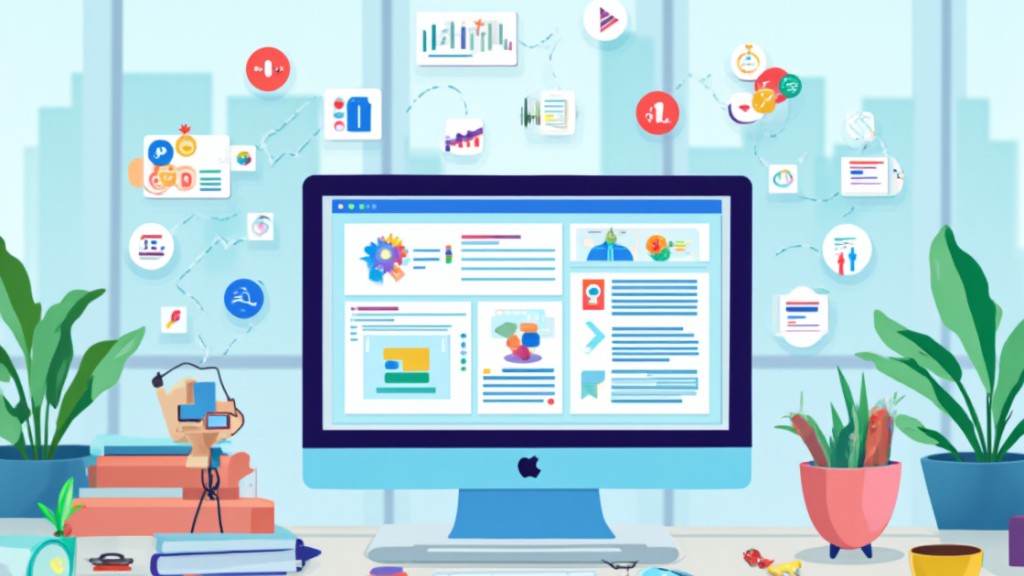
No-code platforms empower you to create various types of applications, making it easier for you to manage and enhance your small business operations. Focused on usability, these platforms allow you to bring your ideas to life without extensive coding knowledge.
Mobile Apps
Mobile apps streamline many aspects of running a small business. Below are four essential types you can create:
- Procurement Apps: Automate your source-to-pay cycle, helping manage spending, generate invoices, make payments, and handle contracts more efficiently.
- Performance Management Systems: Track employee performance, support informed staffing decisions, and promote a merit-based culture within your organization.
- OKR (Objectives and Key Results) Systems: Facilitate collaborative goal-setting, align your team’s priorities, and enhance employee engagement through structured frameworks.
- IT Asset Management Systems: Effectively track, deploy, maintain, and dispose of IT assets, reducing costs and ensuring compliance with regulations.
Web Applications
Web applications offer additional functionality tailored to your small business needs. Consider developing these types:
- Customer Relationship Management (CRM) Systems: Centralize customer data, track interactions, and manage relationships, enhancing customer engagement and satisfaction.
- E-commerce Platforms: Build a user-friendly online store that allows you to showcase products, manage inventory, and process transactions seamlessly.
- Project Management Tools: Organize tasks, assign responsibilities, and monitor project progress, making collaboration easier among your team members.
- Survey and Feedback Tools: Collect valuable customer insights and feedback to inform your business strategy and improve service offerings.
By leveraging no-code platforms for both mobile apps and web applications, you simplify the process of running a small business while enhancing productivity and engagement.
How to Choose the Right No-Code Tool

Choosing the right no-code tool for your app development needs involves several factors tailored to running a small business. Here are key points to consider:
Purpose and Use Case
- Identify your app type: Consider if you want to build mobile apps or web apps. For mobile app development, platforms like Adalo, Glide, and AppGyver excel. For web applications, Bubble, Webflow, and Softr are ideal, with Webflow offering a design-centric approach while Bubble provides robust backend and frontend features. If you aim to create conversational apps, Voiceflow specializes in developing voice assistants and chatbots.
Ease of Use
- Assess technical expertise: Determine your comfort level with technology. For beginners, tools such as Glide, Adalo, and Thunkable are user-friendly and accessible to anyone with little to no coding experience. These platforms simplify the app development process, letting you focus on enhancing your small business operations.
Features and Integrations
- Evaluate essential features: Look for no-code tools that offer pre-built templates, drag-and-drop interfaces, and integration capabilities with other software. Features like these streamline app creation, enabling you to launch apps quickly and adapt based on customer feedback.
Cost and Budget
- Compare pricing models: Analyze costs associated with various no-code platforms. Choose tools that offer the best features at a price point that fits your small business budget. Cost-effectiveness plays a crucial role in maximizing your return on investment as you develop apps tailored to your needs.
Community Support and Resources
- Research community and learning resources: A strong user community and abundant resources like tutorials and forums can significantly enhance your experience with no-code tools. This support can assist you in troubleshooting issues and discovering best practices.
These considerations will help you select a no-code tool that aligns with your goals, supports your small business initiatives, and boosts your operational efficiency.
Tips for Building Apps Without Coding
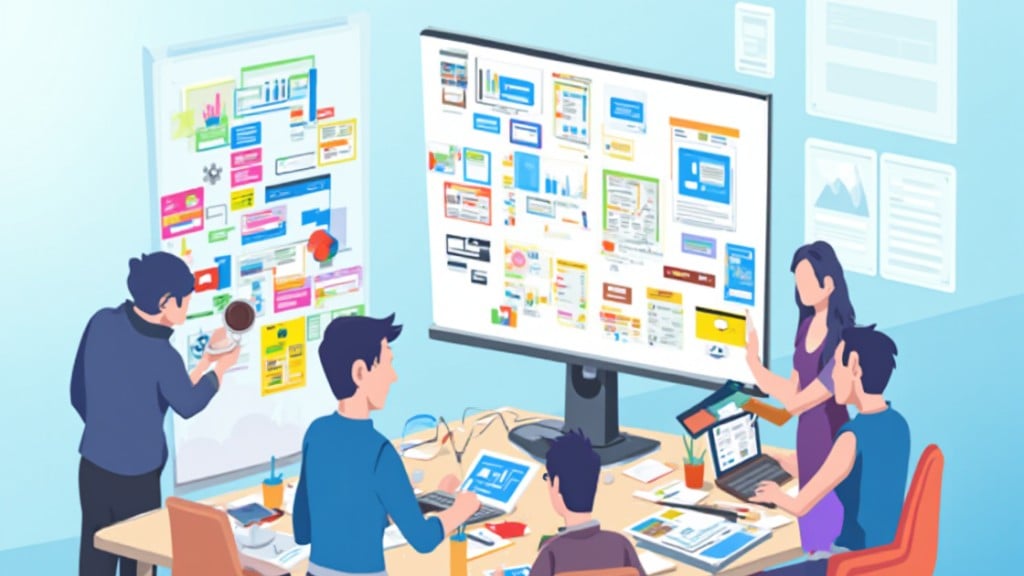
- Choose the Right Platform: Select a no-code app builder aligned with your small business needs. Consider the platform’s reputation, user interface, cost, and available customization options. Popular choices include Microsoft Power Apps, Adalo, Bubble, Glide, and BuildFire.
- Utilize Visual Editors and Drag-and-Drop Tools: Leverage simple visual editors and drag-and-drop functionalities offered by no-code builders. These tools enable you to easily customize your app’s design, text, colors, and other elements without coding. Changes appear in real-time on an emulator, simplifying the development process.
- Select Templates: Speed up your app development by using pre-designed templates. Templates cater to various app types, such as HR apps, procurement apps, and performance management systems, allowing you to launch your app faster.
- Focus on Functionality: Prioritize essential features that enhance your small business operations. Identify which functionalities your app must include to address specific needs, such as customer management, project tracking, or sales monitoring.
- Test Your App Regularly: Conduct regular testing throughout development to identify issues early. Gather feedback from users to refine features and ensure your app meets the practical needs of running a small business.
- Integrate with Other Tools: Maximize your app’s effectiveness by integrating it with existing tools and platforms. Look for no-code builders to enhance your business workflows.
- Gather User Feedback: Actively seek feedback from users to optimize your app’s performance. Responding to user input allows you to make necessary adjustments and improve user experience, directly benefiting your small business operations.
By following these tips, you can effectively create an app tailored to assist in running your small business, enhancing functionality and customer engagement without needing coding expertise.
Conclusion

Embracing no-code platforms can transform your approach to app development. You no longer need to be a coding expert to bring your ideas to life. With intuitive interfaces and pre-built templates at your fingertips, the process becomes not just simpler but also more enjoyable.
By leveraging these tools, you can focus on what truly matters—creating functional applications that meet your business needs. The ability to adapt quickly to market demands without the burden of complex coding opens up a world of possibilities.
So why wait? Dive into the realm of no-code development and unlock your potential to innovate and streamline your operations effortlessly. Your next great app could be just a few clicks away.
Frequently Asked Questions

What are no-code platforms?
No-code platforms are tools that allow users to create applications without needing to write any code. They feature intuitive interfaces and drag-and-drop functionalities, making app development accessible to those with no technical background.
Who can benefit from no-code app development?
Small business owners, entrepreneurs, and individuals with no coding experience can benefit from no-code app development. These platforms empower them to transform their ideas into functional apps quickly and efficiently.
What types of apps can I create with no-code platforms?
You can create various applications, including customer management systems, e-commerce platforms, project management tools, and mobile apps like procurement and performance management systems, all without coding.
How do no-code platforms save time and money?
No-code platforms streamline the app development process, reducing the time and resources typically needed to hire developers. This enables businesses to launch their products faster and adapt to market changes efficiently.
How do I choose the right no-code platform?
When choosing a no-code platform, consider factors like the type of app you want to create, ease of use, essential features, pricing models, and the availability of community support and resources.
What tips can help me build apps without coding?
Focus on selecting the right platform, use visual editors and pre-designed templates, prioritize essential functionalities, test regularly, and gather user feedback. These strategies will enhance your app’s performance and user engagement.
Are there any limitations to using no-code platforms?
While no-code platforms are user-friendly, they may have limitations in customization and scalability compared to traditional coding. It’s essential to evaluate if a no-code solution meets your app’s specific requirements.
Image via Google Gemini

