


Workflow automation is transforming how businesses operate, enhancing efficiency across various functions. For instance, automating invoice processing can reduce processing times considerably, whereas customer onboarding can streamline interactions, leading to improved satisfaction. As you explore these seven inspiring examples, you’ll discover how automation not merely saves time but additionally allows you to redirect focus toward strategic initiatives. What specific benefits could these automation strategies bring to your organization?
Key Takeaways

- Automate invoice processing to reduce processing time by 70-80% and enhance cash flow management with real-time visibility.
- Streamline customer onboarding by automating welcome emails and integrating with CRM systems, reducing onboarding time by 60-70%.
- Utilize AI-driven recruitment automation to cut time-to-hire by 40-50% and promote diversity through unbiased screenings.
- Implement personalized email marketing automation, enhancing engagement by 50-100% and generating significantly higher revenue through tailored campaigns.
- Optimize inventory management with automated reorder notifications, minimizing stockouts and cutting management time by up to 50%.
Invoice Processing Automation
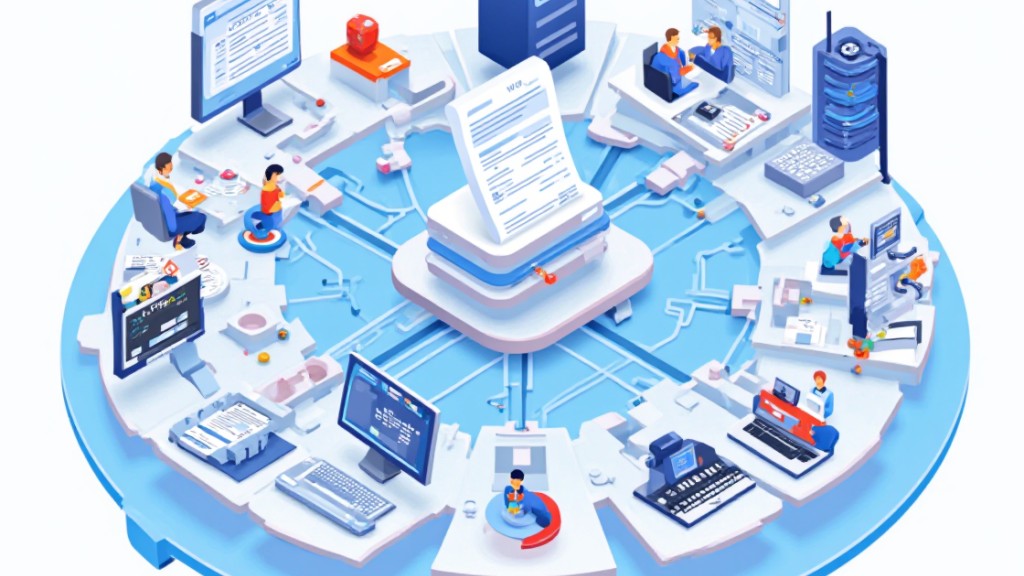
When you consider the time-consuming nature of traditional invoice processing, it becomes clear that automating this workflow can lead to significant improvements in efficiency.
Invoice processing automation can reduce processing time by 70-80%, allowing your team to focus on strategic tasks instead of data entry. By employing Optical Character Recognition (OCR) technology, the automation accurately extracts data from invoices, drastically minimizing manual errors.
Furthermore, using a three-way matching process validates invoice data against purchase orders and receipts, guaranteeing accuracy and compliance. Automated approval workflows are among the most effective workflow management examples, streamlining the approval process to minimize delays and improve cash flow management.
You’ll benefit from real-time visibility into outstanding and processed invoices.
Finally, invoice processing automation provides digital audit trails that guarantee compliance with tax regulations, boosting overall financial accountability.
These workflow automation examples clearly demonstrate how automation can transform your business operations.
Customer Onboarding Automation

Customer onboarding automation greatly improves the efficiency of bringing new clients into your organization. By reducing onboarding time by 60-70%, you can markedly speed up the process for new customers to realize the value of your product or service.
Automated welcome email sequences guarantee consistent communication, enhancing overall customer satisfaction during this vital phase. Integrating customer onboarding automation with CRM systems allows for seamless data flow and personalized interactions, which can boost customer engagement and retention rates.
Moreover, progress tracking dashboards provide real-time visibility into the onboarding process, enabling you to quickly identify and address any bottlenecks.
Furthermore, built-in compliance checking and Know Your Customer (KYC) processes within onboarding automation help you adhere to regulatory requirements, minimizing risk when onboarding new clients.
These workflow examples illustrate how a structured system workflow example can transform your onboarding experience, making it more efficient and effective.
HR Recruitment and Screening Automation

In today’s competitive job market, organizations need to streamline their hiring processes to attract top talent efficiently. Automating HR recruitment and screening can considerably improve your operations, reducing time-to-hire by 40-50%.
This approach allows you to fill positions quickly and manage high application volumes, especially during peak seasons.
Consider these automation examples:
- AI-driven initial screenings eliminate unconscious bias, promoting diversity.
- Automated updates for candidates guarantee a consistent experience with timely feedback.
- Recruitment analytics provide insights to refine your hiring strategies and improve quality-of-hire metrics.
Companies like Hilton have showcased the strength of automation by cutting their hiring time from 42 days to just 5.
Email Marketing Automation

Email marketing automation can greatly improve your outreach efforts by employing personalized campaign strategies and trigger-based engagement tactics.
By automating emails based on customer behavior, like sending messages after a new subscription or an abandoned cart, you can boost conversion rates and cultivate stronger customer relationships.
Furthermore, tailoring your messages to specific audience segments increases their relevance, which can lead to higher engagement and enhanced sales performance.
Personalized Campaign Strategies
As you explore the domain of personalized campaign strategies through email marketing automation, you’ll find that this approach not just improves customer engagement but additionally drives significant revenue growth.
By adopting a sample of workflow process, you can leverage the strength of personalization to connect with your audience effectively.
- Increase engagement by 50-100% with customized content
- Generate 320% more revenue compared to non-automated campaigns
- Optimize retention through timely messages based on customer behavior
Utilizing triggers like new subscriptions and abandoned carts helps send relevant emails, whereas A/B testing fine-tunes your strategy based on customer responses.
Successful brands like Amazon demonstrate the effectiveness of these techniques, attributing up to 35% of their revenue to personalized email recommendations.
Trigger-Based Engagement Tactics
Utilizing trigger-based engagement tactics can greatly improve your email marketing strategy, especially when you tailor your outreach based on specific customer actions.
By automating campaigns to trigger on events like new subscriptions or abandoned carts, you can boost customer engagement by 50-100%. Personalizing these emails, such as addressing customers by name and recommending products based on past purchases, can lead to a significant 320% increase in revenue.
Since over 70% of shopping carts are abandoned, sending automated recovery emails can effectively remind customers, increasing the likelihood of completing their purchases.
Furthermore, automated email sequences allow for timely follow-ups after key actions, enhancing retention and loyalty through relevant content that matches customer behavior.
Financial Reporting and Analytics Automation
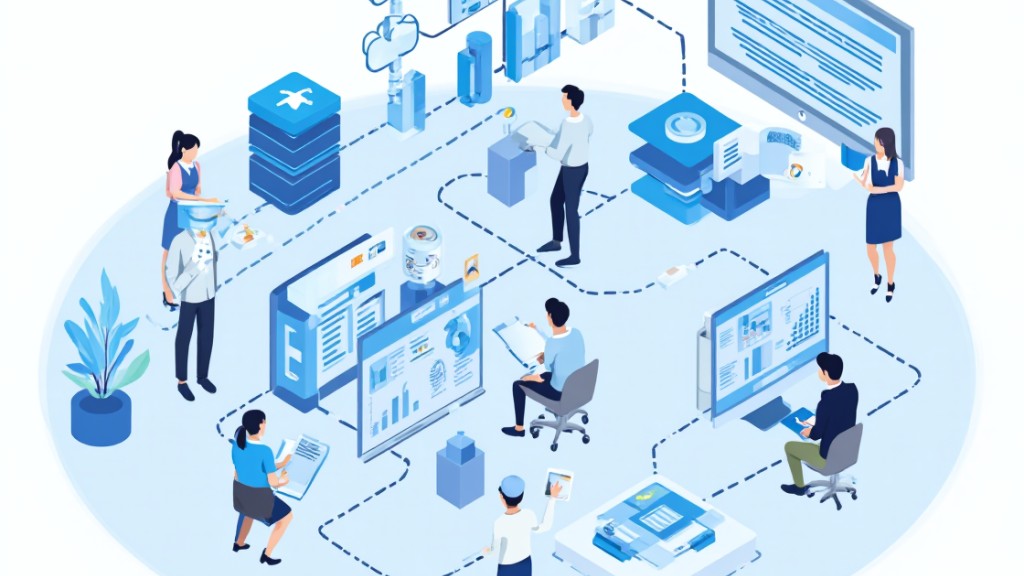
Financial reporting and analytics automation streamlines the process of generating financial reports, greatly reducing preparation time by as much as 75%. By automating these tasks, your finance team can shift focus from manual data compilation to strategic analysis, enhancing overall productivity.
- Automation eliminates calculation errors, ensuring accurate and reliable reports for informed decision-making.
- Real-time insights are available through interactive dashboards that showcase key performance indicators, providing greater visibility into your organization’s financial health.
- Built-in compliance templates help you meet regulatory requirements efficiently, lowering the risk of non-compliance.
However, effective financial reporting automation relies heavily on robust data governance. The accuracy of the reports generated depends on the quality of data sourced from integrated systems, making it essential to maintain high data standards.
Embracing automation can greatly transform your financial reporting processes, leading to better business outcomes.
Inventory Management and Reordering Automation
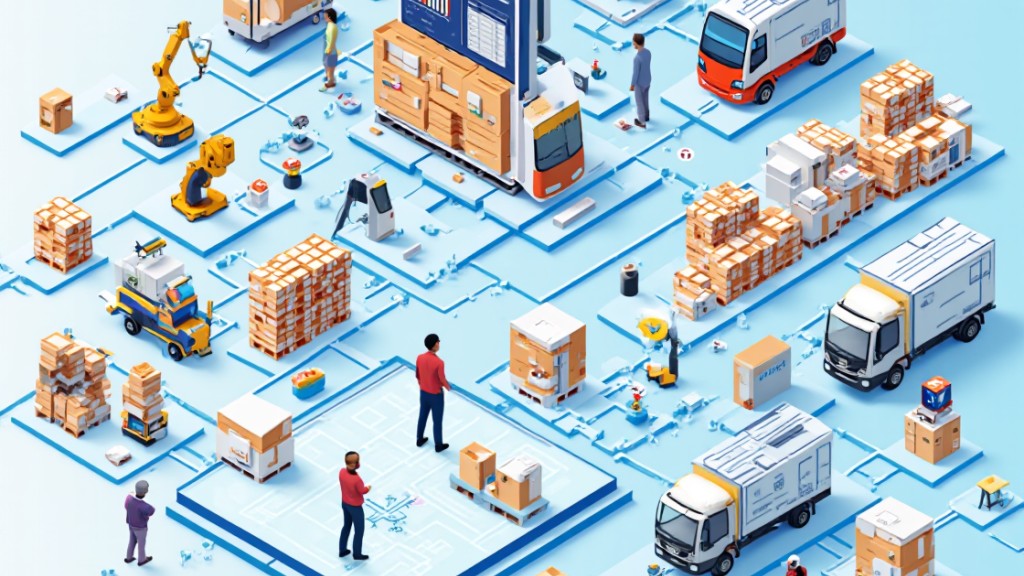
When you implement automated inventory management, you can monitor stock levels in real-time and receive instant notifications for reorders as inventory hits critical thresholds.
This system not just helps prevent stockouts but furthermore streamlines the procurement process by reducing the time spent on manual orders.
Automated Stock Level Monitoring
Automated stock level monitoring systems play a crucial role in modern inventory management by ensuring that products remain available for customers. These systems help streamline operations and improve efficiency in several ways:
- They can trigger reorder processes automatically when inventory levels drop below set thresholds.
- Businesses can reduce manual stock checks by up to 80%, freeing up staff to focus on strategic tasks.
- By integrating real-time data analytics, these systems provide insights into sales trends, allowing better demand forecasting.
With automated monitoring, companies often see a 20-30% reduction in inventory holding costs, as they can manage stock levels more effectively.
This proactive approach not just prevents stockouts but also supports overall business growth by optimizing inventory management strategies.
Streamlined Reorder Notifications
Streamlined reorder notifications are essential for effective inventory management, as they automate the process of maintaining ideal stock levels. By setting predefined thresholds, these systems trigger alerts when inventory dips below a certain point, ensuring you always have the products your customers need. Integrating automation with real-time stock monitoring reduces the risk of stockouts, allowing you to maintain optimal inventory levels.
| Product Category | Reorder Alert Priority |
|---|---|
| High Demand | Immediate |
| Medium Demand | Within 3 Days |
| Low Demand | Weekly Review |
Automated systems can additionally categorize reorder notifications based on product popularity, enhancing your decision-making. This minimizes manual oversight, cutting inventory management time by up to 50%.
Customer Support Ticketing Systems

Effective customer support ticketing systems play a crucial role in improving service delivery for businesses. By automating processes, these systems streamline ticket creation, routing, and escalation, leading to quicker response times and enhanced customer satisfaction.
- Automated workflows prioritize tickets based on urgency or customer type, ensuring high-priority issues are addressed first.
- Integrating with CRM systems updates customer records automatically, giving support teams access to the most current information.
- Using chatbots for initial inquiries captures customer details, automatically creating tickets and reducing the workload for agents.
Additionally, analytics generated from these systems help identify trends in customer issues and team performance, allowing for continuous service improvement.
Frequently Asked Questions
How Can I Measure the ROI of Workflow Automation?
To measure the ROI of workflow automation, start by calculating the total costs involved, including implementation, maintenance, and training.
Next, track the time saved from automation, which can be converted into labor cost savings.
Furthermore, assess improvements in productivity and accuracy.
Finally, compare these benefits against the initial investment over a specific period.
This thorough analysis will help you determine whether the automation efforts are financially beneficial for your business.
What Tools Are Best for Small Businesses to Automate Workflows?
For small businesses looking to automate workflows, tools like Zapier and Integromat are excellent choices, as they connect various apps seamlessly.
Trello and Asana help manage projects effectively, whereas Slack improves team communication.
Furthermore, HubSpot offers marketing automation features customized for small businesses.
You might likewise consider using Google Workspace for document collaboration and automation.
Each tool can streamline processes, helping you save time and boost overall efficiency in your operations.
Can Workflow Automation Integrate With Existing Software Systems?
Yes, workflow automation can integrate with existing software systems.
Many automation tools offer APIs or pre-built connectors that allow seamless integration with popular software like Salesforce, project management, and accounting systems.
By using these integrations, you can streamline processes, reduce manual data entry, and improve overall efficiency.
It’s important to evaluate your current systems and choose automation solutions that support the specific software you’re already using for ideal compatibility.
What Are Common Challenges in Implementing Workflow Automation?
Implementing workflow automation often comes with several challenges.
You might face resistance from employees who fear job displacement or feel overwhelmed by new technology.
Integration issues can arise if existing systems aren’t compatible, leading to disruptions.
Furthermore, inadequate training can hinder user adoption, causing frustration.
Finally, unclear objectives can result in wasted resources and ineffective automation.
Addressing these challenges proactively is crucial for a successful shift to automated workflows.
How Can I Ensure Data Security in Automated Processes?
To guarantee data security in automated processes, you should implement strong access controls, encrypt sensitive data, and regularly update software.
Conduct thorough risk assessments to identify vulnerabilities, and establish clear protocols for data handling.
Utilize secure cloud services with robust security measures, and train your team on best practices.
Furthermore, consider using multi-factor authentication to further protect access.
Regularly monitor systems for anomalies to quickly address potential threats.
Conclusion

Incorporating workflow automation into your business strategy can greatly improve efficiency across various functions. By streamlining processes like invoice handling, customer onboarding, and recruitment, you can save time and resources as well as enhancing accuracy. Automation not just boosts engagement through personalized email marketing but likewise optimizes inventory management and financial reporting. Embracing these tools allows you to focus on strategic initiatives, in the end leading to better decision-making and improved overall performance in your organization.
Image via Google Gemini

