Key Takeaways
- Location Selection: Choose a quiet, accessible space that minimizes distractions, supports teamwork, and enhances employee satisfaction.
- Ergonomic Design: Prioritize comfort by designing an ergonomic office layout that maximizes natural light and promotes efficient workflow.
- Quality Equipment: Invest in essential furniture and technology, including ergonomic chairs, spacious desks, and reliable internet connectivity, to boost productivity.
- Personalization: Customize your workspace with decorations and plants that reflect your identity and inspire creativity, creating a motivating environment.
- Effective Organization: Implement robust organization systems using labels, folders, and digital tools to keep your office tidy and improve document retrieval.
- Routine and Assessment: Establish a consistent work schedule and regularly evaluate your office setup to adapt to changing needs and maintain productivity.
Setting up an office can feel overwhelming, but it doesn’t have to be. Whether you’re starting a new business or creating a dedicated workspace at home, the right setup can boost your productivity and comfort. With the right planning and organization, you can transform any area into an efficient office that meets your needs.
From choosing the perfect location to selecting essential furniture and technology, every detail matters. You want a space that inspires creativity while also providing functionality. Let’s dive into the essential steps to create an office that not only looks great but also enhances your workflow and keeps you motivated.
How To Set Up An Office
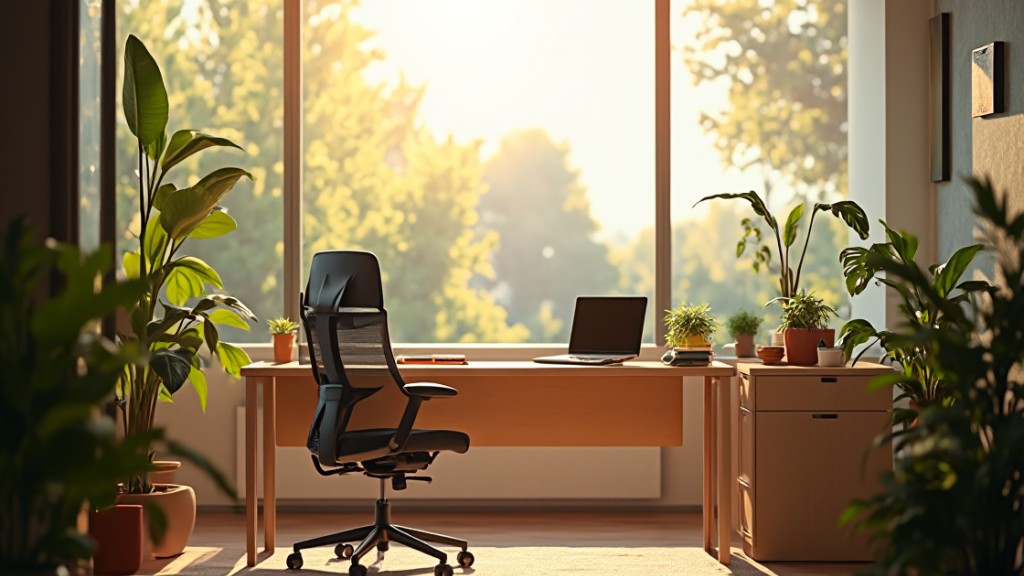
Setting up an office requires thoughtful steps to enhance both productivity and comfort. Follow these essential actions to create an efficient workspace.
- Select a location. Choose a quiet area that minimizes distractions and offers adequate space for your needs. Prioritize accessibility for yourself and any employees.
- Design an ergonomic layout. Arrange your desk and office furniture to promote comfort. Position your desk to maximize natural light and ensure easy access to storage units.
- Invest in quality furniture. Acquire a sturdy desk and an ergonomic chair. Consider adding shelves or cabinets for storage solutions that declutter your workspace.
- Choose the right technology. Equip your office with essential devices like computers, printers, and telecommunication tools. Ensure reliable internet access and consider cloud-based solutions for small businesses to enhance collaboration.
- Personalize your space. Include decorations or items that inspire creativity and reflect your brand identity. Balance aesthetics and functionality to create a motivating environment.
- Implement effective organization systems. Use folders, labels, and digital tools to keep documents and tasks organized. Maintain a system that allows for easy retrieval of important information.
- Establish a routine. Create a work schedule that includes breaks to maintain focus. Designate specific times for meetings, tasks, and personal management to enhance productivity.
- Assess and adjust as needed. Regularly evaluate your office setup. Be open to making adjustments to improve workflow and comfort, especially as your small business evolves.
By systematically following these steps, you can efficiently set up an office that promotes productivity and meets your specific needs.
Assessing Your Needs
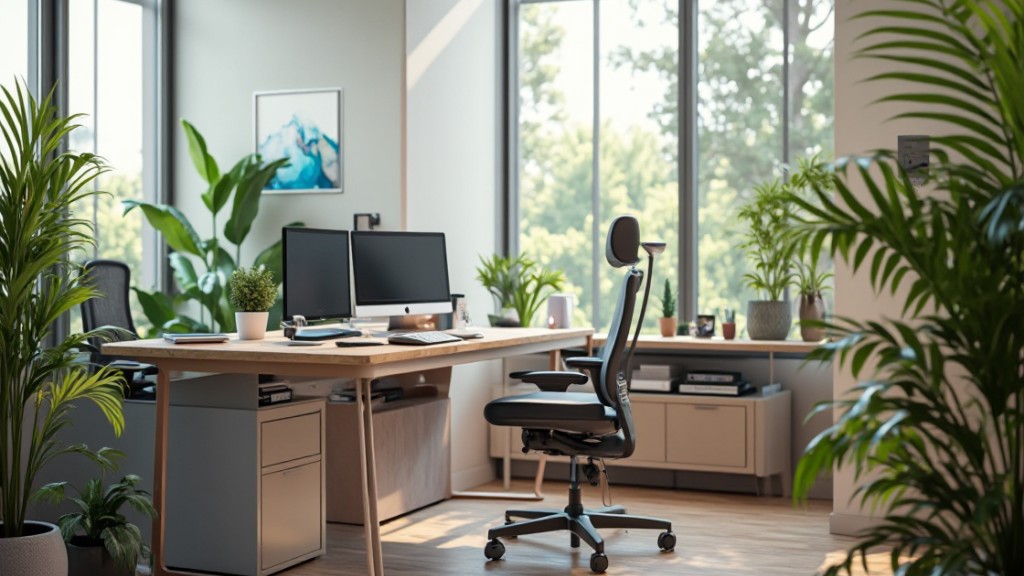
Assessing needs plays a crucial role in setting up an efficient office. Identify what your business requires to create a productive and welcoming environment.
Determine Your Office Type
Decide whether your workspace suits a traditional office layout or a more flexible arrangement. Evaluate the nature of your work. For small businesses, an open floor plan encourages collaboration among team members. For others, designated private offices may enhance concentration. Prioritize comfort and functionality to match your specific business requirements.
Identify Required Equipment
Compile a list of necessary equipment to support daily operations. Focus on key items:
- Monitor(s) for effective multitasking and visibility.
- Ergonomic chairs to promote health and comfort.
- Desks that accommodate the space and workflow. Necessary technology such as HP and Canon.
- Office supplies like stationery and organizational tools.
Ensure that each item meets quality standards to foster productivity within your workspace.
Choosing The Right Location
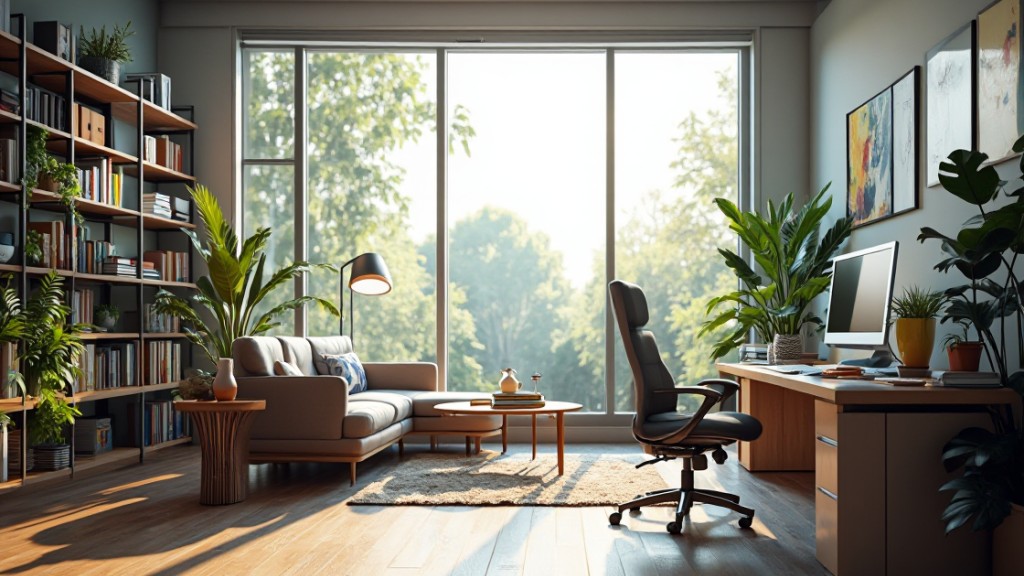
Selecting the appropriate location for your office significantly impacts productivity and overall business success. Several key factors influence this decision.
Factors To Consider
- Accessibility: Ensure the office is easily accessible for employees, clients, and partners. Location proximity to major highways and public transportation enhances daily commutes, influencing business operations. Offices within a five-minute walk of public transportation enjoy a 10-20% higher occupancy rate.
- Employee Satisfaction: Consider how location affects commute times and access to amenities. Being close to dining, shopping, and recreational options enhances employee well-being and productivity, critical for maintaining a motivated team.
- Cost-Efficiency: Evaluate rental or leasing costs for different locations. While prime locations in major cities tend to have higher rents, they often provide better infrastructure and networking opportunities essential for small businesses.
Evaluating Potential Spaces
- Space Requirements: Assess the specific space needs based on your team size and operational functions. Ensure that spaces accommodate current requirements and allow for future growth.
- Amenities and Services: Identify nearby amenities and services beneficial to your team. Availability of parking, restaurants, and recreational areas can add value to your office location.
- Safety and Environment: Investigate the safety of the neighborhood. An office situated in a secure and pleasant environment fosters a sense of comfort for your employees and clients.
- Long-Term Viability: Consider the long-term implications of the location. Growth prospects and potential changes in the area can impact the stability and success of your small business.
Designing Your Office Layout
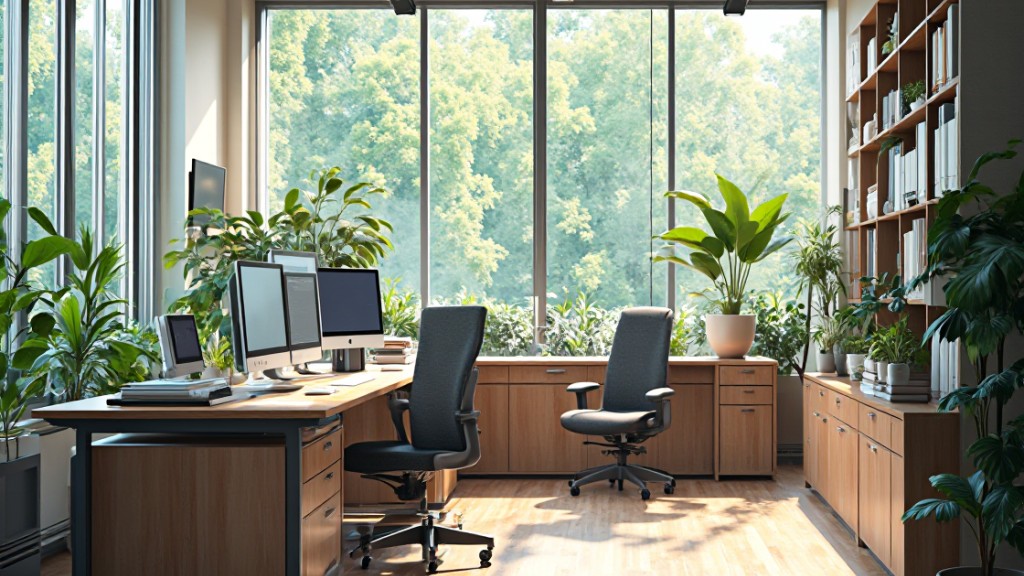
Designing an effective office layout enhances productivity and comfort. Consider the following aspects for optimal results.
Creating Functional Zones
- Work Zone: Assign specific areas for individual tasks. Ensure desks are ergonomic and equipped with necessary tools.
- Collaboration Zone: Dedicate spaces for group discussions. Use flexible furniture that accommodates teamwork while promoting creativity.
- Rest Zone: Incorporate areas for relaxation. Include comfortable seating and calming elements to help recharge during breaks.
Maximizing Space Efficiency
- Utilize Vertical Space: Install shelves and cabinets to free up floor space. This tactic benefits smaller offices by maximizing storage without cluttering.
- Arrange Furniture Strategically: Position desks in a way that encourages movement while maintaining accessibility. Avoid crowded pathways to create an open atmosphere.
- Choose Multi-Functional Furniture: Select furniture that serves multiple purposes. Use foldable tables or convertible seating to adjust according to different needs.
By focusing on functional zones and maximizing space efficiency, you foster an environment conducive to productivity.
Selecting Office Furniture
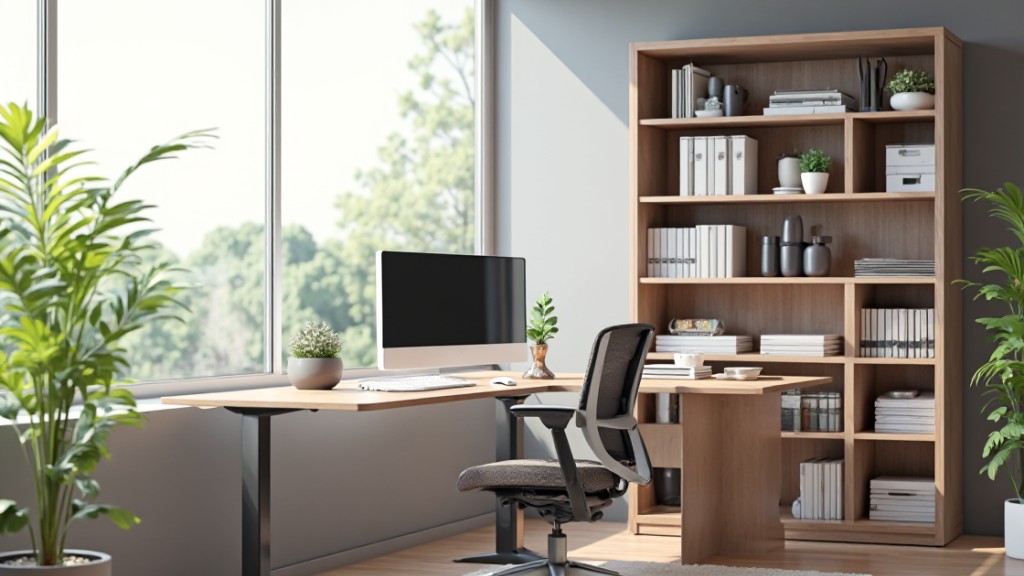
Effective office furniture selection significantly influences productivity and employee satisfaction. Focus on critical components such as desks, chairs, and storage solutions to create an inviting and functional workspace.
Desks and Workstations
Desks and workstations form the foundation of your office environment. Choose adjustable desks to accommodate various heights and preferences, enhancing comfort during work hours. Opt for spacious surfaces, ensuring enough area for computers, documents, and other essential items. Implement task-specific workstations for team collaboration or solo projects, improving efficiency and workflow.
Chairs and Seating
Chairs and seating options directly impact employee well-being. Select ergonomic chairs with proper lumbar support to promote good posture and reduce fatigue. Include options for lounge seating in common areas to encourage relaxation and casual meetings. Incorporate mobility features, like rolling bases, for easy movement and flexibility during collaborative tasks.
Storage Solutions
Storage solutions maintain an organized workspace and minimize clutter. Invest in multifunctional storage options, such as desks with built-in storage drawers or shelves, maximizing available space. Implement vertical storage systems, including cabinets and wall-mounted shelves, to efficiently utilize square footage. Encourage label systems for document organization, ensuring easy access to materials when necessary.
Setting Up Technology
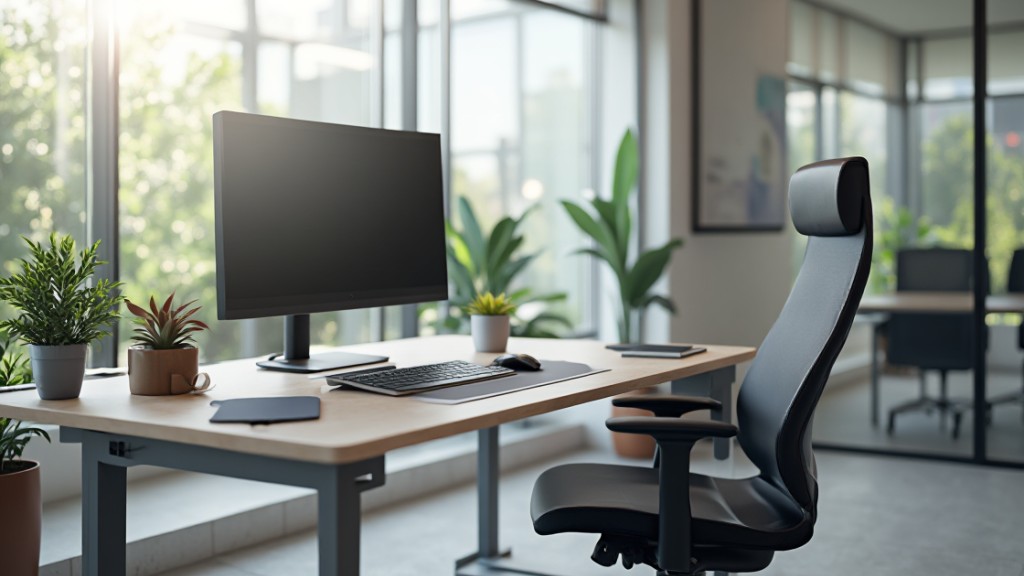
Establishing a reliable technology framework is crucial for an effective office setup. Focus on essential components that enhance productivity and connectivity.
Internet and Networking
Select a dependable internet service provider that delivers high-speed connections suitable for your office requirements. Establish a secure network by implementing firewalls and VPNs to protect sensitive data. Choose a star topology for efficient connectivity, ensuring every device, such as computers and printers, has a reliable connection. A robust networking configuration supports small business operations and fosters collaboration among your team.
Computers and Accessories
Acquire computers tailored to the specific tasks of your employees. Include accessories that enhance functionality and comfort, such as ergonomic keyboards, mice, and monitors. Equip your office with high-performance devices capable of handling graphic design software for design firms or document management systems for law offices. Ensure that every workstation includes essential peripherals like printers and scanners, facilitating seamless operation in daily tasks.
Office Software Installation
Install essential office software based on the needs of your business. Utilize productivity tools like project management software, email clients, and collaboration platforms to streamline workflows. Ensure that security software is also part of the setup to protect against cyber threats. Regularly update software to maintain performance and security standards, keeping your office technology running smoothly. This comprehensive software installation not only boosts productivity but also enhances communication among team members in a small business environment.
Personalizing Your Workspace
Personalizing your workspace enhances motivation and creates a comfortable environment. Tailoring your office to reflect your personality and values fosters connection and productivity.
Adding Decorations and Personal Touches
Choose decorations that resonate with your style and preferences. Incorporate items such as artwork, photographs, or motivational quotes to inspire creativity. Display items relevant to your accomplishments or hobbies to create a unique atmosphere that reflects your identity. Utilize decorative storage solutions to keep the space organized while contributing to its aesthetic appeal. Mix and match colors and textures to create a cohesive design that enhances your workspace’s energy.
Incorporating Plant Life
Integrate plant life into your office for both aesthetic and health benefits. Select low-maintenance plants, such as succulents or pothos, suitable for your workspace. Plants improve air quality and reduce stress levels, creating a more pleasant environment. Position plants strategically to maximize natural light exposure while adding greenery to both collaborative and individual work zones. Consider utilizing vertical planters or desk arrangements to optimize small spaces effectively.
Maintaining An Organized Office
An organized office promotes productivity and professionalism. Focus on efficient desk organization and robust document management systems.
Tips For Desk Organization
- Empty drawers and cabinets. Evaluate necessary items and discard unnecessary or redundant ones. This process clears clutter and opens up space.
- Be selective with displayed items. Limit distractions by displaying only essential items. A clean desk enhances focus and reinforces a professional image.
- Designate specific spaces. Assign areas for different items. Keep frequently used items within easy reach and store less frequently used items further away.
Systems For Document Management
- Utilize storage implements. Employ drawer trays, filing cabinet dividers, and inbox sorters to maintain tidiness. These solutions ensure easy accessibility to documents and tools.
- Add a bookshelf or filing cabinet. Store paperwork and other documents systematically. A well-organized filing system supports efficient retrieval and minimizes chaos.
Troubleshooting Common Issues
Setting up an office involves navigating various challenges. Addressing these common issues ensures a smoother setup process.
Addressing Space Constraints
- Assess your available space before selecting furniture. Evaluate dimensions and layouts to guide decisions for effective utilization.
- Choose multi-functional furniture like desks with built-in storage to maximize space efficiency. This approach prevents clutter and maintains organization.
- Implement vertical storage solutions such as shelves or wall-mounted units. These solutions keep essential items accessible while saving valuable floor space.
- Separate areas for specific tasks. Designate a work zone, meeting area, and storage zone to enhance functionality and workflow.
Technology Setup Problems
- Use the Microsoft 365 setup troubleshooter for resolving software installation issues. This tool addresses common problems like slow installations and activation errors.
- Redeem your product key by visiting
office.com/setup. Sign in with your Microsoft account and enter the key to ensure proper installation. - Rely on the Activation Wizard if activation problems occur. This guide simplifies the activation process, helping you complete necessary steps swiftly.
- Verify administrative rights on the computer used for installation. Lack of permissions can lead to installation failures or software errors.
Conclusion
Setting up your office is an exciting opportunity to create a space that reflects your needs and enhances productivity. By focusing on the right location furniture and technology you can build an environment that promotes comfort and efficiency.
Remember to personalize your workspace to inspire creativity and motivation. Regularly assessing your setup will help you adapt to changing needs and maintain an organized atmosphere.
With thoughtful planning and execution you’ll not only enjoy a functional office but also cultivate a space that supports your professional growth and well-being.
Frequently Asked Questions
What are the key considerations when setting up an office?
When setting up an office, prioritize selecting the right location, ergonomic furniture, and reliable technology. Consider an environment that minimizes distractions and maximizes natural light to boost productivity. Also, identify your workflow needs and personalize the space to reflect your brand.
How can I create an efficient workspace?
To create an efficient workspace, design an ergonomic layout with quality furniture like a sturdy desk and an ergonomic chair. Implement effective organization systems, establish a work routine with breaks, and evaluate your office setup regularly for improvements.
What should I look for when choosing an office location?
Choose an office location based on accessibility, employee satisfaction, and cost-efficiency. Evaluate potential spaces considering your space requirements, nearby amenities, safety, and the long-term viability of the location to support business growth and employee well-being.
How do I design an effective office layout?
An effective office layout should include functional zones—work, collaboration, and rest areas. Maximize space efficiency by utilizing vertical space, arranging furniture to encourage movement, and incorporating multi-functional furniture options.
Why is office furniture important for productivity?
Office furniture significantly affects productivity and employee satisfaction. Adjustable desks and ergonomic chairs support comfort and well-being, while spacious workstations foster both individual and collaborative tasks, enhancing overall work efficiency.
What technology should I include in my office?
Equip your office with high-speed internet, reliable computers, ergonomic peripherals, and essential office software like productivity tools and security measures. This technology helps streamline workflows and maintain employee performance.
How can I maintain an organized office?
To maintain an organized office, declutter your desk regularly and designate specific spaces for different items. Implement document management systems using storage solutions like drawer trays and filing cabinets to systematically store paperwork.
How can I personalize my workspace?
Personalize your workspace by adding decorations that reflect your personality, such as artwork, motivational quotes, or items showcasing your achievements and hobbies. Incorporating low-maintenance plants can also improve air quality and create a more inviting atmosphere.
What are common challenges in the office setup process?
Common challenges include space constraints and technology issues. Solutions involve using multi-functional furniture and vertical storage for efficiency, and troubleshooting technology problems with tools like the Microsoft 365 setup troubleshooter for smoother setups.
How can I improve my office’s workflow and comfort?
Regularly assess your office setup to identify areas for improvement, such as adjusting furniture placement or upgrading technology. Implementing breaks into your routine and personalizing your space further enhances comfort and overall productivity.
Image via Google Gemini