
In today’s competitive market, the quality of your product images can greatly impact sales. You might want to explore various apps that can improve your photography skills and raise your visuals. From transforming basic photos into engaging lifestyle images with SellerPic to creating eye-catching designs with Canva, these tools can streamline your editing process. Each app offers unique features, making it crucial to identify which ones align with your needs. Let’s examine these options more closely.
Key Takeaways

- SellerPic utilizes AI to transform basic product photos into appealing lifestyle images, perfect for e-commerce platforms like Amazon and eBay.
- Canva offers an extensive template library and easy drag-and-drop functionality, making product image creation accessible for all skill levels.
- Adobe Creative Cloud Express provides versatile tools for creating eye-catching visuals, with a library of fonts and media for enhanced designs.
- Snapseed is a mobile-friendly photo editing app with professional-grade tools for detailed image enhancements, ideal for quick edits on the go.
- Figma enables real-time collaboration on designs, ensuring consistency and efficiency in product image creation among team members.
SellerPic

SellerPic stands out as a strong AI-driven tool that can transform your basic product photos into eye-catching lifestyle images and engaging videos. This product picture app is perfect for sellers on platforms like Amazon, eBay, and Shopify, as it streamlines the photo editing process.
You won’t need extensive editing skills or a professional setup; just upload your images and let the AI work its magic. SellerPic allows you to customize photo backgrounds, turning standard shots into inviting scenes with a photo background room that improves your products’ appeal.
Plus, the platform offers a photoshoot app free trial with no credit card required, so you can explore its features risk-free. By using SellerPic, you’ll save time on manual edits, making it an ideal solution for high-volume sellers looking to amplify their visual marketing efforts effectively.
Embrace the strength of AI to uplift your product presentations today.
Canva
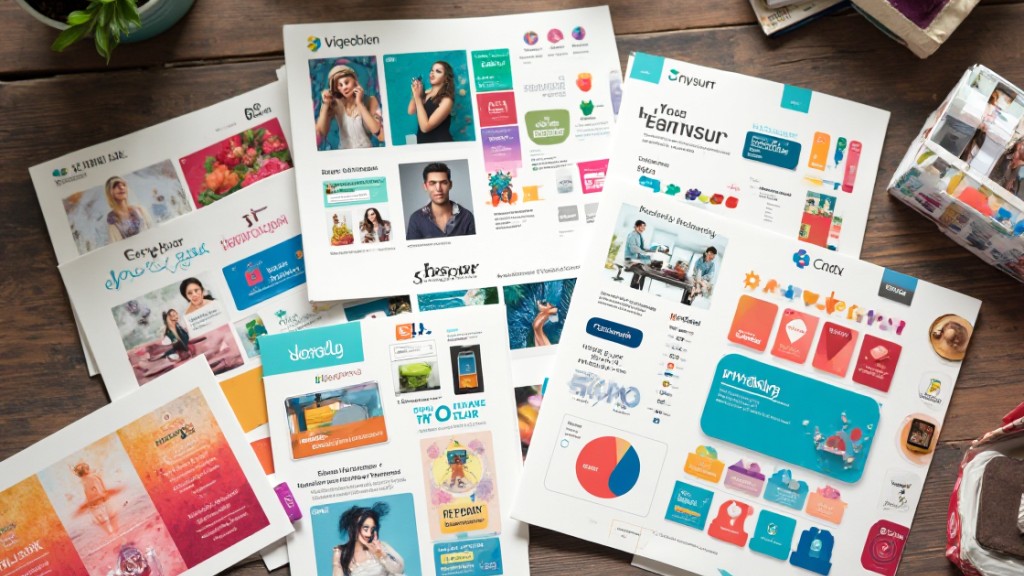
Canva stands out as a user-friendly design tool that simplifies the process of creating stunning product images.
With its extensive template library, you can easily find a design that suits your needs and customize it effortlessly using drag-and-drop features.
Furthermore, Canva’s Brand Kit helps maintain consistency across your images, ensuring your branding remains cohesive and professional.
User-Friendly Design Interface
In relation to designing product images, a user-friendly interface can make all the difference for both beginners and experienced designers alike.
Canva’s drag-and-drop functionality simplifies the design process, allowing you to create stunning visuals without the steep learning curve. You can easily navigate through the platform, making it accessible for everyone.
The Brand Kit feature helps maintain consistent branding by applying your brand colors, logos, and fonts seamlessly across all your designs. Plus, with a vast library of high-resolution stock photos and graphics available, you can improve your product images effortlessly.
During the free version offers plenty of design assets, upgrading to a paid plan reveals even more advanced features and a larger asset library for your projects.
Extensive Template Library
As you explore options for enhancing your product images, the extensive template library available on Canva stands out as a valuable resource.
With thousands of ready-to-use templates customized for product images and marketing materials, you can find designs that suit your needs. The drag-and-drop functionality makes it easy to customize these templates, ensuring quick adjustments to align with your brand aesthetics.
Canva frequently updates its library, providing trendy options that keep pace with current design trends. Users can access both free and paid templates, catering to various skill levels and budgets.
This extensive selection helps you improve your visuals as you maintain a professional appearance, making it a crucial tool for your design projects.
Brand Consistency Tools
Maintaining brand consistency is crucial for creating a recognizable identity in the marketplace, and tools like Canva’s Brand Kit make this process straightforward.
With Canva, you can easily upload logos, set brand colors, and select fonts, ensuring all your designs and marketing materials reflect your brand’s identity. The platform offers thousands of ready-to-use templates that simplify crafting visually cohesive product images aligned with your brand’s aesthetic.
Its intuitive drag-and-drop functionality allows users of any skill level to maintain consistency without advanced design expertise. Additionally, Canva’s collaboration tools enable teams to work together seamlessly, ensuring alignment across different projects.
The free version provides access to a large asset library, making it an economical choice for small businesses seeking a cohesive brand identity.
Adobe Creative Cloud Express

Adobe Creative Cloud Express stands out as a versatile tool for those looking to create eye-catching product pictures and other visual content. It simplifies the design process, catering to users of all skill levels.
Here are some key features that make it an excellent choice:
- Adobe: The user-friendly interface allows quick navigation, making it easy to create graphics, web pages, and videos.
- Premium Resources: Access an extensive library of fonts and Adobe Stock media, enhancing the visual quality of your projects.
- One-Click Resizing: Instantly adapt your designs for various social media platforms without the hassle of starting from scratch.
- Flexible Pricing: Choose from different subscription tiers to fit your individual or business needs, ensuring you get the best value.
With seamless integration into the Adobe ecosystem, you’ll find it an efficient addition to your design toolkit.
Figma

Figma is a potent browser-based design tool that improves collaboration among teams working on product images, allowing multiple users to contribute in real time from any location.
Its vector graphics capabilities guarantee your designs are sharp and resizable, which is essential for maintaining quality in product photography.
With features that support design systems, you can easily reuse brand elements across various images, streamlining your workflow and guaranteeing consistency.
Collaborative Design Features
When collaborating on product images, using a browser-based design tool like Figma can greatly improve your workflow. Its collaborative features allow team members to work simultaneously from different locations, promoting real-time creativity.
Here are some key benefits:
- Real-Time Collaboration: Multiple users can edit designs at once, making brainstorming sessions efficient.
- Design Systems: Reuse brand elements consistently, ensuring your product images align with your brand identity.
- Interactive Prototypes: Test functionality and user experience before finalizing designs, saving time on revisions.
- Free Plan Availability: Figma offers crucial features at no cost, making it accessible for small teams or individual creators.
Using Figma not just improves collaboration but also streamlines your product image design process.
Vector Graphics Creation
Creating vector graphics is a fundamental aspect of modern design, especially for product images that need to be versatile across various platforms.
Figma is a browser-based design tool that shines in this area, allowing real-time collaboration among team members. It utilizes vector graphics, ensuring your designs remain sharp and resizable without quality loss, which is vital for scaling.
The user-friendly interface with drag-and-drop functionality makes Figma accessible for both beginners and seasoned designers. Moreover, it supports design systems, enabling you to reuse brand elements consistently, which helps maintain brand identity.
Figma also offers interactive prototypes, allowing you to test functionality and presentation before finalizing your product images, streamlining your workflow effectively.
Kapwing

Kapwing stands out as a versatile online platform for video editing and content creation, particularly suited for teams collaborating on product images and videos. Its real-time collaboration feature allows multiple users to work on projects simultaneously, enhancing productivity.
Whether you’re a small business owner or part of a larger team, Kapwing offers tools that cater to your needs.
Here are key features that make Kapwing a great choice:
- Support for Various Formats: Create content customized for different video formats and social media dimensions.
- Meme and GIF Creation: Easily produce memes and GIFs to engage your audience.
- Subtitling Tools: Add subtitles to improve accessibility and viewer engagement.
- User-Friendly Interface: Navigate the platform without extensive editing experience, making it accessible for everyone.
With a free version available, you can explore its features, whereas paid options provide advanced capabilities for more serious editing needs.
Snapseed
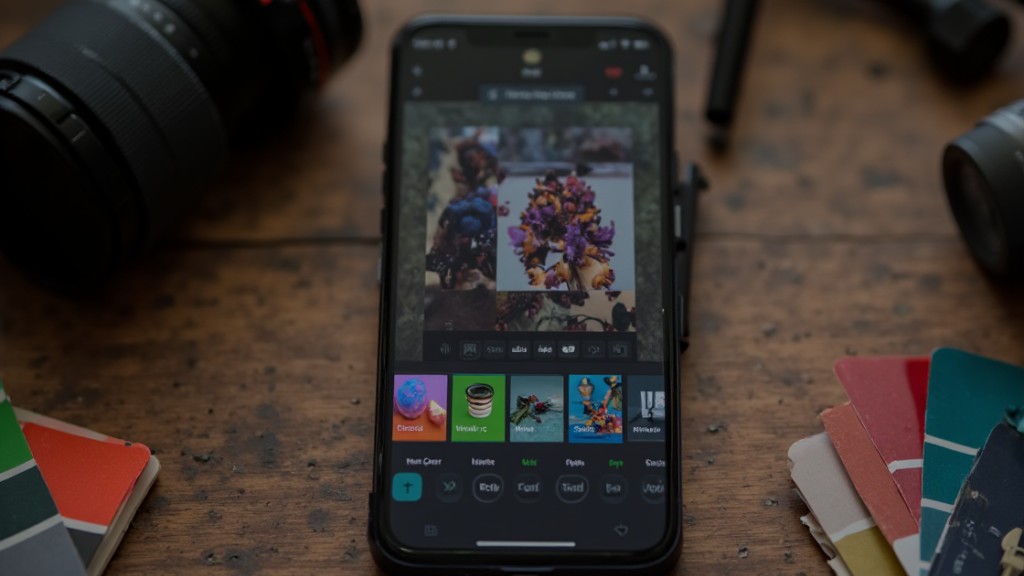
If you’re looking to improve your product images, Snapseed is an influential photo editing app that can help you achieve professional results without the need for extensive editing skills. Developed by Google, it’s free and offers a wide range of tools for improving images, including selective adjustments and filters.
The Curves tool is particularly useful, allowing you to make detailed tonal adjustments and boost contrasts, giving your product photos a polished look.
Snapseed’s user-friendly interface is designed for mobile editing, making it easy to quickly improve images on the go. It likewise supports RAW image editing, so you can maintain the integrity of your original files as you make high-quality edits.
Furthermore, the app features various filters and effects like HDR Scape and Glamour Glow, which can greatly uplift the visual appeal of your product images, helping them stand out in online marketplaces.
InShot

InShot stands out as a robust video editing app aimed to improve your social media content with an intuitive interface.
This free app is ideal for creating engaging Instagram Reels and provides a more user-friendly experience than Instagram’s native editor.
Here are some key features you can utilize:
- Versatile Editing Tools: Trim, split, and merge video clips with ease, allowing for seamless storytelling.
- Content Repurposing: Save video files without music to avoid copyright issues, enabling you to share across various platforms.
- Creative Improvements: Add music, text, filters, stickers, and emojis to make your videos visually appealing.
- Speed Control: Easily adjust video speed and apply shifts for a polished look.
Available on both iOS and Android, InShot is perfect for anyone looking to raise their video editing skills on mobile devices.
Frequently Asked Questions

What Is the Best Photo Enhancer App?
Determining the best photo improvement app depends on your needs.
Adobe Lightroom CC surpasses in advanced adjustments for professional results, whereas Snapseed offers precise control, ideal for low-light images.
If you prefer filters, VSCO and A Color Story provide extensive options for quick edits and lively aesthetics.
For a more streamlined experience, Photoshop Express delivers crucial tools for fast edits.
Assess your preferences to choose the app that best suits your photo enhancement goals.
What Apps Do Most Photographers Use?
Most photographers use a variety of apps to improve their images.
Adobe Lightroom CC is popular for its advanced editing features, allowing you to adjust tone and color effectively.
Photoshop Express offers quick edits for exposure and cropping, ideal for mobile use.
Snapseed provides a user-friendly interface with advanced tools.
VSCO is favored for its aesthetic filters, whereas A Color Story appeals to those seeking lively effects for colorful product imagery.
What Is the Best AI App for Product Photography?
When considering the best AI app for product photography, Claid.ai stands out with its extensive features like AI background generation and image improvements, starting at $19/month.
If you need a mobile-friendly option, Photoroom shines in background removal for $12.99/month.
For a user-friendly interface, Pebblely offers bulk processing at the same price as Claid.ai.
Adobe Firefly integrates well with design tools but isn’t particularly aimed at product photography, making it less ideal.
What Is the Best App for Taking Photos of Products?
When you’re looking for the best app for taking photos of products, consider options like Adobe Lightroom for its extensive editing features or Snapseed for its user-friendly interface.
Both apps allow you to adjust lighting, contrast, and colors effectively. If you need quick results, Canva offers templates customized for product photography.
Make sure you use good lighting and a steady surface to improve your photos, regardless of the app you choose.
Conclusion
In conclusion, utilizing these seven apps can greatly improve your product photography. Each tool offers unique features customized to different aspects of visual content, from editing to design. Whether you’re looking to create lifestyle images with SellerPic or refine your photos with Snapseed, these applications provide the necessary resources to raise your visuals. By integrating these tools into your workflow, you can achieve striking, professional-quality images that effectively showcase your products across various platforms.
Image via Google Gemini