

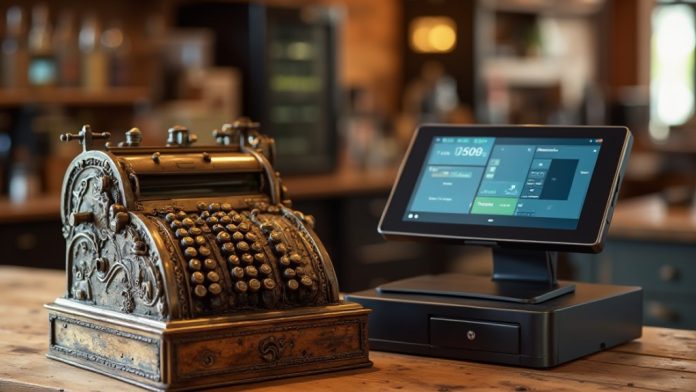
When considering retail management, comprehension of the differences between cash registers and POS systems is essential. Cash registers primarily record sales and give change, whereas POS systems offer advanced features like real-time inventory management and detailed sales reports. This distinction impacts operational efficiency and customer experience. Although cash registers are budget-friendly, POS systems may provide long-term benefits. The next steps involve evaluating which system aligns best with your business needs.
Key Takeaways
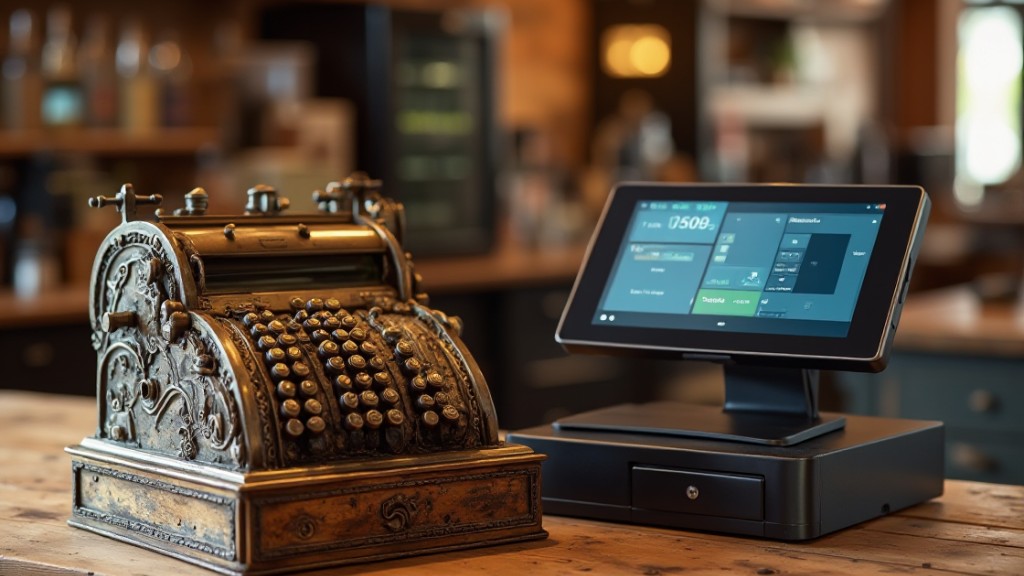
- Cash registers primarily handle sales transactions, while POS systems offer comprehensive retail management and customer interaction capabilities.
- POS systems provide real-time inventory tracking and analytics, unlike cash registers that require manual inventory management.
- Cash registers support only basic payment methods, while POS systems accept a variety of options, including mobile and contactless payments.
- POS systems enhance customer satisfaction through faster transactions and varied payment options, improving overall shopping experiences.
- Although cash registers are cheaper, POS systems offer long-term value through increased efficiency and reduced labor costs.
Overview of Cash Registers
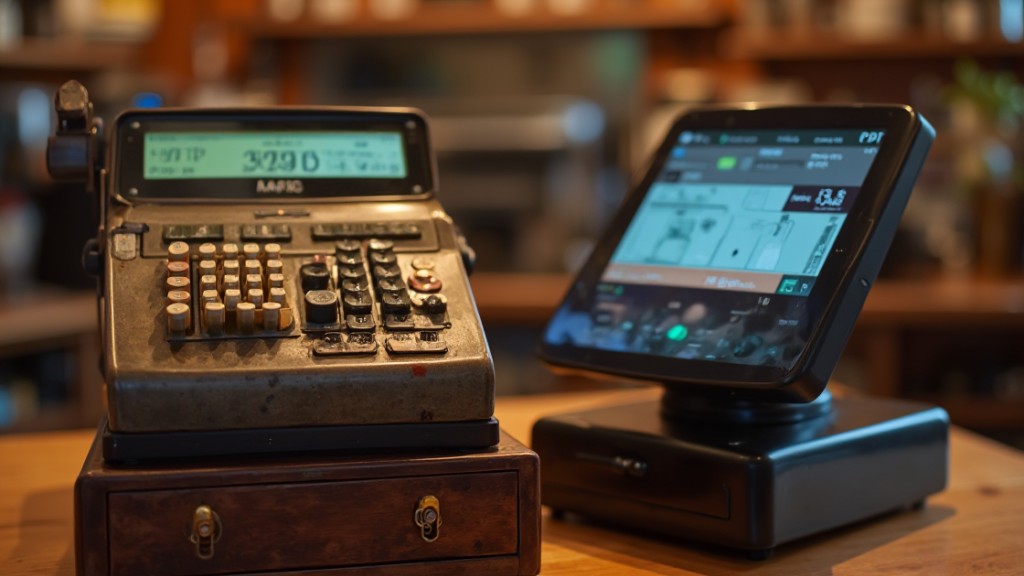
Cash registers serve as fundamental tools in retail, primarily designed to record sales transactions, dispense change, and securely store cash. They function as basic point-of-sale devices, adhering to a traditional six-step process established in 1879.
Even though modern technology, like silicon and Bluetooth, has improved their efficiency, cash registers still play a vital role, especially since about 25% of in-person purchases are made in cash. For small businesses with limited budgets, basic models can start at around $150, making them an attractive option.
Nevertheless, it’s important to note that cash registers lack advanced features for inventory tracking and customer data collection. This limitation can impact business efficiency compared to more sophisticated systems.
Although a cash register express may offer straightforward functionality, it can’t replace the all-encompassing capabilities of modern POS systems that streamline operations and improve customer interactions.
Overview of POS Systems
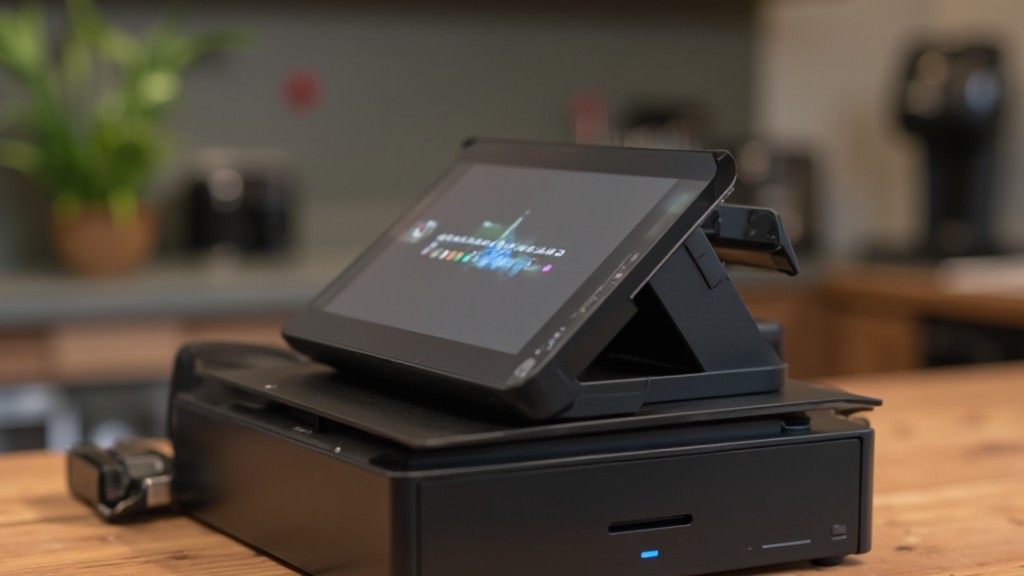
POS systems are potent tools that streamline extensive retail management, allowing you to oversee sales transactions and customer interactions efficiently.
With real-time inventory tracking, you can keep your stock updated and minimize discrepancies, ensuring a smoother operation.
Furthermore, these systems support various payment methods, making it easier for you to cater to customer preferences and improve their shopping experience.
Comprehensive Retail Management
In today’s retail environment, integrating advanced systems can greatly boost your operational efficiency and customer experience.
Unlike a traditional cash register, a POS system offers a thorough solution that streamlines various business processes.
Here are some key features:
- Real-time sales transactions that update instantly.
- Automatic inventory updates, allowing for efficient restocking.
- Advanced reporting tools which provide insights into sales performance and customer behavior.
- Multiple payment options, including cash, credit cards, and mobile wallets, for improved convenience.
Real-Time Inventory Tracking
Modern retail management demands efficient solutions that can keep pace with fast-changing consumer behaviors and inventory needs. Unlike a traditional point of sale cash register, POS systems provide real-time inventory tracking, allowing you to monitor stock levels continuously.
This feature enables immediate restocking decisions based on current sales trends, ensuring you never face overstocking or stockouts. POS systems automatically sync inventory across all sales channels, so accurate stock information is always available.
With real-time data collection, you can identify hot-selling items and slow-moving stock, enhancing your inventory management. Furthermore, advanced reporting tools leverage this data to generate actionable insights, helping you optimize operations and improve overall efficiency, leading to better purchasing strategies and increased profitability.
Multi-Payment Method Support
How can businesses boost customer satisfaction at the checkout? One effective way is by utilizing multi-payment method support through systems like pcamerica pos. This flexibility caters to diverse customer preferences and increases convenience.
Here are four key advantages:
- Accept cash, credit/debit cards, mobile wallets, and contactless payments, ensuring customers can pay how they prefer.
- Facilitate automatic tax calculations and discounts, streamlining the transaction process.
- Benefit from real-time transaction processing, reducing wait times and boosting efficiency.
- Analyze sales data across payment types to gain insights into customer behavior.
Functionality Differences
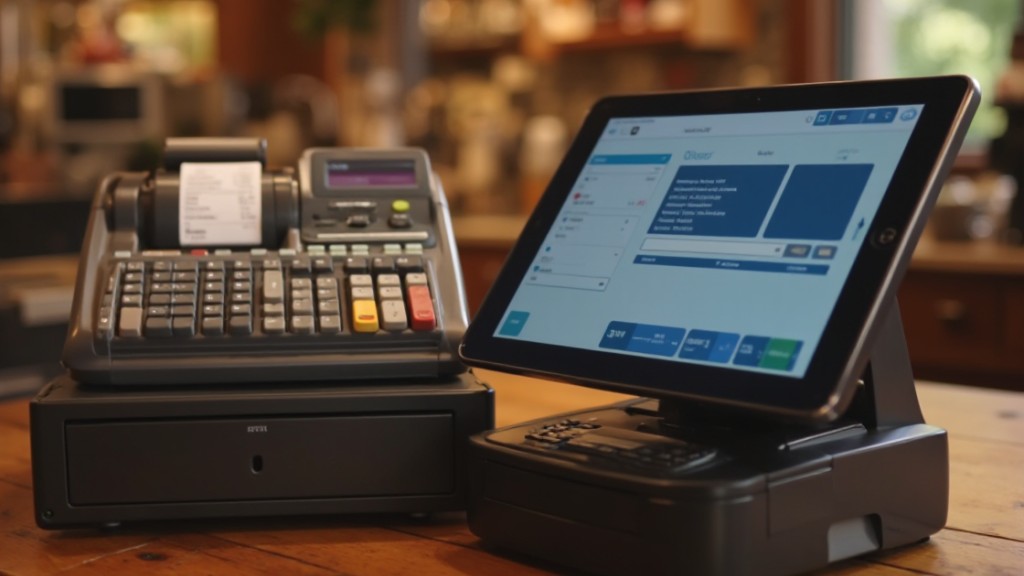
When you compare cash registers and POS systems, you’ll notice significant differences in their transaction processing capabilities and inventory management features.
Cash registers primarily focus on ringing up sales and providing receipts, whereas POS systems streamline transactions by accepting various payment methods and offering real-time inventory updates.
This advanced functionality of POS systems not just improves the checkout experience but additionally enables you to maintain accurate stock levels and gain valuable insights into your sales data.
Transaction Processing Capabilities
As cash registers have long served as the backbone of retail transaction processing, their functionality pales in comparison to that of modern POS systems.
Consider the following key differences:
- Payment Flexibility: POS systems accept various payment methods, including mobile and contactless options, unlike the pcamerica cash register express, which primarily handles cash.
- Efficiency: POS systems automate tax and discount calculations, reducing checkout time considerably compared to manual entries on cash registers.
- Real-Time Tracking: Inventory management is automatic with POS systems, minimizing errors and improving accuracy, whereas cash registers require manual input.
- Data Capabilities: POS systems generate digital receipts and detailed sales reports, offering valuable insights, which cash registers lack because of limited data collection.
These advancements make POS systems a superior choice for transaction processing.
Inventory Management Features
Though cash registers might be sufficient for basic sales transactions, they fall short in inventory management capabilities, which are vital for modern retail operations. A cash register simply processes sales without tracking inventory levels, leading to potential stock mismanagement.
Conversely, a POS system, such as a cash register express POS, automatically updates inventory in real-time, guaranteeing accurate stock levels are maintained across all sales channels. You’ll benefit from detailed sales reporting and analytics, allowing you to identify hot-selling and slow-moving items.
Furthermore, POS systems provide automatic alerts for low inventory, facilitating timely restocking, whereas cash registers require manual tracking. In addition, POS integration with e-commerce platforms guarantees seamless inventory management across online and offline sales, a critical feature cash registers lack.
Technology Distinctions
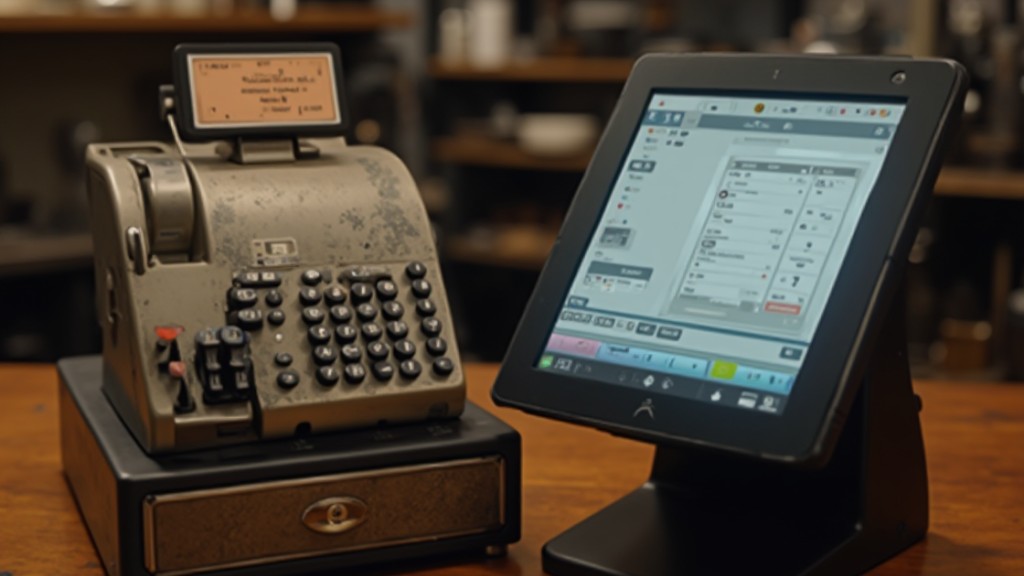
Grasping the technology distinctions between cash registers and POS systems is essential for any business owner looking to improve their operations. Here are the key differences:
- Functionality: Cash registers, like the PC America Cash Register Express, are traditional devices with limited capabilities, whereas POS systems leverage cloud technology for real-time data access.
- Payment Options: POS systems support a wider array of payment methods, including mobile and contactless payments, in contrast to cash registers, which are mostly limited to cash and card transactions.
- Offline Operation: Modern POS systems can operate offline during internet outages, unlike cash registers, which typically need a constant energy source.
- Reporting and Analytics: POS systems offer advanced reporting features, allowing you to track customer behavior and inventory in real-time, a functionality that cash registers lack.
Understanding these distinctions can help you choose the right system for your business needs.
Impact on Business Efficiency
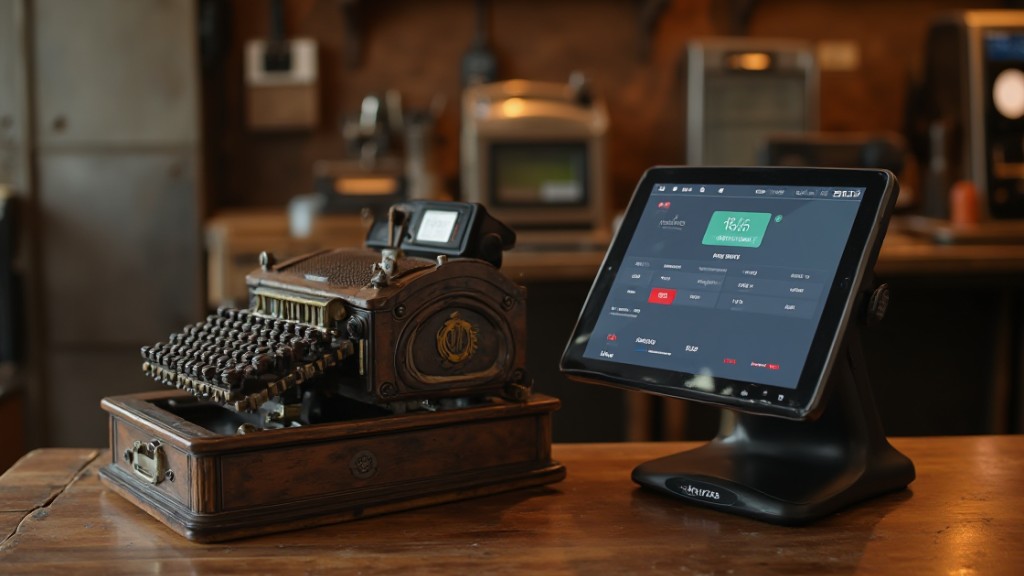
Understanding the technology distinctions between cash registers and POS systems sets the stage for examining how these tools impact business efficiency. Cash registers can slow down checkout processes during peak times, but POS systems expedite transactions by offering multiple payment options and faster processing capabilities. This efficiency leads to improved customer satisfaction, which often translates to increased repeat business and positive word-of-mouth promotion.
Furthermore, POS systems improve inventory management accuracy, reducing the risk of stockouts and overstocking. This accuracy not solely streamlines operations but additionally enhances resource allocation. By minimizing manual errors and automating data collection, you save time and labor costs, allowing you to reallocate resources to other critical areas.
Conversely, although cash registers may provide basic express support for transactions, they lack the all-encompassing features that drive efficiency and growth within your business.
Cost Considerations
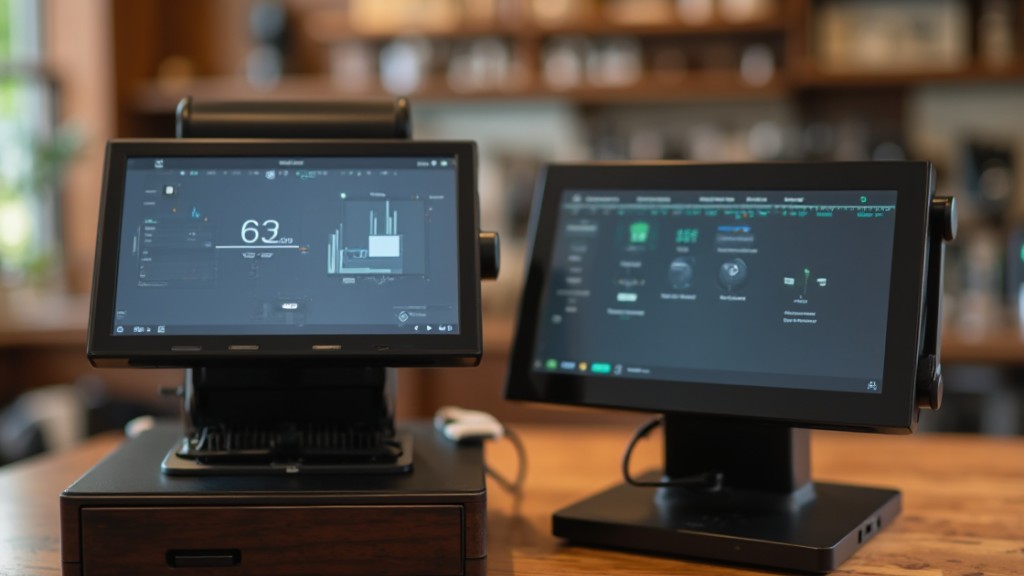
When considering cost, it’s essential to recognize that cash registers and POS systems present different financial implications for businesses. Here’s a breakdown of the key cost factors:
- Initial Investment: Cash registers start around $150, making them budget-friendly for small businesses. Conversely, POS systems can range from a few hundred to several thousand dollars.
- Functionality: A basic store register has limited features, whereas POS systems offer extensive functions that can improve operational efficiency.
- Long-term Value: Even though POS systems require a higher upfront cost, they can lead to increased efficiency and data insights, in the end boosting sales.
- Labor Cost Savings: Businesses using POS systems may save on labor costs as a result of automated inventory management, offsetting the initial investment.
Choosing the Right System
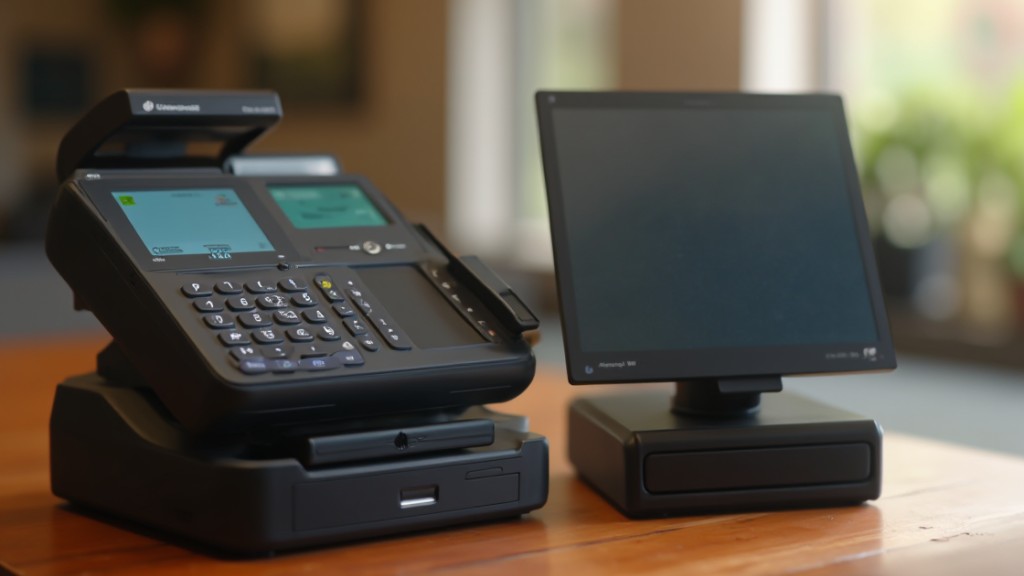
How do you determine which system is right for your business? Start by evaluating the scale of your operations. If you’re a small business with limited transactions, a pcamerica cash register might be sufficient.
On the other hand, if you require scalability and handle complex needs, a POS system is likely the better choice. Next, examine your payment processing requirements. POS systems accommodate various payment methods, including mobile and contactless options, whereas cash registers primarily handle cash.
Consider integration capabilities, too; POS systems can connect with e-commerce platforms and offer real-time inventory tracking, benefits traditional cash registers lack. Furthermore, think about ease of use; cash registers typically require less training than POS systems, which may have a steeper learning curve.
Finally, weigh long-term value; even though cash registers have lower initial costs, investing in a POS system can improve efficiency, provide better data insights, and potentially increase sales over time.
Frequently Asked Questions
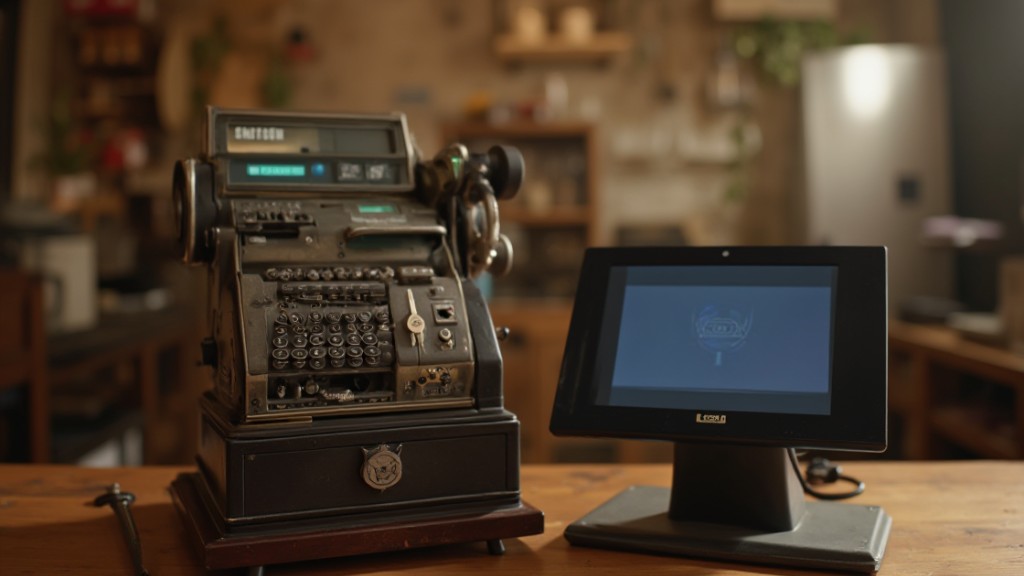
What Is the Difference Between a Cash Register and a POS?
A cash register primarily processes transactions and provides change, whereas a POS system is a more advanced solution that manages sales, inventory, and customer data.
You’ll find cash registers require manual entry and offer limited payment options, mostly cash.
Conversely, POS systems support various payment methods and automate inventory tracking.
Even though cash registers cost less initially, Verifone systems improve efficiency and accuracy, making them better for businesses with more complex needs.
What Is the Difference Between a Traditional Cash Register and a Modern POS System?
A traditional cash register mainly processes cash and card transactions, providing basic sales tracking.
Conversely, a modern POS system offers extensive features, including inventory management and customer data tracking. You can process various payment methods with POS systems, enhancing customer experience considerably.
Furthermore, POS systems provide real-time inventory updates and detailed reporting, enabling better business insights.
Although cash registers are typically less expensive upfront, POS systems offer greater long-term benefits.
What Is the Difference Between Accounting System and POS System?
An accounting system focuses on tracking financial transactions, generating reports, and managing accounts.
Conversely, a POS system streamlines sales transactions and manages inventory in real-time.
Meanwhile, accounting systems require detailed input and are essential for compliance.
POS systems automate data entry, offering immediate insights into sales and stock levels.
Some modern POS systems integrate accounting features, allowing for efficient management of both sales operations and financial reporting within one platform.
Is POS the Same as Cashier?
No, a POS system and a cashier aren’t the same. A cashier is the person who processes transactions, whereas a POS system is the technology they use.
You’ll find that POS systems encompass software and hardware that streamline payment processing, inventory management, and customer data handling.
This technology supports cashiers in improving efficiency and accuracy, enabling them to manage various payment methods and enhancing the overall checkout experience for customers.
Conclusion
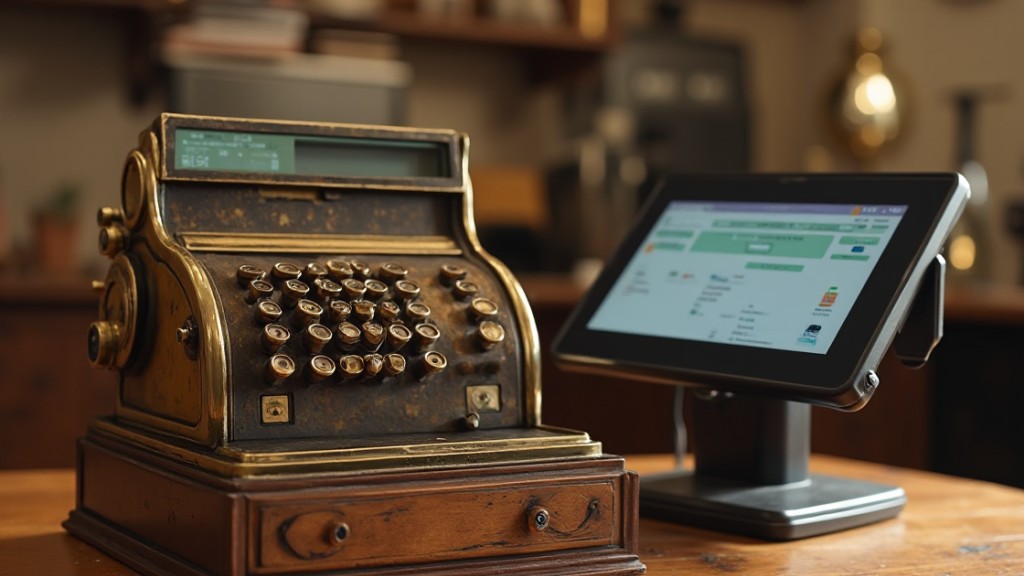
In conclusion, grasping the key differences between cash registers and POS systems is essential for making an informed choice for your business. Cash registers are simpler and more affordable, whereas POS systems offer advanced features like inventory management and sales reporting. Assessing your specific needs, budget, and long-term goals will help you decide the right system to improve your operational efficiency and customer satisfaction. Finally, the right choice can greatly impact your retail management success.
Image via Google Gemini