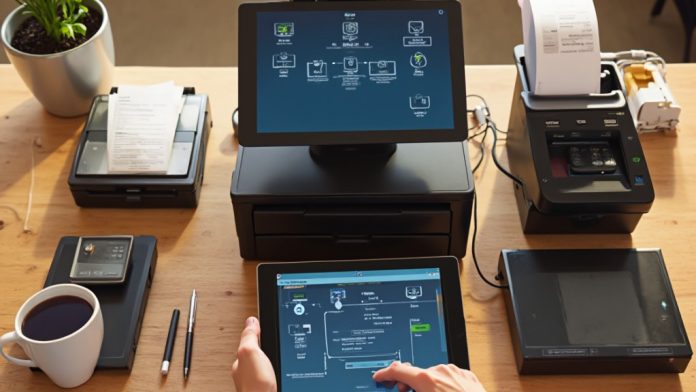
Hardware POS software is a vital system that streamlines sales, inventory tracking, and customer management through a network of devices like tablets and terminals. It works in conjunction with hardware components such as barcode scanners and receipt printers to facilitate efficient transactions. By seamlessly calculating totals and updating inventory in real-time, it improves business operations. Comprehending its key components and functionality can greatly impact your business’s efficiency and customer satisfaction. What are the fundamental elements that make this software effective?
Key Takeaways
- Hardware POS software manages sales transactions, inventory tracking, and customer data using devices like tablets and dedicated terminals.
- It integrates with hardware components such as barcode scanners, cash drawers, and receipt printers to facilitate smooth transactions.
- The software calculates total amounts due, supports various payment methods, and generates digital or printed receipts for record-keeping.
- Real-time inventory management ensures accurate stock counts and updates, preventing stockouts and overstock situations.
- User-friendly interfaces and customer support improve employee training, operational efficiency, and effective utilization of software features.
Understanding Hardware POS Software
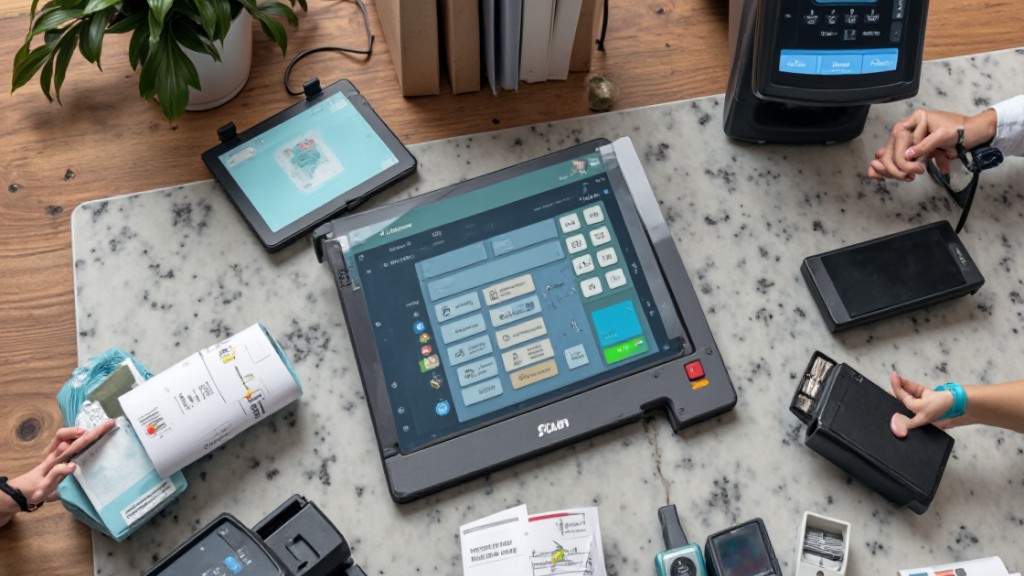
When you think about a Point of Sale (POS) system, it’s vital to recognize that hardware POS software is its backbone, managing everything from sales transactions and inventory tracking to customer data. This software operates on devices like tablets, touchscreen monitors, or dedicated terminals, facilitating efficient transactions in both physical and online settings.
It connects seamlessly with hardware components, including Symbol Technologies, credit card readers, and cash drawers, ensuring smooth payment processing and timely inventory updates.
Moreover, many solutions offered by POS distributors include features such as sales reporting, employee management tools, and customer relationship management (CRM) capabilities. These functionalities improve operational efficiency, allowing you to monitor performance closely.
Cloud technology integration further empowers you to access real-time data from anywhere with internet connectivity, making it easier to track sales performance and inventory levels.
Comprehending hardware POS software is vital for optimizing your business operations effectively.
Key Components of Hardware POS Software
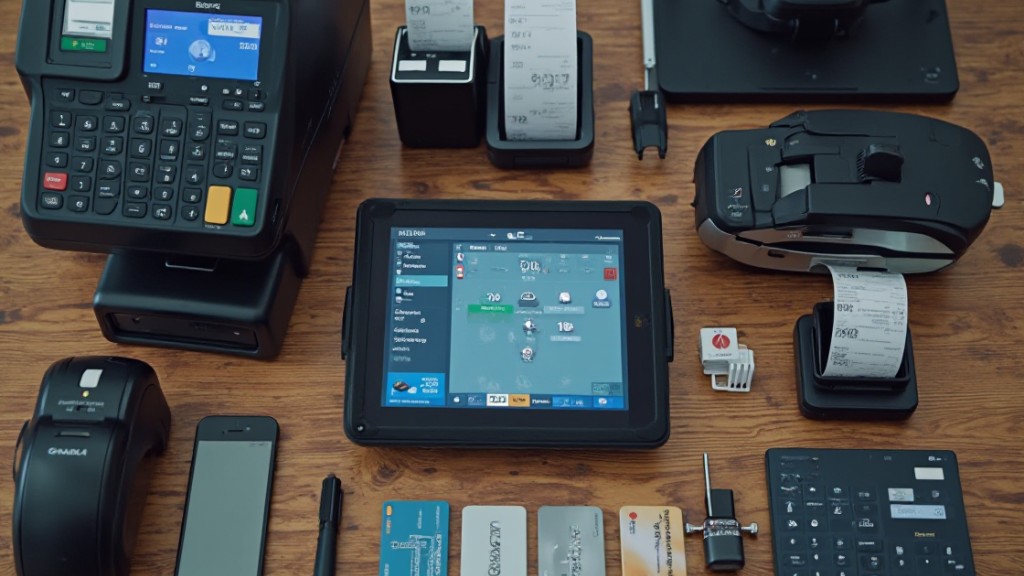
Hardware POS software comprises several key components that work together to create an efficient transaction environment. It operates alongside physical devices like barcode scanners, receipt printers, and cash drawers, facilitating seamless transactions at the point of sale.
One major advantage is real-time inventory tracking, which automatically updates stock levels with each sale, helping you avoid stockouts or overstocking issues.
Moreover, the software integrates with various payment processing devices, enabling you to accept multiple payment methods, including credit cards, debit cards, and mobile payments.
Key features often include sales reporting, customer management, and employee tracking, which streamline operations and improve decision-making.
Many systems likewise boast user-friendly interfaces and touchscreen capabilities, allowing staff to process transactions quickly and efficiently.
Together, these components create a robust POS solution that can greatly enhance your business’s operational efficiency.
How Hardware POS Software Facilitates Sales Transactions

To facilitate smooth sales transactions, POS software integrates seamlessly with physical components like barcode scanners, cash drawers, and receipt printers.
When you scan or input items for purchase, the software calculates the total amount due, including taxes, ensuring accurate pricing. With its payment processing capabilities, you can accept various forms of payment, such as credit cards, debit cards, and cash, which streamlines the checkout experience for your customers.
As sales occur, the software updates inventory levels in real-time, allowing you to maintain accurate stock counts and avoid overstocking or shortages.
Moreover, by generating digital or printed receipts, the POS software provides a clear record of the transaction for both you and the customer. This functionality aids in financial tracking and improves customer service, helping you manage your business more effectively during a positive experience for your patrons.
Benefits of Using Hardware POS Software
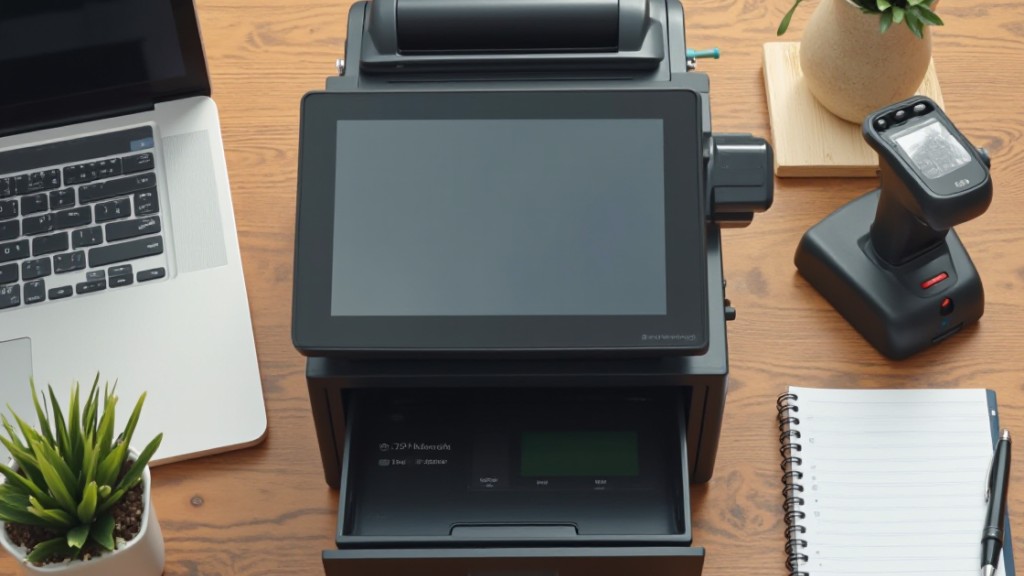
Using hardware POS software offers several key benefits that can greatly improve your business operations.
It streamlines transaction processes, making checkouts faster and boosting customer satisfaction, while furthermore providing improved inventory management through real-time tracking to maintain ideal stock levels.
Moreover, this software improves sales reporting accuracy, helping you make informed decisions based on reliable data.
Streamlined Transaction Processes
In today’s fast-paced retail environment, streamlining transaction processes is essential for enhancing customer satisfaction and operational efficiency.
Hardware POS software plays an important role by integrating with cash registers, card readers, and barcode scanners, creating a seamless checkout experience. This system processes transactions quickly and accurately, reducing the chances of errors that can frustrate customers.
It supports various payment methods, including cash, credit/debit cards, and mobile payments, catering to diverse customer preferences. In addition, the software provides detailed sales reporting, allowing you to analyze sales performance and make informed decisions.
Enhanced Inventory Management
Effective inventory management is crucial for businesses looking to optimize their operations, and hardware POS software plays an important role in achieving this goal.
With real-time inventory tracking, you can automatically update stock levels with each transaction, reducing the risk of overstocking or stockouts. The software often includes automated reorder alerts, which notify you when stock reaches a predefined threshold, ensuring timely restocking.
By integrating with barcode scanners, it streamlines the addition of new products and management of existing inventory, greatly minimizing manual entry errors.
In addition, detailed reporting capabilities provide insights into top-selling items and inventory turnover rates, allowing you to make informed purchasing decisions.
Centralized management likewise simplifies tracking stock levels across multiple locations effectively.
Improved Sales Reporting
Sales reporting is a crucial aspect of business operations that can greatly influence your decision-making process.
With hardware POS software, you gain access to detailed sales reports that help you analyze transaction data and identify customer purchasing trends. This software offers real-time analytics, allowing you to make timely inventory decisions based on sales performance and demand fluctuations.
Improved reporting features often include visual dashboards and customizable formats, making complex data easier to interpret at a glance.
By integrating with inventory management systems, your POS software can automatically update stock levels, providing insights on top-selling products and slow-moving inventory.
Accurate sales reporting likewise assists in forecasting and budgeting, leading to more informed and strategic business decisions.
Integration With Other Business Tools
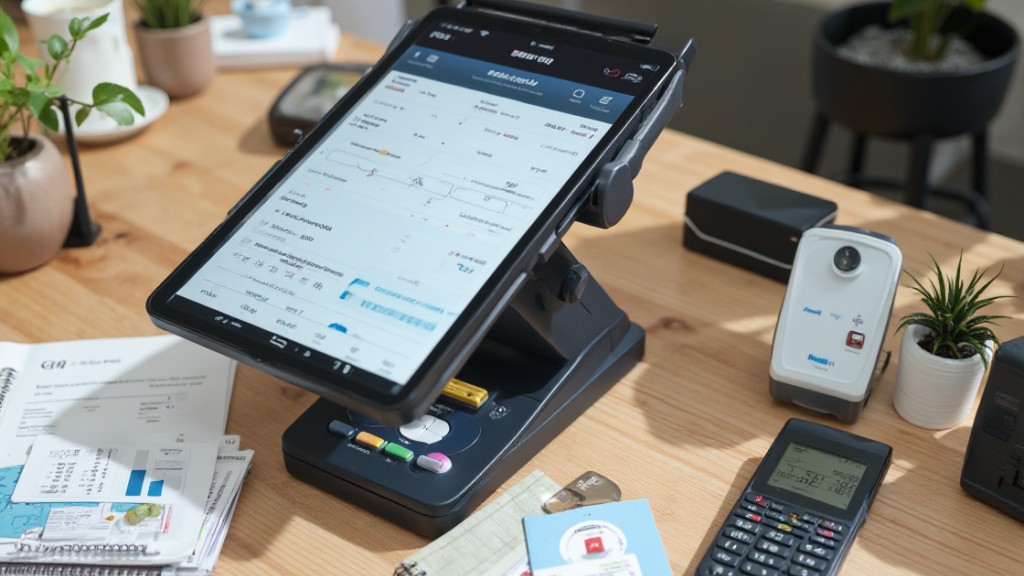
When you implement hardware POS software, integrating it with other business tools can greatly streamline your operations.
By connecting your POS system with accounting software, you can manage financial data more efficiently, making expense reconciliation a breeze.
Integration with inventory management systems provides real-time updates on stock levels, helping you avoid both shortages and overstocking.
Many POS solutions as well offer API access, which allows developers to create custom integrations customized to your specific operational needs.
Linking your POS software with CRM systems improves customer engagement by delivering personalized marketing and insights based on purchasing behavior.
Furthermore, integrating with e-commerce platforms supports a unified sales approach, enabling you to manage both online and in-store transactions from a single system.
Choosing the Right Hardware POS Software for Your Business
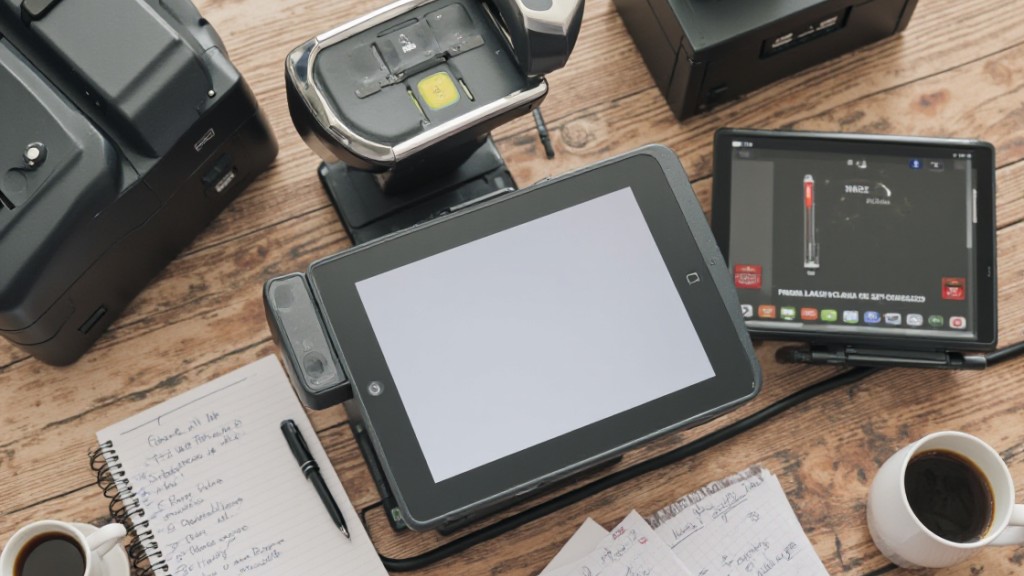
Choosing the appropriate hardware POS software for your business is a significant step that can greatly influence your overall efficiency and customer experience.
Start by verifying compatibility with your existing hardware, like barcode scanners and card readers, for seamless integration. Look for software that supports multiple payment methods, including credit cards, mobile payments, and cash, to meet various customer preferences.
A user-friendly interface is fundamental; it allows for quick employee training and reduces errors, particularly during busy sales periods. Furthermore, evaluate the software’s capability for real-time inventory management and sales reporting, which are crucial for making informed business decisions.
Finally, verify the software provides robust customer support and training resources, enabling your team to effectively utilize its features and resolve any issues that may arise.
Making the right choice will improve operational efficiency and boost customer satisfaction in your business.
Frequently Asked Questions
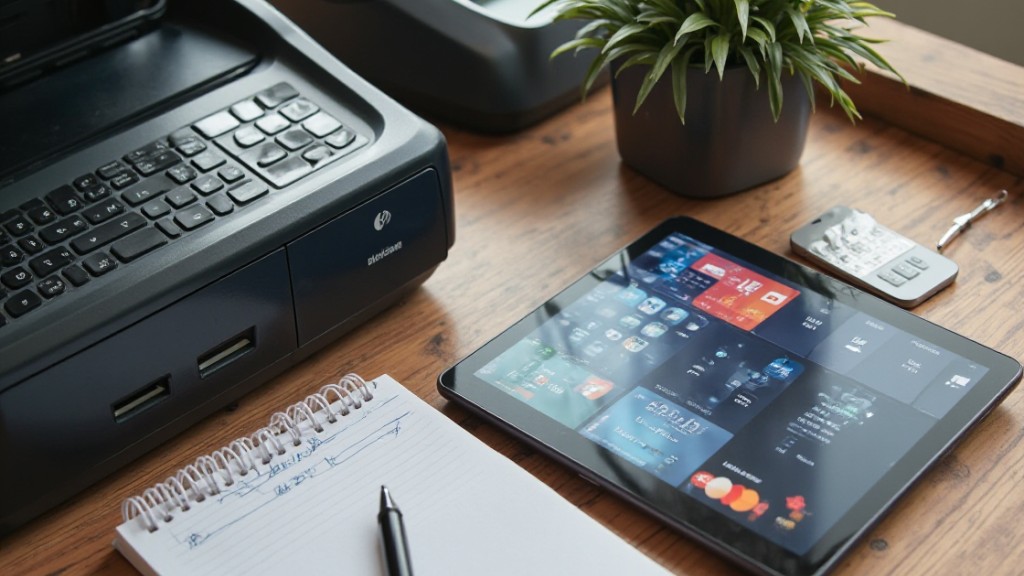
What Is POS System Hardware and Software?
A POS system consists of hardware and software that work together to manage sales and transactions.
The hardware includes devices like barcode scanners, card readers, and receipt printers, which facilitate customer payments.
The software tracks sales, inventory, and customer data, providing a centralized platform for operations.
Together, they streamline processes, ensuring real-time updates and accurate records.
This integration allows businesses to operate efficiently and adapt to changing customer needs.
How Does the POS System Work Step by Step?
To understand how a POS system works, you start by scanning items or entering them manually.
The system calculates the subtotal and applies taxes, then asks for additional charges like shipping or tips.
You choose a payment method, and the system contacts payment processors for approval.
Once approved, it generates a receipt and updates inventory levels in real-time.
Finally, the system logs the transaction data for future sales analysis and reporting.
What Are the 4 Types of POS Systems?
You’ll find four main types of POS systems: traditional, mobile, cloud-based, and self-service kiosks.
Traditional systems use dedicated hardware and software, ideal for high-volume environments.
Mobile POS systems operate on smartphones or tablets, offering flexibility for transactions anywhere.
Cloud-based systems store data online, providing real-time access and updates.
Finally, self-service kiosks let customers process transactions independently, enhancing their experience by reducing wait times and streamlining the ordering process.
Can a POS System Work Without Internet?
Yes, a POS system can work without internet. Many offline POS systems utilize local software, allowing you to process transactions even when disconnected.
These systems temporarily store transaction data until the internet is available, at which point they sync with the cloud. Although you can manage sales and inventory offline, you might miss out on real-time data.
Make certain you have a reliable backup method to prevent data loss during extended outages.
Conclusion
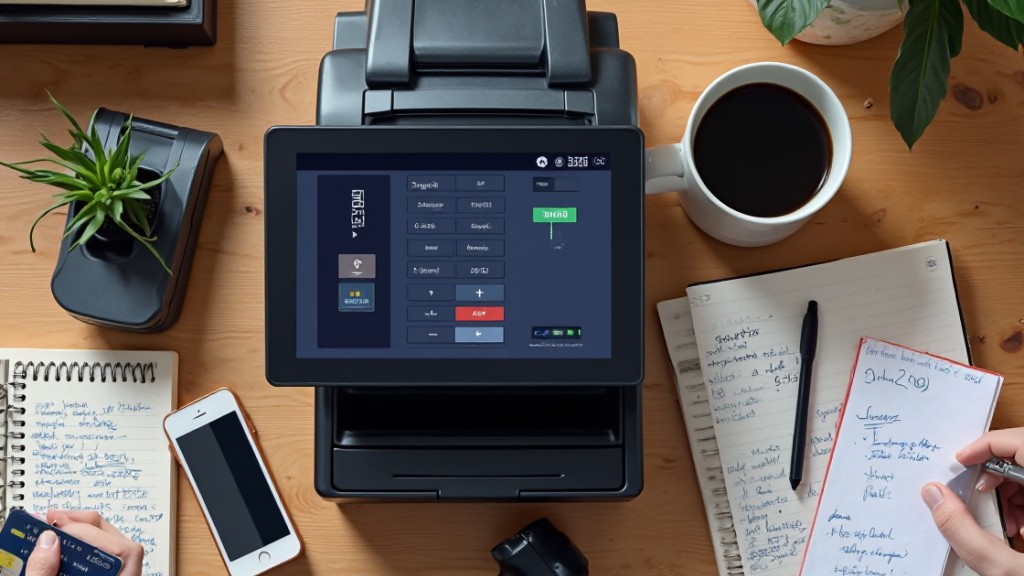
To conclude, hardware POS software is crucial for modern businesses, streamlining sales transactions and improving inventory management. By integrating with various hardware components and cloud services, it boosts operational efficiency and customer satisfaction. When choosing the right system for your business, consider your specific needs and the compatibility with existing tools. By leveraging this technology, you can optimize your sales processes and finally drive your business’s success.
Image via Google Gemini