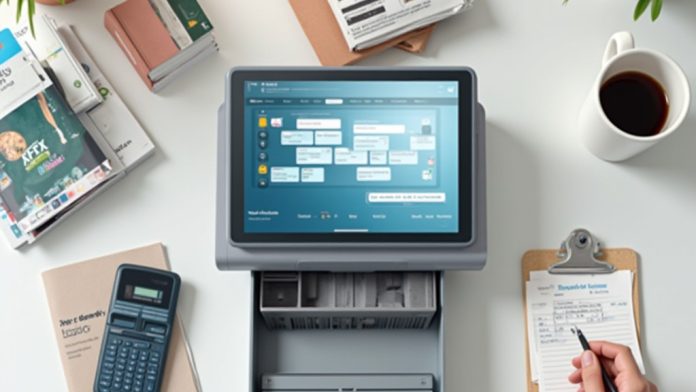
Gaining proficiency in your POS system is essential for streamlining operations and enhancing customer interactions. By comprehending both the hardware and software components, you can guarantee everything runs smoothly. You’ll need to set up the system correctly and learn how to navigate its interface efficiently. Additionally, leveraging analytics can provide valuable insights into sales and inventory, helping you make informed decisions. So, how can you best implement these strategies for peak results?
Key Takeaways
- Familiarize yourself with the POS software interface to efficiently navigate sales, inventory, and reporting features.
- Set up hardware components correctly and ensure software is configured with accurate currency and tax settings.
- Regularly review POS analytics to track sales trends and optimize inventory management for better decision-making.
- Engage in ongoing training sessions to keep skills sharp and ensure all employees are up-to-date with the system.
- Utilize user guides and practice during non-peak hours to build confidence and speed in processing transactions.
Understanding Your POS System
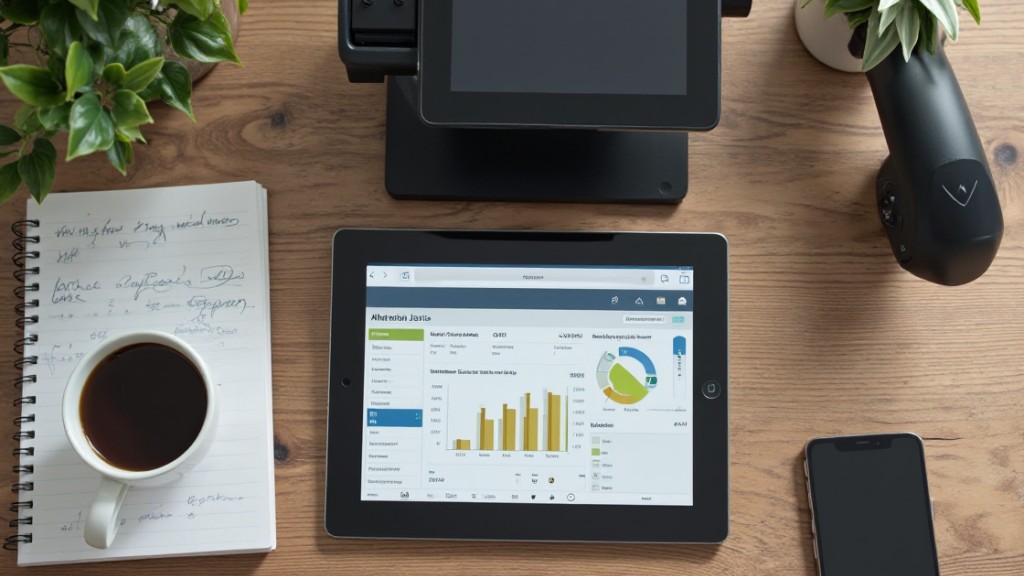
Grasping your POS system is crucial for effective business management, especially since it combines hardware and software to streamline operations. This integration is critical for handling transactions, sales, inventory, and customer data.
To effectively learn how to work a POS system, start with a POS system demo to familiarize yourself with its user interface. Comprehending the various hardware components, such as terminals, barcode scanners, and card readers, will improve your navigation and efficiency during transactions.
It’s also imperative to manage different payment methods, including cash, card, and mobile payments, as mobile transactions have increased considerably. Utilizing analytics provided by your POS system helps you monitor sales trends and inventory levels, enabling informed decision-making.
Setting Up Hardware and Software
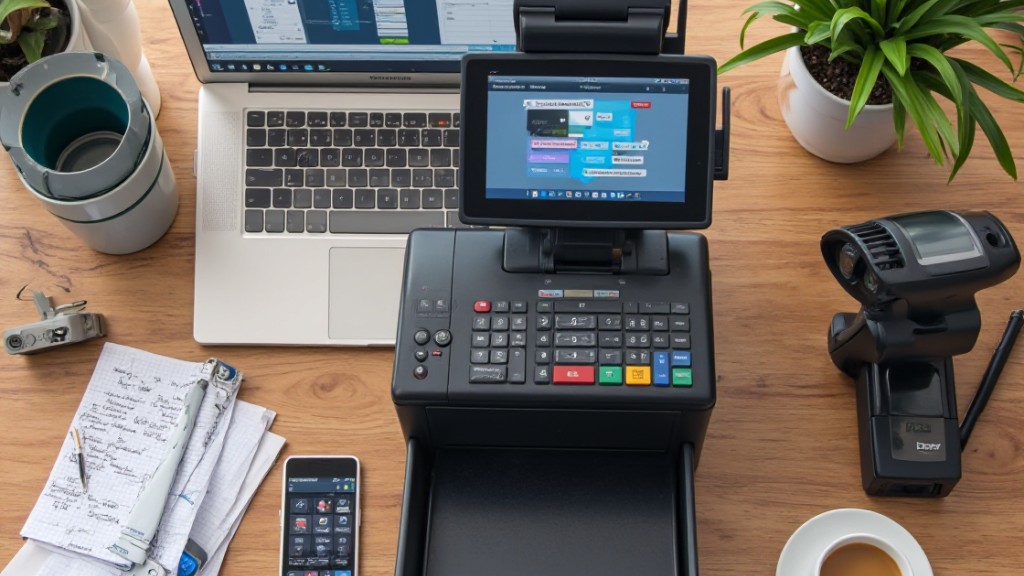
After gaining a comprehension of your POS system, the next step is setting up both the hardware and software to guarantee smooth operations.
Start by installing the POS software according to the vendor’s instructions, making certain to configure crucial settings like currency and tax rates customized to your business.
Next, connect essential hardware components, such as terminals, barcode scanners, receipt printers, card readers, and cash drawers, using Bluetooth or USB cables for seamless integration.
Populate the system with product details, including names, descriptions, prices, and stock quantities, to streamline transactions and improve inventory management.
Ascertain your payment methods are set up correctly, so the system can accept various options, including cash, credit/debit cards, and mobile payments like ApplePay and GooglePay.
Finally, test the hardware and software integration by processing sample transactions and generating receipts, confirming that all components function correctly before going live.
Navigating the Software Interface

Steering your POS software interface is vital for efficient daily operations, as it directly impacts how smoothly you can conduct transactions and manage your inventory.
Start by familiarizing yourself with the layout, which usually includes sections for sales transactions, inventory management, reporting, and user settings. This comprehension improves navigation efficiency.
Utilize shortcuts and quick-access buttons to streamline common tasks, potentially reducing routine operation time by up to 30%. Don’t hesitate to leverage user guides or tutorial videos from your POS vendor to grasp specific functions and features.
Regularly practice using the software during non-peak hours to build your confidence and speed; many users report improved proficiency within just a few hours.
Furthermore, explore customization options in the interface to tailor it to your business workflow, which can enhance user accessibility and overall operational efficiency.
Enhancing Operations With Analytics
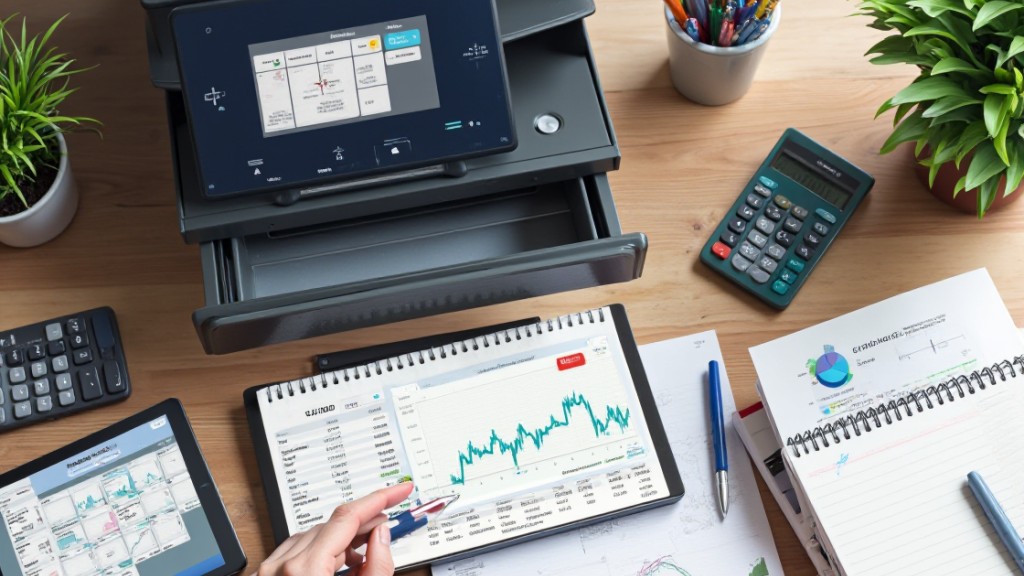
To improve your operations, leveraging POS analytics is essential for informed decision-making and increased efficiency. By tracking sales trends and identifying peak purchasing times, you can optimize staffing and inventory levels, leading to better operational flow. Detailed reporting features enable you to gain insights into customer preferences, which can help craft targeted marketing strategies, potentially boosting sales by up to 20%.
Real-time inventory analytics prevent stockouts and overstocks, contributing to a 15% reduction in excess inventory costs. Customizable dashboards visualize key performance indicators, facilitating quick decision-making based on actionable insights. Integrating these analytics with CRM systems improves customer experience through personalized service, a preference for over 91% of shoppers.
| Benefit | Impact |
|---|---|
| Increased Sales | Up to 20% |
| Reduced Inventory Costs | 15% reduction |
| Improved Customer Experience | Preferred by 91% of shoppers |
| Optimized Staffing | Improved operational flow |
Ongoing Training and Support

Effective use of your POS system goes beyond analytics; it also demands ongoing training and support for your team. Regular refreshers on system updates and advanced features are crucial, ensuring staff remains proficient and confident.
Providing continuous access to training materials like manuals, video tutorials, and hands-on practice sessions improves employee competence and knowledge retention.
Scheduling periodic training sessions accommodates new hires and keeps all team members updated on the latest functionalities and best practices. Furthermore, utilizing employee feedback about their training experiences can inform future programs, identifying areas for improvement.
Establishing a support system, whether through a dedicated help desk or peer-to-peer mentoring, facilitates quick issue resolution and encourages a culture of learning and collaboration among staff.
Frequently Asked Questions
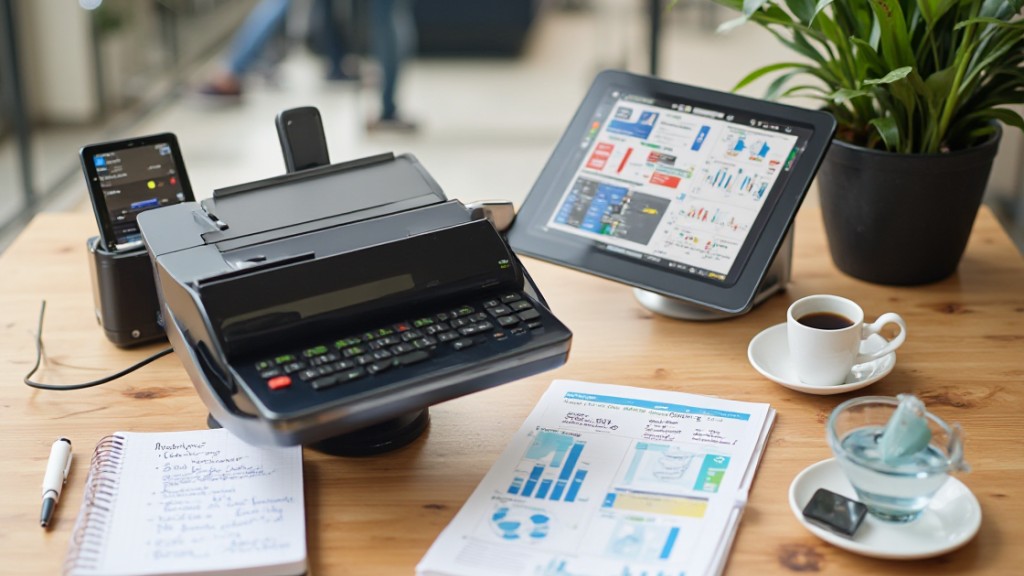
How to Operate POS for Beginners Step by Step?
To operate a POS system as a beginner, start by familiarizing yourself with the software interface.
Navigate through the menus and access features easily. For your first transaction, select items from the product catalog, enter quantities, and choose a payment method.
After completing the sale, issue a receipt to the customer.
Regularly check inventory levels and utilize reporting tools to analyze sales trends, which will help inform your business decisions effectively.
What Are the 4 Types of POS Systems?
There are four main types of POS systems you should know about.
Traditional POS systems are installed locally, ideal for fixed locations.
Mobile POS systems utilize smartphones or tablets for on-the-go transactions, perfect for businesses like food trucks.
Cloud-based POS systems operate via the internet, allowing real-time data access across multiple locations.
Finally, self-service kiosks empower customers to place orders independently, reducing wait times and enhancing efficiency in service-oriented environments.
How Much Can I Make on POS per Day?
You can make between $800 and $5,000 daily using a POS system, depending on your business type and location.
Restaurants often generate higher revenue because of factors like menu pricing and customer turnover. A well-implemented POS can accelerate transaction speed, increasing sales during busy periods by up to 30%.
For e-commerce, integrating a POS may elevate daily online sales by around 25%, maximizing your overall revenue potential.
Advanced analytics can further boost earnings by identifying upselling opportunities.
What Is the Common Problem in the POS System?
Common problems in POS systems include hardware malfunctions, which delay transactions, frustrating customers.
Furthermore, software glitches affect order processing and inventory tracking for many users.
Integration challenges with existing systems disrupt data synchronization and workflow.
Employee training deficiencies lead to underutilization of features, impacting efficiency greatly.
Finally, slow processing during peak hours causes customers to abandon purchases, emphasizing the importance of having an efficient and reliable POS system to improve overall operations.
Conclusion
By mastering your POS system, you can greatly enhance your business operations and customer satisfaction. Comprehending the hardware and software, setting them up correctly, and maneuvering the interface are essential steps. Utilizing analytics allows you to track sales and inventory effectively. Furthermore, ongoing training for your team guarantees everyone is proficient. Regular practice during quieter times will help reinforce skills. Following these guidelines will allow you to optimize your POS system for greater efficiency and success.
Image via Google Gemini